5050
Timer Recording
You can clear a Timer Recording any time before
the recording actually starts.
• Press [TIMER] on the remote control to display
the Timer Record List.
• Use [
…†] to select the program you want to
erase on the Timer Recorder List, then press
[GREEN] to cancel it.
Cancelling a Timer Recording
After a Timer Recording has started, you can still
stop the program by pressing [STOP].
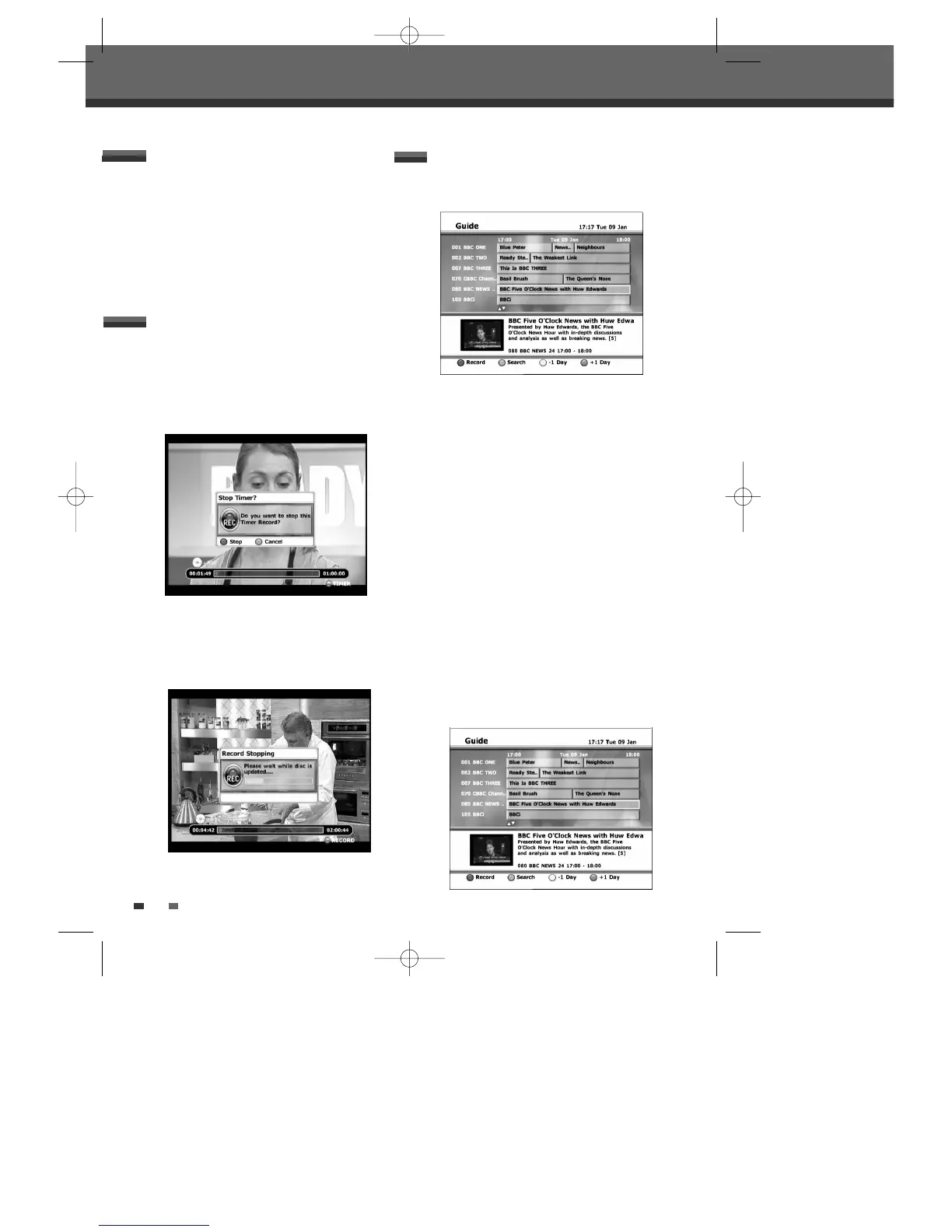
1 If you press the [STOP] button, the following
message will be shown in the screen.
2
If you want to stop, press the [RED] button and the
timer recording will stop with the OSD below.
If you want to keep recording, press the [GREEN]
button.
Stopping a Timer Recording in
Progress
The EPG application is a feature that simplifies setting
the timer. Just select the programme you wish to
record in the EPG display. The date, time and channel
of that programme are set automatically.
1 Insert recordable media such as DVD±R,
DVD±RW if you are recording to DVD.
2 Press [EPG] to display the EPG.
The ‘TV GUIDE’ menu appears.
3 Press […/†/œ/√] or enter a channel number by
using the number buttons to move around the
list.
To know more about the navigation options in the
EPG application, see page 22.
4 Select a future programme you wish to record.
The description of the programme appears at
the bottom of the TV Guide screen.
If
8 is displayed :Indicates that the
programme is age limited.
Timer Recording using the EPG
application
DTBC-MNF(or D)1NP-AG 2007.9.11 4:18 PM ˘ `50



 To Next Page