37
SETUP
37
The On-Screen Display provides feedback on the
status of the DVB-T VCR/DVD Recorder and/or the
currently loaded disc. To access the On-Screen
Display (or OSD), press [INFO].
Title
Shows the current title number and total number of
titles, and skips to the desired title number.
1
Press [INFO] twice during playback. The on-screen
display appears on the TV screen.
2
Then ‘Title’ line is already selected.
3
Use [œ/√] to change the title numbers.
Chapter
Shows the current chapter number and total number of
chapters, and skips to the desired chapter number.
1
Press [INFO] twice during playback. The on-screen
display appears on the TV screen.
2
Use […†] to select the ‘Chapter‘ line on the on-
screen display.
3
Use [œ/√] to change the chapter numbers.
Audio
Shows the current audio soundtrack language and
changes the setting.
1
Press [INFO] twice during playback. The on-screen
display appears on the TV screen.
2
Use […†] to select the ‘Audio‘ line on the on-
screen display.
3
Use [œ/√] to select the desired audio language.
To display information about the currently loaded
disc:
On-screen display operation
• Press [INFO] once during playback
.
• Press [INFO] twice during playback
.
1
Press [INFO] twice to display the information
displayed on-screen.
2
To remove the on-screen display, press [INFO]
three times.
See the descriptions below for detailed
explanations of the on-screen displays for each
media type.
Displaying Disc Information
On-Screen Display Overview
On-Screen Display Overview
Some discs may not provide all the features shown
in the on-screen display examples.
Temporary Feedback Icons
Action prohibited or not available
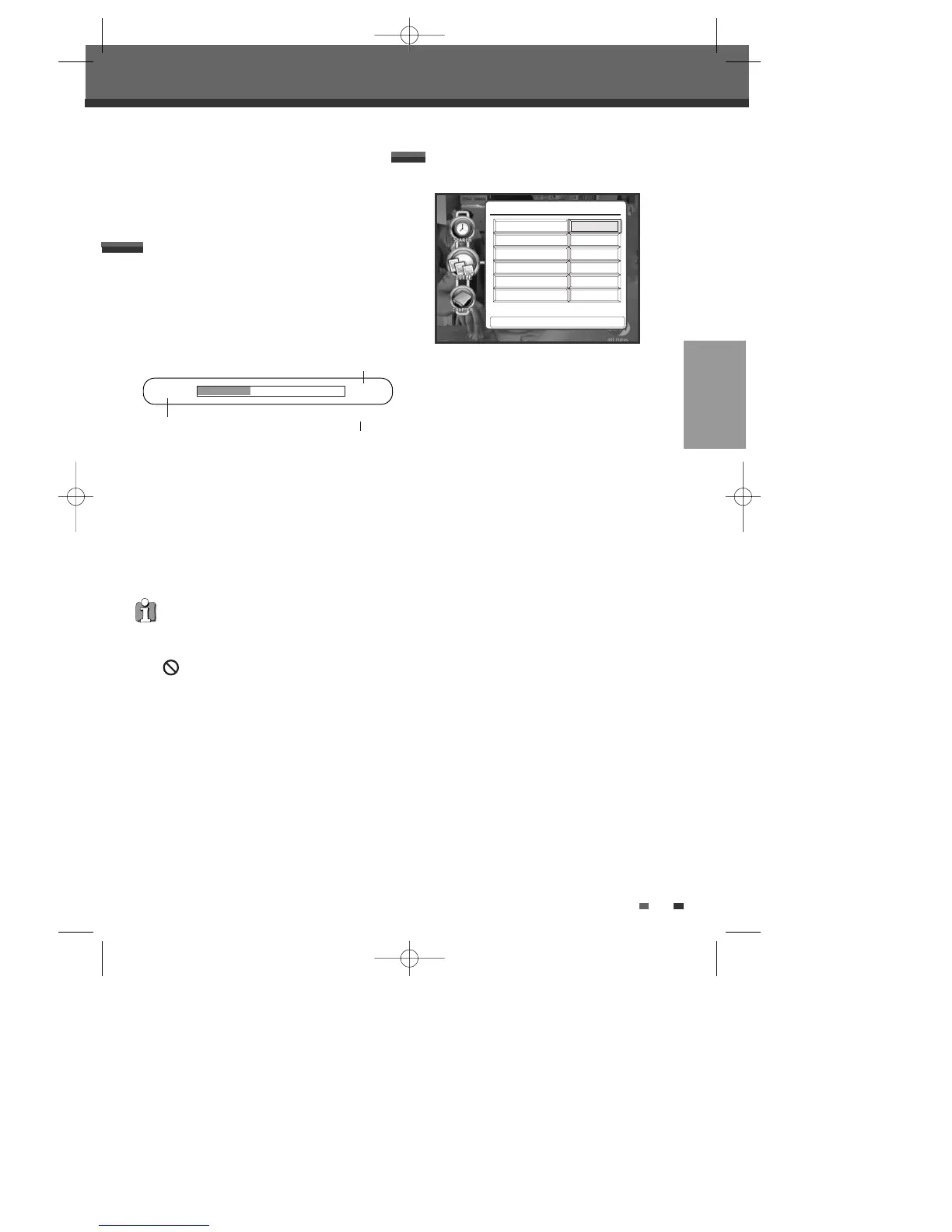
00:26:34 02:25:00
√ PLAY
Time Elapsed
Total Time
Current Status
Disc Information options for DVD
DVD Navigator
1/8
English
1/1
Off
Title
Chapter
Audio
Angle
Subtitle
00:03:15Search To Time
Press < > To Change Title
œ 1/2 √
DTBC-MNF(or D)1NP-AG 2007.9.11 4:18 PM ˘ `37



 To Next Page