7 Press Menu to save the settings and exit from the
Time and Date Set menu.
8 Press MENU again to exit the menu system and
return to normal viewing.
Selecting cable or antenna viewing
You must set the viewing mode for your VCR, choosing
either CABLE (cable system connection) or ANTENNA
(antenna connection). To set the viewing mode:
1 Press MENU to display the menu.
2 Press 3 to select Channel Set.
3 Press 3 to toggle the setting between CABLE and
ANTENNA. When the desired viewing mode is
displayed, press MENU twice to exit.
Programming the channel memory
The VCR’s channel memory determines the channels that
are visible when you press –CH/TRK+. You can add or
remove channels from memory.
Setting up your VCR,
continued
1413
Setting the clock
The clock displays the current time and is used for
timer recording. Therefore, it is important to set the
time and date accurately.
If you are setting the clock for the first time, or if a
power failure has erased the clock settings, the clock
will display --:--.
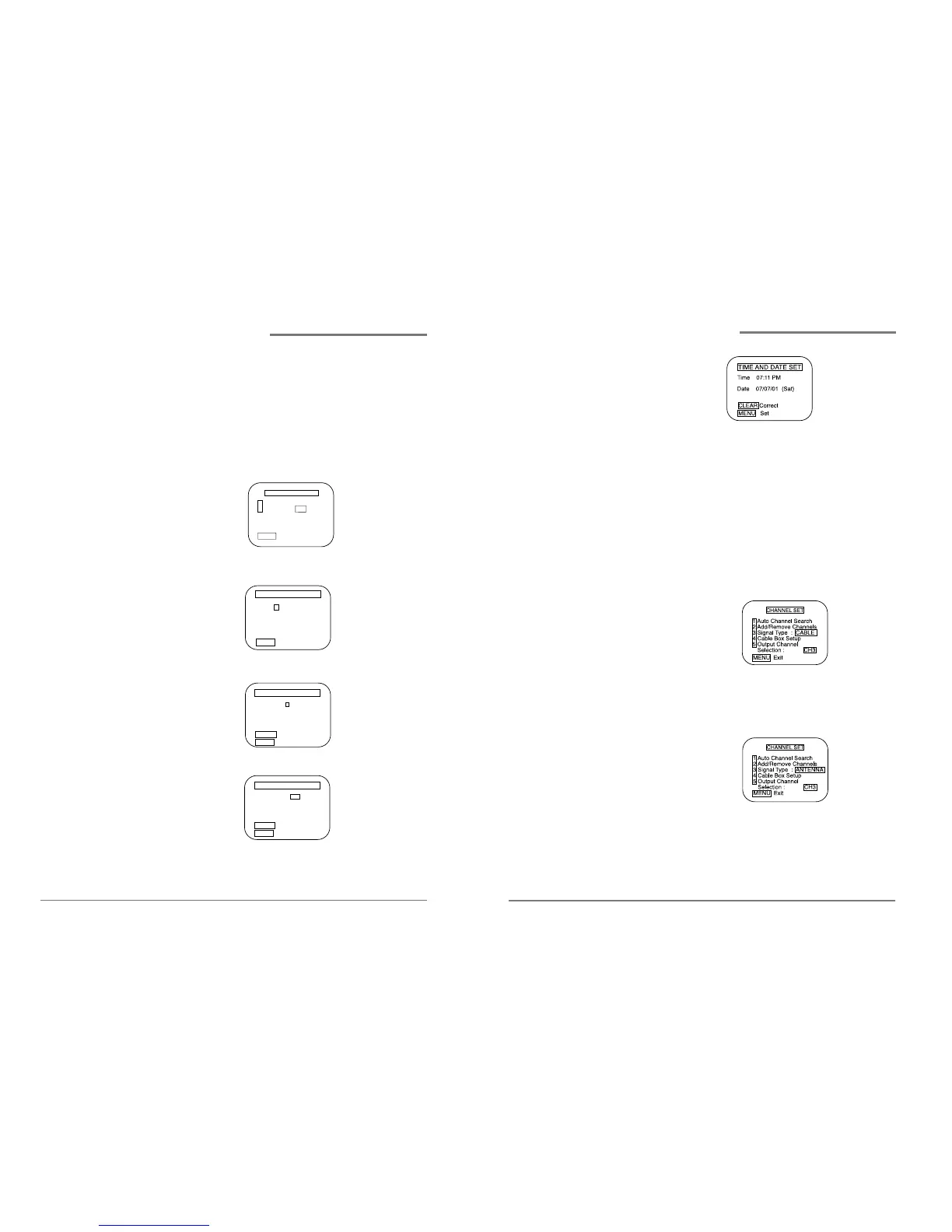
1 Press MENU to display the menu.
2 Press 2 to select Clock Set
3 Press 1 to select Time and Date Set.
4 Use 0-9 to enter the hour and the minute.
5 Press 1 if it is AM; press 2 if it is PM.
6 Use 0-9 to enter the month, day, and year. The VCR
will automatically adds the correct day of the week
according to the date that is selected.
Setting up your VCR,
continued


 To Next Page