21
8 RECORD/OTR
Press to record the program currently airing on
the channel. Press multiple times to process one-
.touch-recording (OTR) time options.
9 Remote Sensor
This sensor receives a signal from your remote
control. Do not block sensor view from remote
control.
10 Display panel
Displays information to assist you in operating
the VCR successfully.
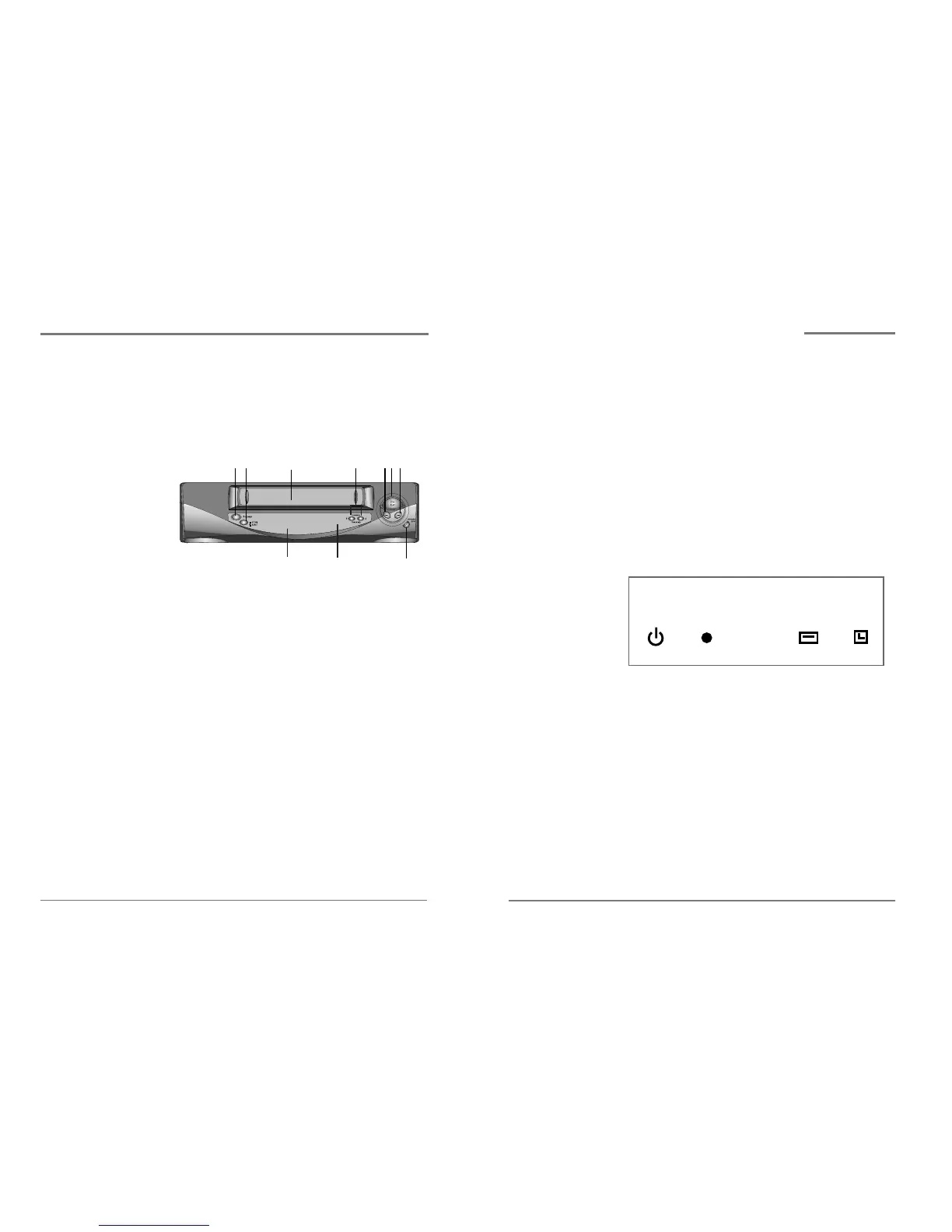
Front panel display
1 POWER
Indicates that the VCR Power is on.
2 RECORD
Indicates that the VCR is recording a program.
3 VCR
Indicates that the VCR is in VCR mode when lit.
When not lit, the VCR is in TV mode.
4 TIMER
Indicates that a timer recording has been
programmed.
*When the power indicator is blinking on the display panel, the VCR
is in the child lock mode.
Overview of the equipment,
continued
This section summarizes the buttons, controls, and
terminals that you will use with your VCR.
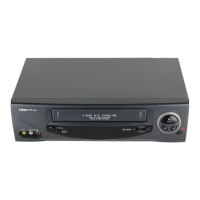
Front panel
1 POWER
Press to turn the VCR on or off.
2 STOP/EJECT
Press to stop tape movement and to eject a video
cassette.
3 Cassette compartment
Insert a video cassette into this slot.
4 CHANNEL/TRACKING
Press to change the channel (channels stored in
memory only) or to adjust the tracking.
5 REW
Press to rewind a video cassette.
6 PLAY
Press to play a video cassette or press during video
cassette playback to temporarily pause playback
7 FF
Press to fast forward a video cassette.
1
2
3
4
5
7
6
8
9
10
Overview of the equipment
Daewoo Video Cassette Recorder User’s Guide Daewoo Video Cassette Recorder User’s Guide


 To Next Page