User’s Manual
132
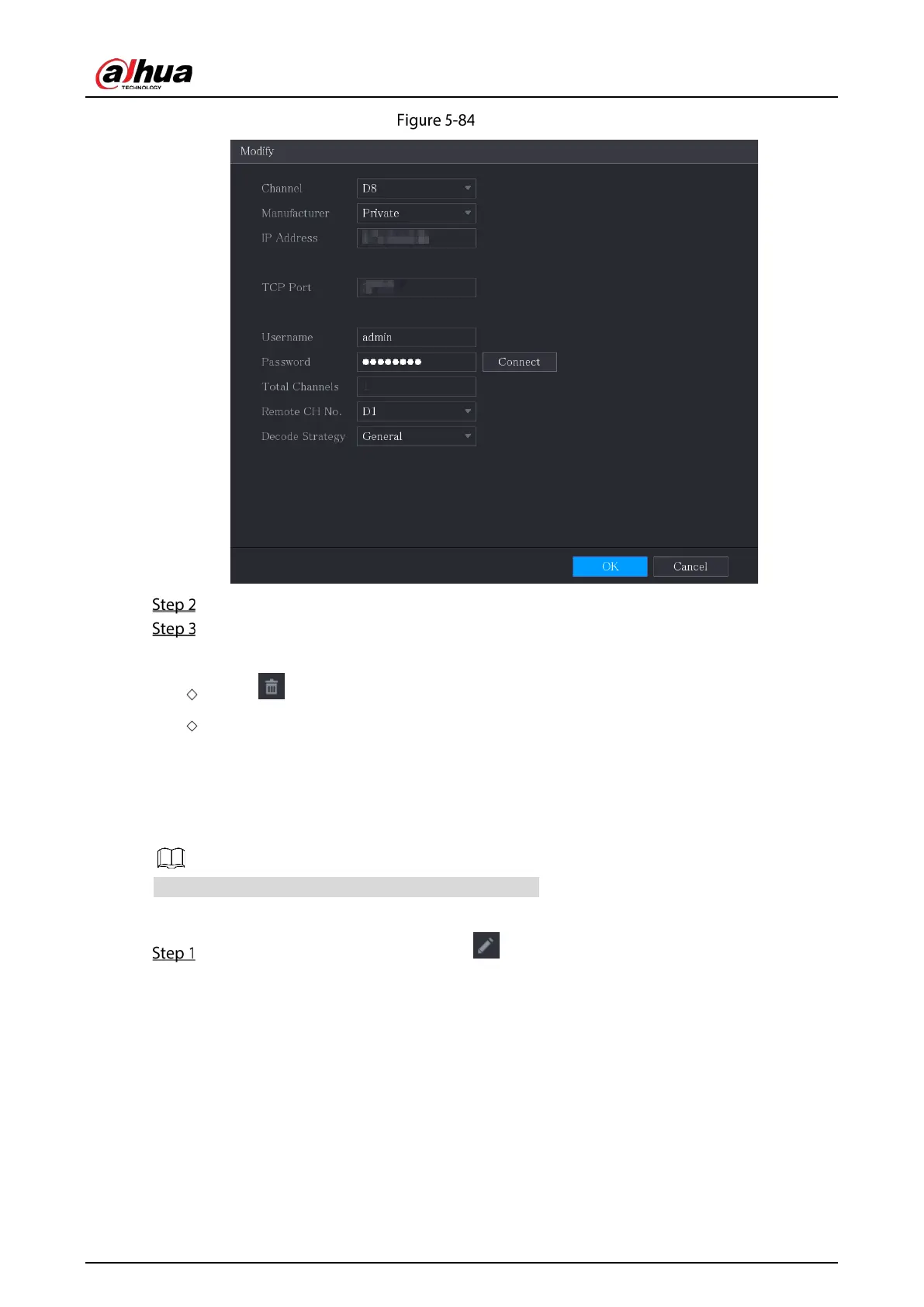
Modify
In the Channel list, select the channel that you want to modify settings for.
Click OK to save the settings.
To delete one or more added devices:
Click to delete one device.
Select the check box of the devices that you want to delete, and then click Delete.
5.6.1.5 Modifying IP Address
You can modify a single IP address or multiple IP addresses of remote devices at one time.
You can only modify the IP address of initialized cameras.
To modify a single IP address, do the following:
In the Searched Device list area, click for the device that you want to modify IP.


 To Next Page
 Loading...
