User’s Manual
255
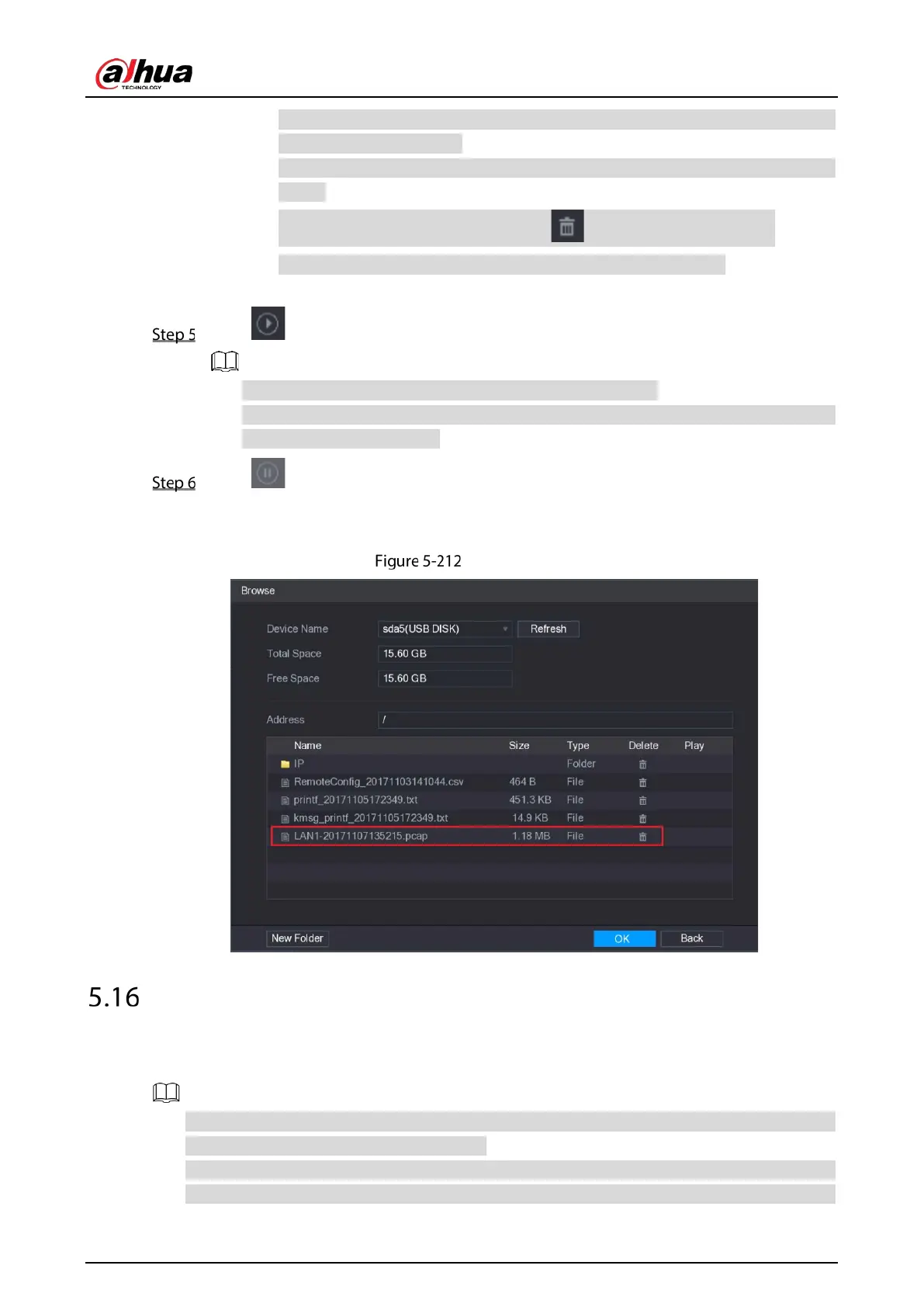
If there are several USB storage devices are connected to the Device, you can select
from the Device Name list.
Click Refresh to total space, free space and the file list in the selected USB storage
device.
In the case of insufficient capacity, click to delete the needless files.
Click New Folder to create a new folder in the USB storage device.
3) Click
OK to save the route selection settings.
Click to start packet capturing and backing up.
Only the data packet of one LAN can be captured at one time.
After capturing starts, you can exit the Test interface to perform other operations such
as web login and monitoring.
Click to stop capturing.
The backup data is saved in the selected route under the naming style "LAN name-time.pcap."
You can open it by using Wireshark software.
Backup data
Configuring Account Settings
You can add, modify and delete user accounts, groups, and ONVIF users, and set security questions for
admin account.
The user name supports 31 characters and group name supports 15 characters. The user name
can be consisted of letter, number, "_", "@", ".".
You can set maximum 64 users and 20 groups. The group name by "User" and "Admin" cannot be
deleted. You can set other groups and define the relevant permissions. However, the admin



 To Next Page
 Loading...