User's Manual
37
To secure the Device, it is strongly recommended for you to properly keep the password for admin
and modify it regularly.
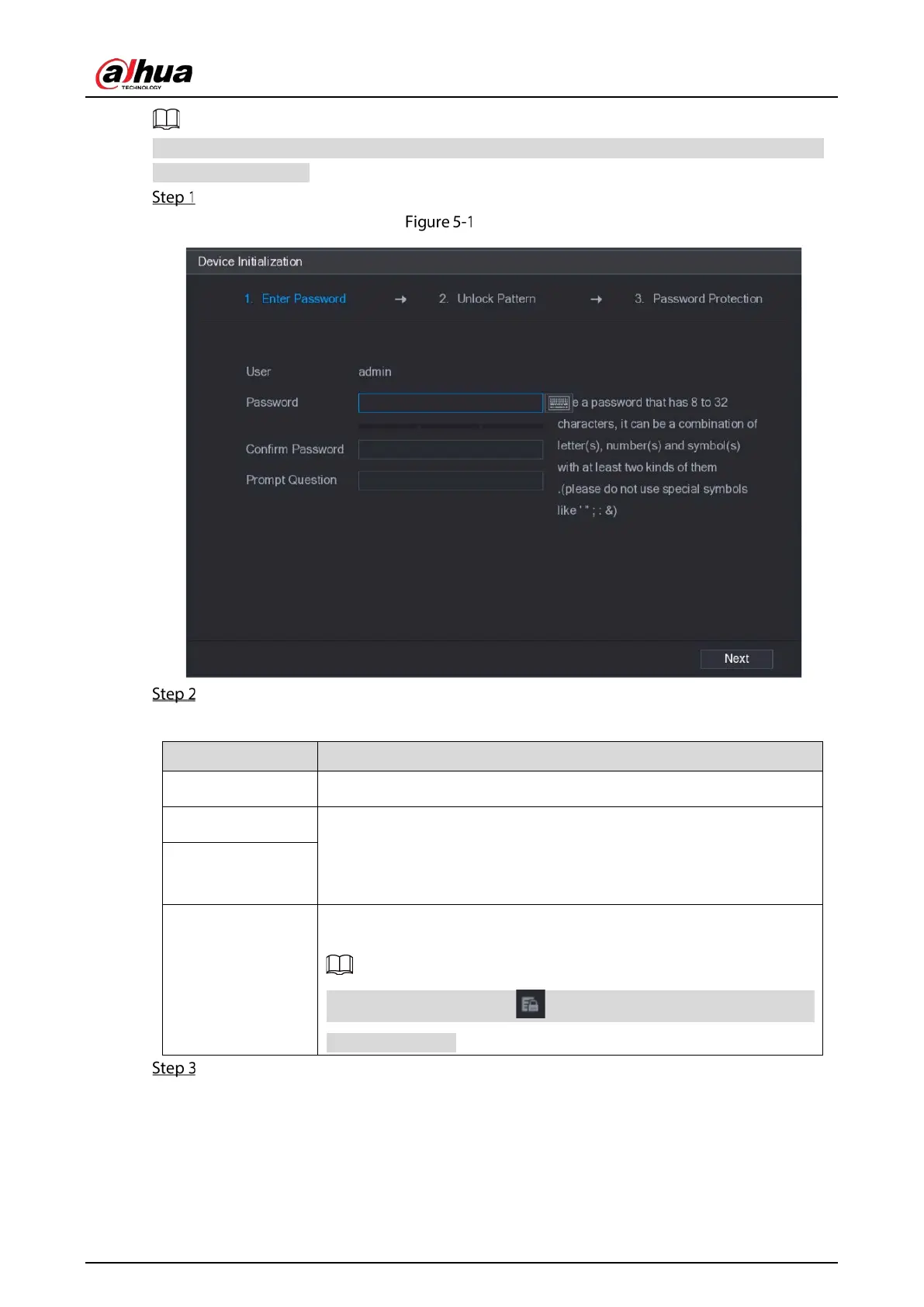
Turn on the Device.
Enter password
Configure the password information for admin.
Table 5-1 Configure password
User By default, the user is
.
Password
In the
box, enter the password for admin.
The new password can be set from 8 characters through 32 characters
and contain at least two types from number, letter and special
characters (excluding"'", """, ";", ":" and "&").
Confirm Password
Prompt Question
In the
box, enter the information that can remind you
of the password.
On the login interface, click , the prompt will display to help you find
back the password.
Click Next.


 To Next Page
 Loading...

