User's Manual
91
Configuring Camera Settings
5.5.1 Configuring Image Settings
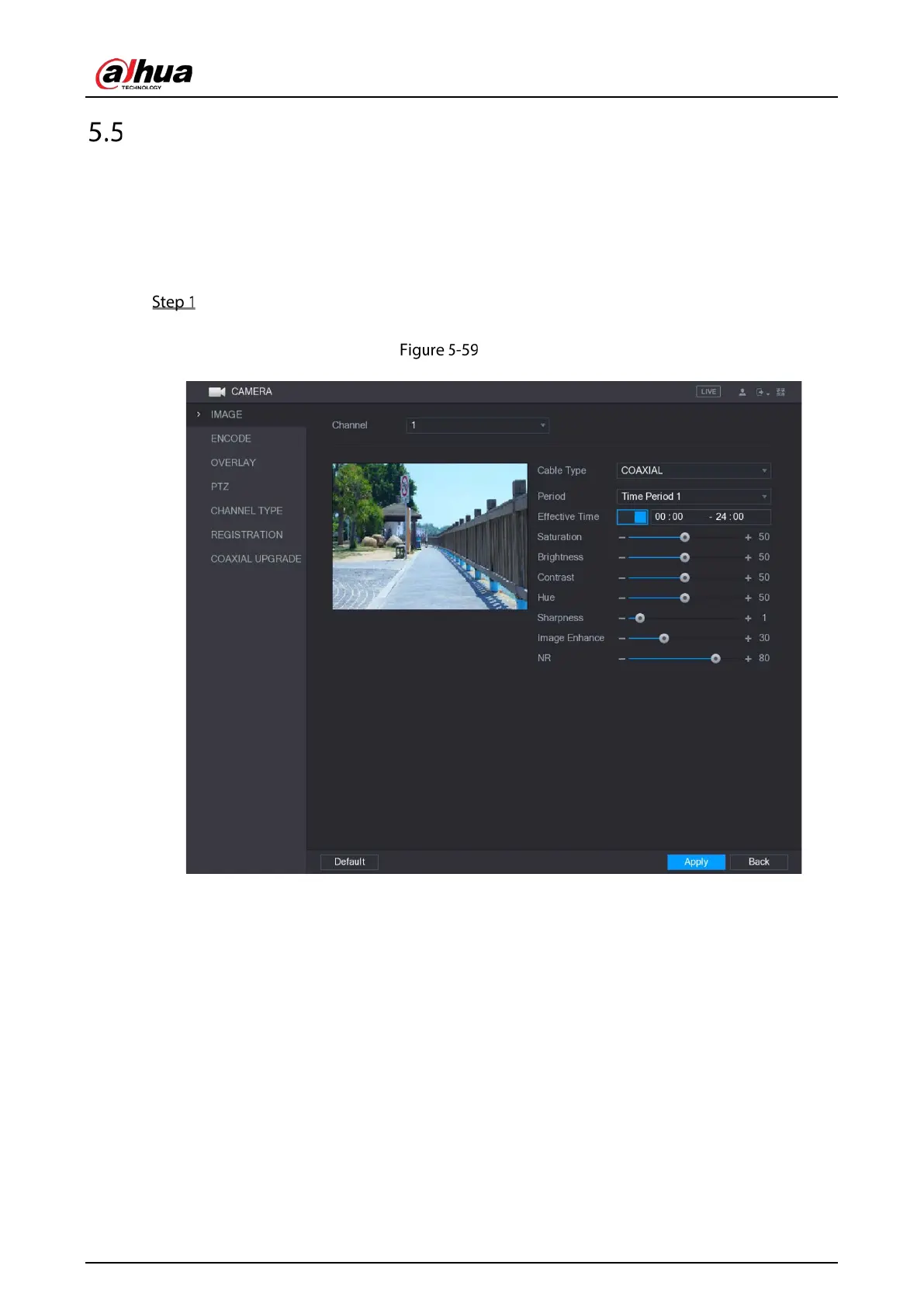
You can configure the image settings such as saturation, contrast, brightness, sharpness for each
connected camera.
Select Main Menu > CAMERA > IMAGE.
The IMAGE interface is displayed.
Analog channel



 To Next Page
 Loading...
