User's Manual
43
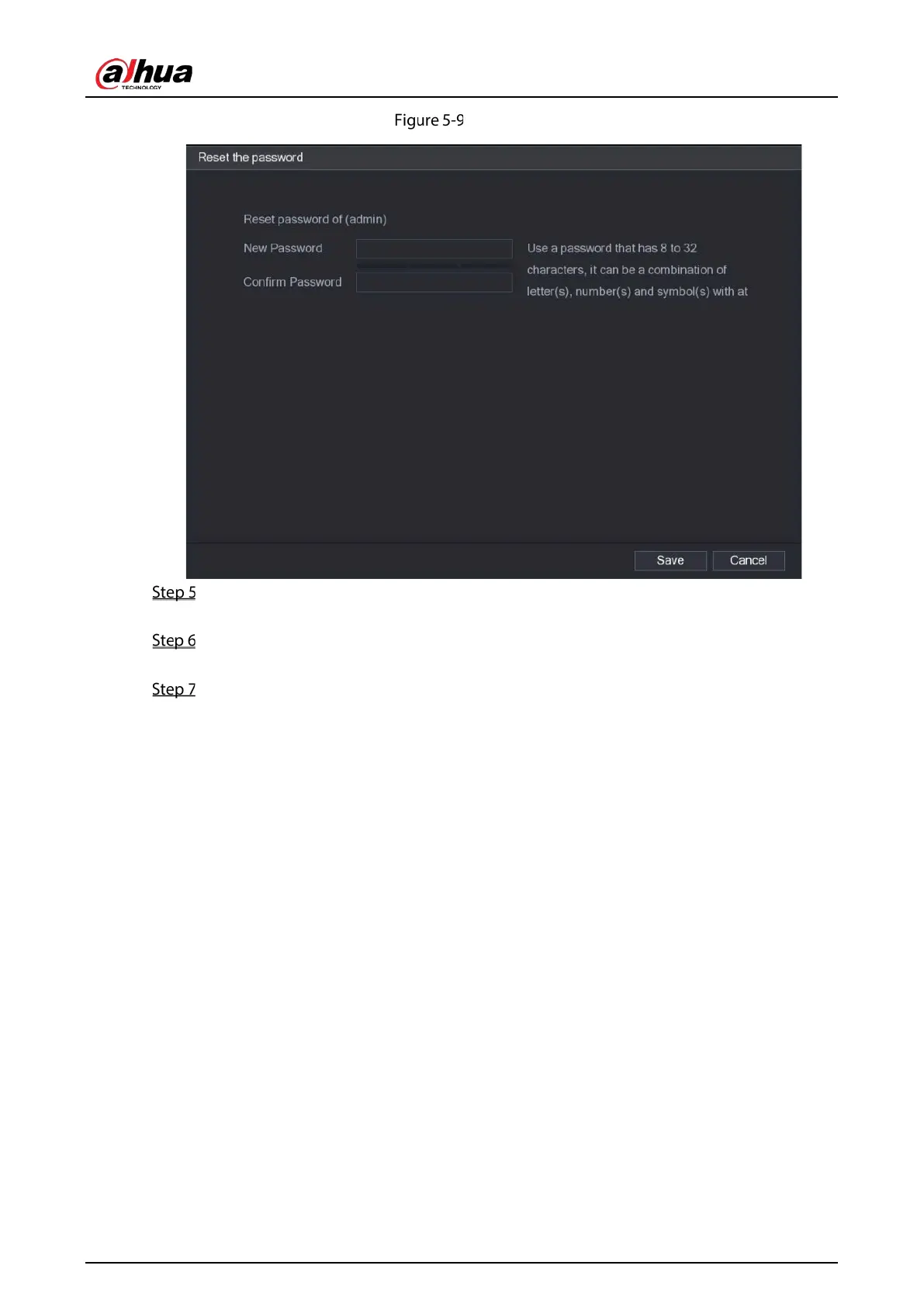
Reset password (4)
In the New Password box, enter the new password and enter it again in the Confirm
Password box.
Click Save. The password resetting is started.
After resetting is completed, a pop-up message is displayed.
Click OK.
A pop-up message is displayed asking if you want to sync the password with the remote
devices.
Click Cancel, the resetting is finished.
Click OK, the Sync Info interface is displayed.


 To Next Page
 Loading...

