Control Devices EDUS39-605
28 Controls
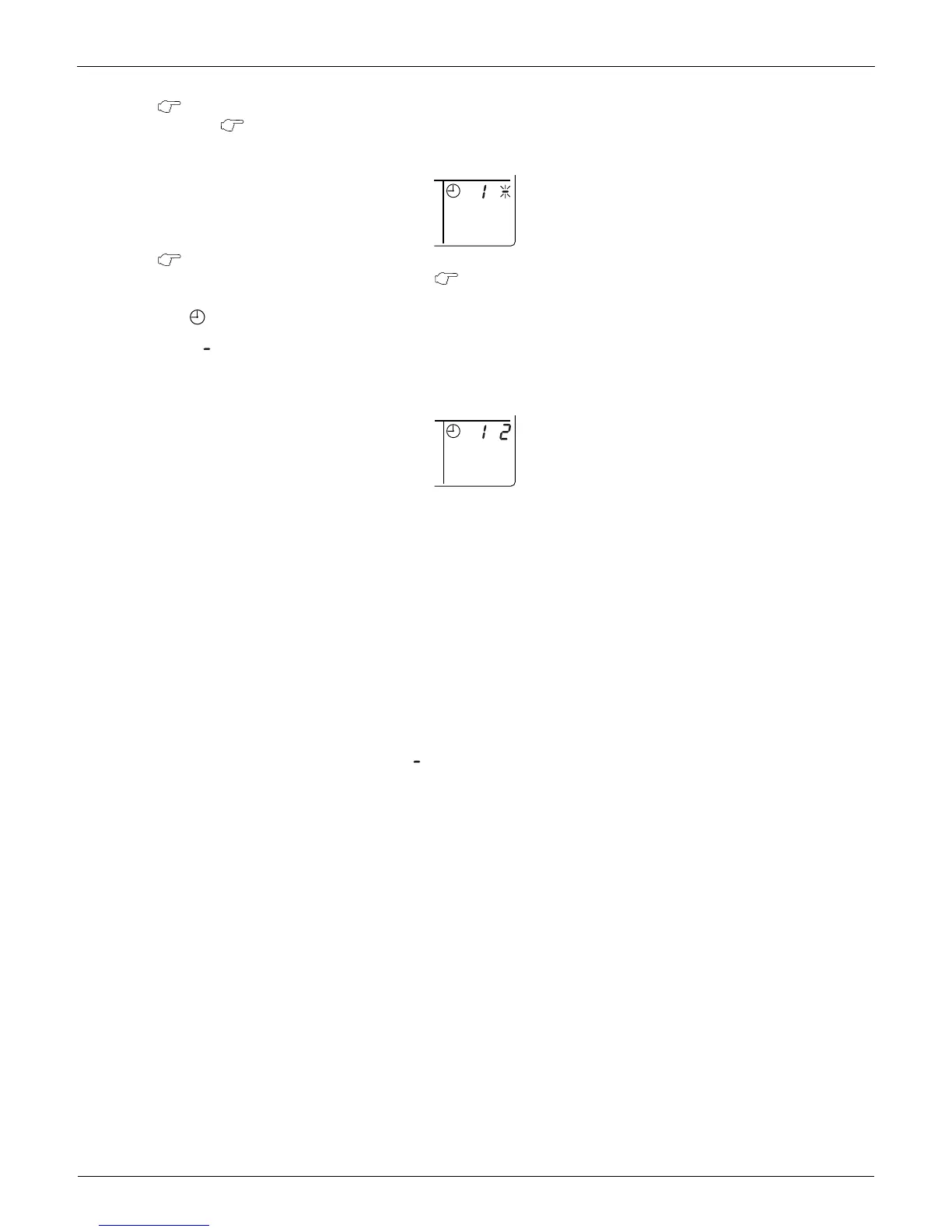
2. Once the desired timer number is displayed, press the SET button.
Press the SET button within 10 seconds after the timer number is displayed.
The display will return to how it was after 10 seconds.
The display for timer number 1 will stop blinking and then timer number 2 will start blinking.
3. Select the desired timer number by pressing the TIMER NO. button.
Once the desired timer number is displayed, press the SET button.
The display for timer number 2 will stop blinking.
The display disappears after 3 seconds.
Select [ ] instead of a timer number when you do not wish to set a timer number.
It is possible to set only one timer number.
The times for turning the unit(s) on and off twice a day can be set with a single timer number, as shown in the
following figure:
Timer Number Setting
Group control: select the unit in the individual screen and set the timer number.
Batch control: set the timer numbers for all connected units.
Zone control: set the timer numbers for all zone-registered units.
Call up the zones which you wish to set in the zone screen and set the timer numbers.
Since the most recent timer number set takes priority, the last screen setting applies to the connected
units.
Example 1:
Setting timer number 1 for unit 1-00 to [1] and timer number 2 to [2] in the individual screen and subsequently setting
timer number 1 to "3" and timer number 2 to [4] in the batch screen defaults all timer numbers for all units to the batch
setting, so that timer number 1 for unit 1-00 becomes [3] and timer number 2 becomes [4] .
Example 2:
To prevent leaving units on, timer number 1 is set to [5] in the batch screen.
Setting timer number 1 in zone number 1 to [ ] in the zone screen after that will change the timer number for zone
number 1, so the setting to prevent leaving the units on will be lost for zone number 1 only.
If a timer number is set incorrectly, re-enter the correct setting in the desired screen.
When the timer number on time and off time are set to the same time:
When the on time and off time are set to the same time for the same timer number, operation does not change.
When the on time and off time are set to the same time for different timer numbers, the off time is given priority.
When setting the timer operation, make sure the scheduled times do not overlap.
2
2
No



 To Next Page