BRC1E52A7 Operation manual
4PW71265-1 – 10.2011
58
4
Date & Time
Year 2011
Month 10
Day 07
Thursday
12:00
Return Setting
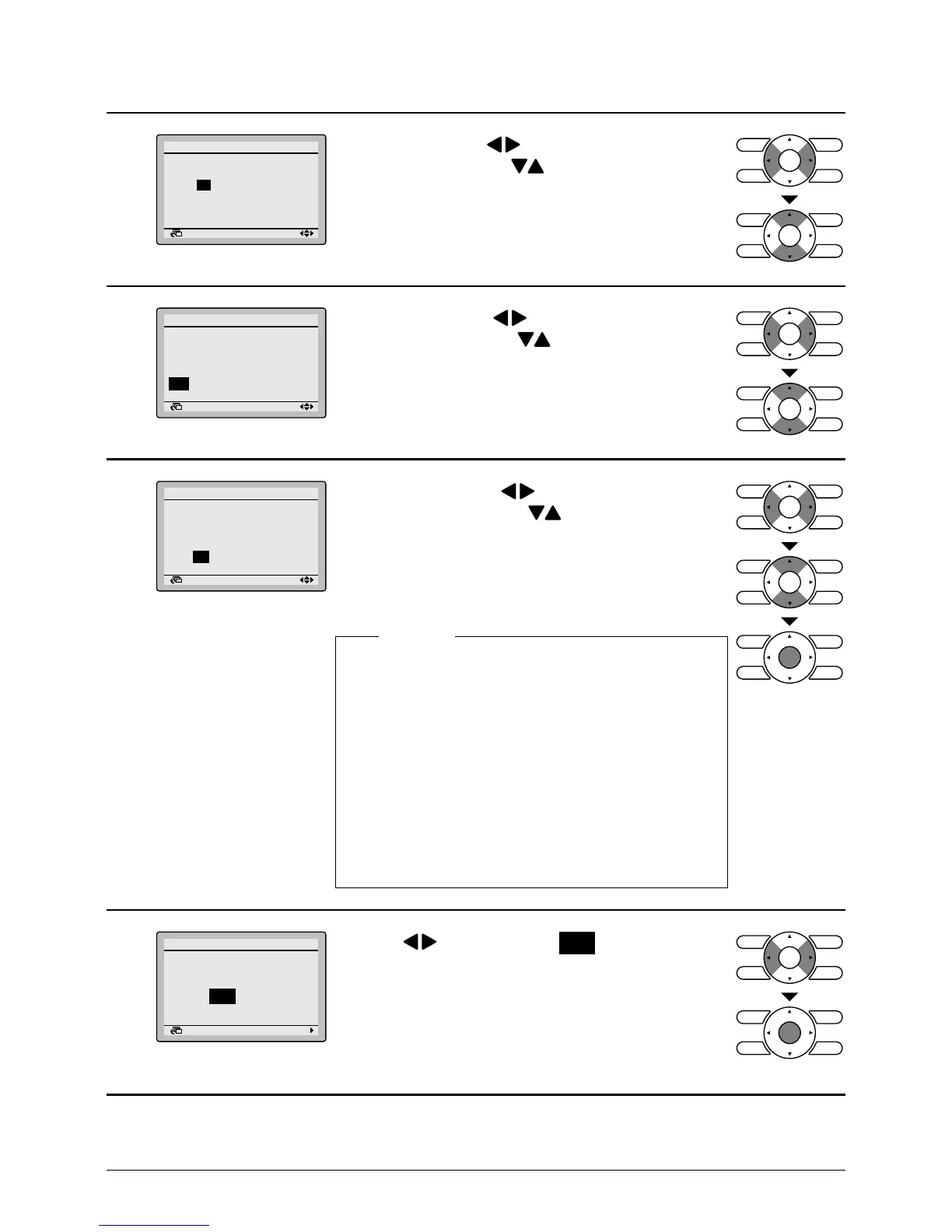
• Select "Day" with buttons.
Change the day with buttons.
Holding down the button causes the number to
change continuously.
Days of the week change automatically.
5
Date & Time
Year 2011
Month 10
Day 07
Thursday
12:00
Return Setting
• Select "Hour" with buttons.
Change the hour with buttons.
Holding down the button causes the number to
change continuously.
6
Date & Time
Year 2011
Month 10
Day 07
Thursday
12:21
Return Setting
• Select "Minute" with buttons.
Change the minute with buttons.
Holding down the button causes the number to
change continuously.
• Press Menu/Enter button.
The conrmation screen will appear.
Daylight Saving Time
Caution: The following period has
adopted Daylight Saving Timer.
[Start] Last Sunday,
March 2:00
[End] Last Sunday,
October 3:00
Please consult your Daikin
dealer to change the setup.
Caution
7
Save the settings?
Date & Time
Yes No
Return Setting
• Press button to select Yes on the
conrmation screen.
Press Menu/Enter button to conrm the clock and
return to the basic screen.
* When setting the schedule, the display returns to
the settings screen.



 To Next Page