Contrast Adjustment
1
Return Setting
Configuration
Display
Contrast adjustment
Draft prevention
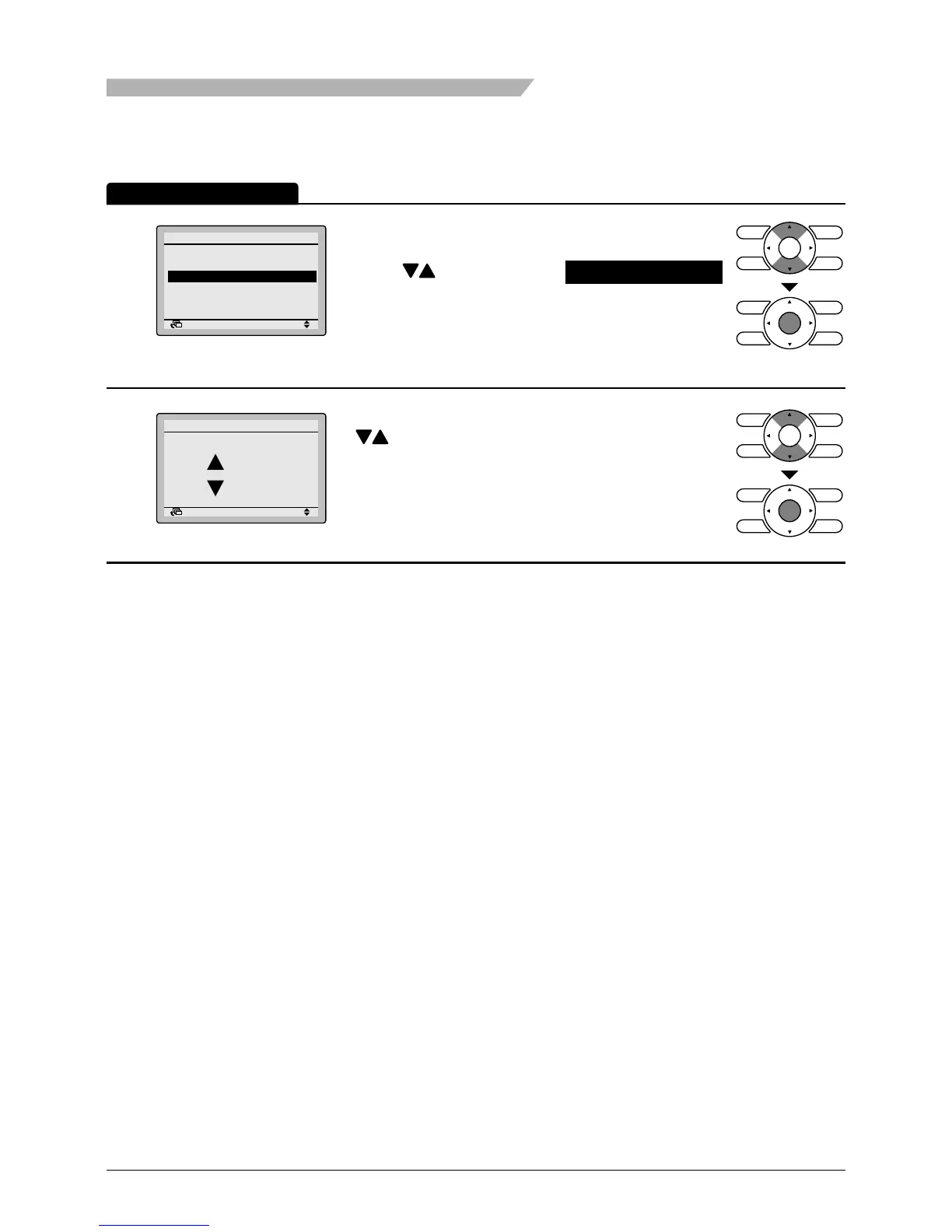
• Bring up the Conguration settings screen. (See
page 52.)
• Press buttons to select Contrast adjustment
on the Conguration settings screen.
Press Menu/Enter button to display the Contrast
adjustment settings screen.
2
Return Setting
Dark
Light
Contrast adjustment
• On the Contrast adjustment settings screen press
buttons until you reach the desired contrast.
After setting, press Menu/Enter button and return
to the basic screen.
Operation Method



 To Next Page