11 | Configuration
Installer reference guide
161
ERLA11~16D + EBBH/X11+16D
Daikin Altherma 3 R W
4P643603-1B – 2022.05
Schedule/Control Description
[7.4.2] User settings >
Quiet > Schedule
Schedule for when the unit has
to use which quiet mode level.
Predefined schedules: 1
Activation screen: [7.4.1] Activation (only
available to installers).
Possible actions: You can use the following
system-defined preset values:
▪ Off
▪ Quiet
▪ More quiet
▪ Most quiet
See "About quiet mode"[4211].
[7.5.4] User settings >
Electricity price >
Schedule
Schedule for when a certain
electricity tariff is valid.
Predefined schedules: 1
Activation screen: Not applicable
Possible actions: You can use the following
system-defined preset values:
▪ High
▪ Medium
▪ Low
See "11.4.4Setting the energy prices"[4165].
Restriction: Only available to
installers.
[9.4.2] Installer settings
> Booster heater > BSH
allowance schedule
Predefined schedules: 1
Activation screen: Not applicable
Possible actions: You can program 2 actions per
day.
▪ Off: Booster heater operation NOT allowed.
▪ On: Booster heater operation allowed.
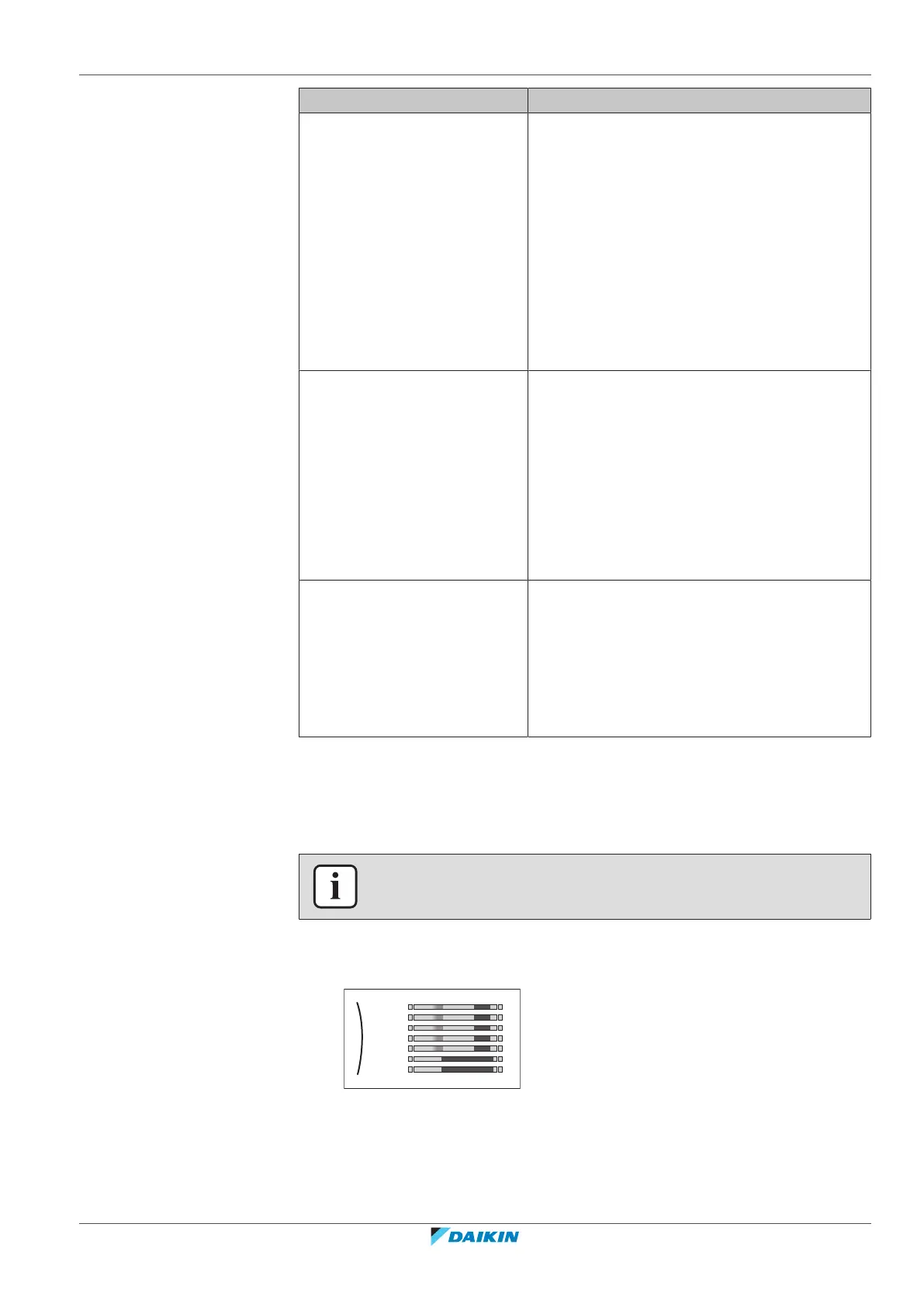
11.4.3 Schedule screen: Example
This example shows how to set a room temperature schedule in heating mode for
the main zone.
INFORMATION
The procedures to program other schedules are similar.
To program the schedule: overview
Example: You want to program the following schedule:
Mon
Sat
Wed
Fri
Thu
Tue
Sun
User defined 1
Prerequisite: The room temperature schedule is only available if room thermostat
control is active. If leaving water temperature control is active, you can program
the main zone schedule instead.
1 Go to the schedule.



 To Next Page