5 | About the unit
Installer reference guide
22
FTXP20~35N5V1B + ATXP20~35N5V1B
Split system air conditioners
4P519439-20U – 2022.09
5.3 About the wireless LAN
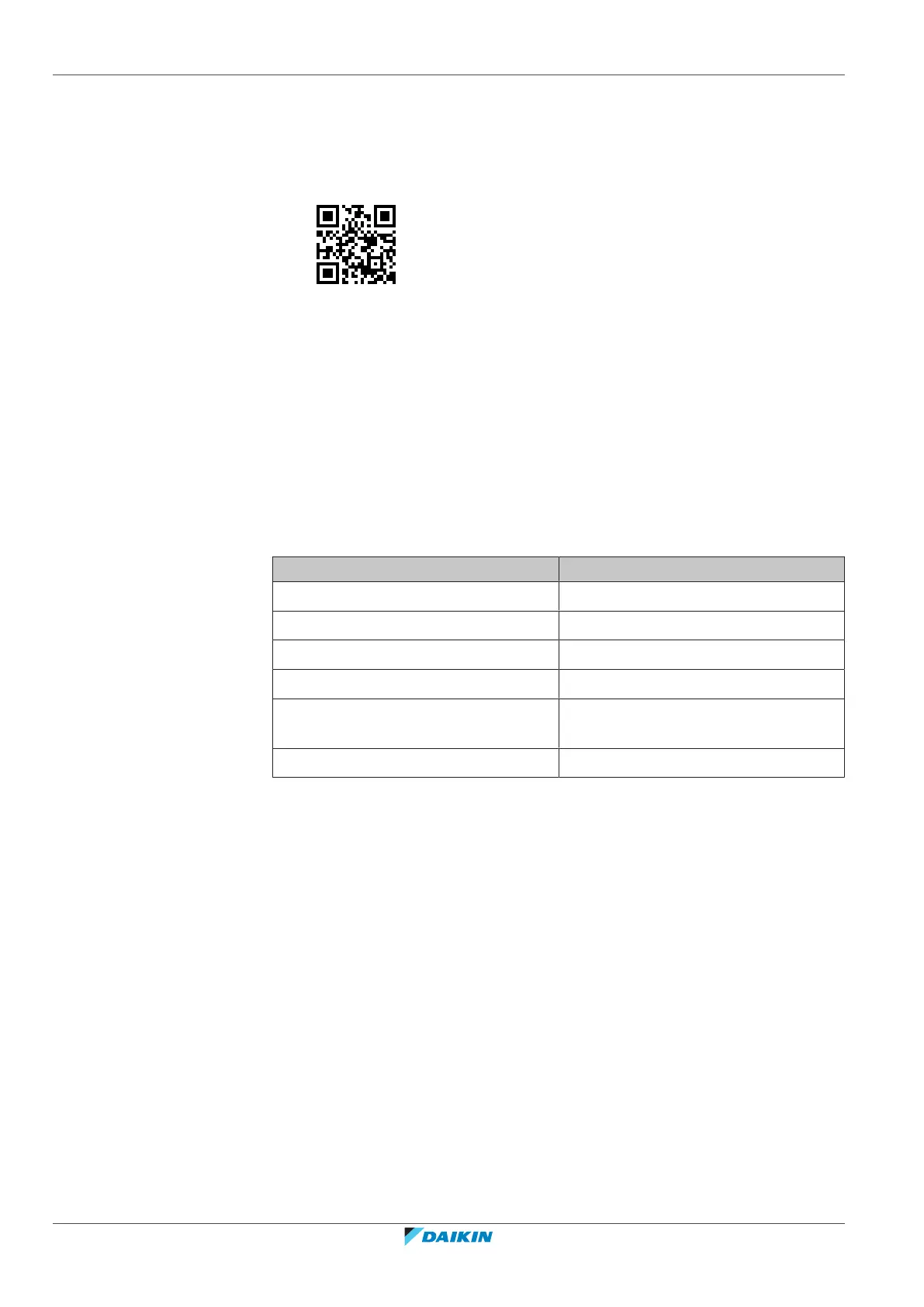
For detailed specifications, installation instructions, setting methods, FAQ,
declaration of conformity and the latest version of this manual, visit
app.daikineurope.com.
5.3.1 Precautions when using the wireless LAN
Do NOT use near:
▪ Medical equipment. E.g. persons using cardiac pacemakers or defibrillators. This
product may cause electromagnetic interference.
▪ Auto-control equipment. E.g. automatic doors or fire alarm equipment. This
product may cause faulty behaviour of the equipment.
▪ Microwave oven. It may affect wireless LAN communications.
5.3.2 Basic parameters
What Value
Frequency range 2400MHz~2483.5MHz
Radio protocol IEEE 802.11b/g/n
Radio frequency channel 1~13
Output power 13dBm
Effective radiated power 15dBm (11b) / 14dBm (11g) / 14dBm
(11n)
Power supply DC 14 V / 100 mA
5.3.3 Setting the wireless LAN
The customer is responsible for providing:
▪ Smartphone or tablet with minimum supported version of Android or iOS,
specified on app.daikineurope.com
▪ Internet line and communicating device, such as modem, router, etc.
▪ Wireless LAN access point.
▪ Installed free ONECTA application.
To install the ONECTA app
1 Go to Google Play (for Android devices) or the App Store (for iOS devices) and
search for "ONECTA".
2 Follow the directions on the screen to install the ONECTA app.



 To Next Page