6 | Unit installation
Installer reference guide
26
FTXP20~35N5V1B + ATXP20~35N5V1B
Split system air conditioners
4P519439-20U – 2022.09
6.2 Opening the indoor unit
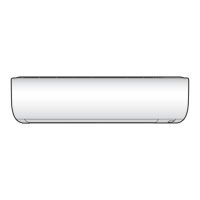
6.2.1 To remove the front panel
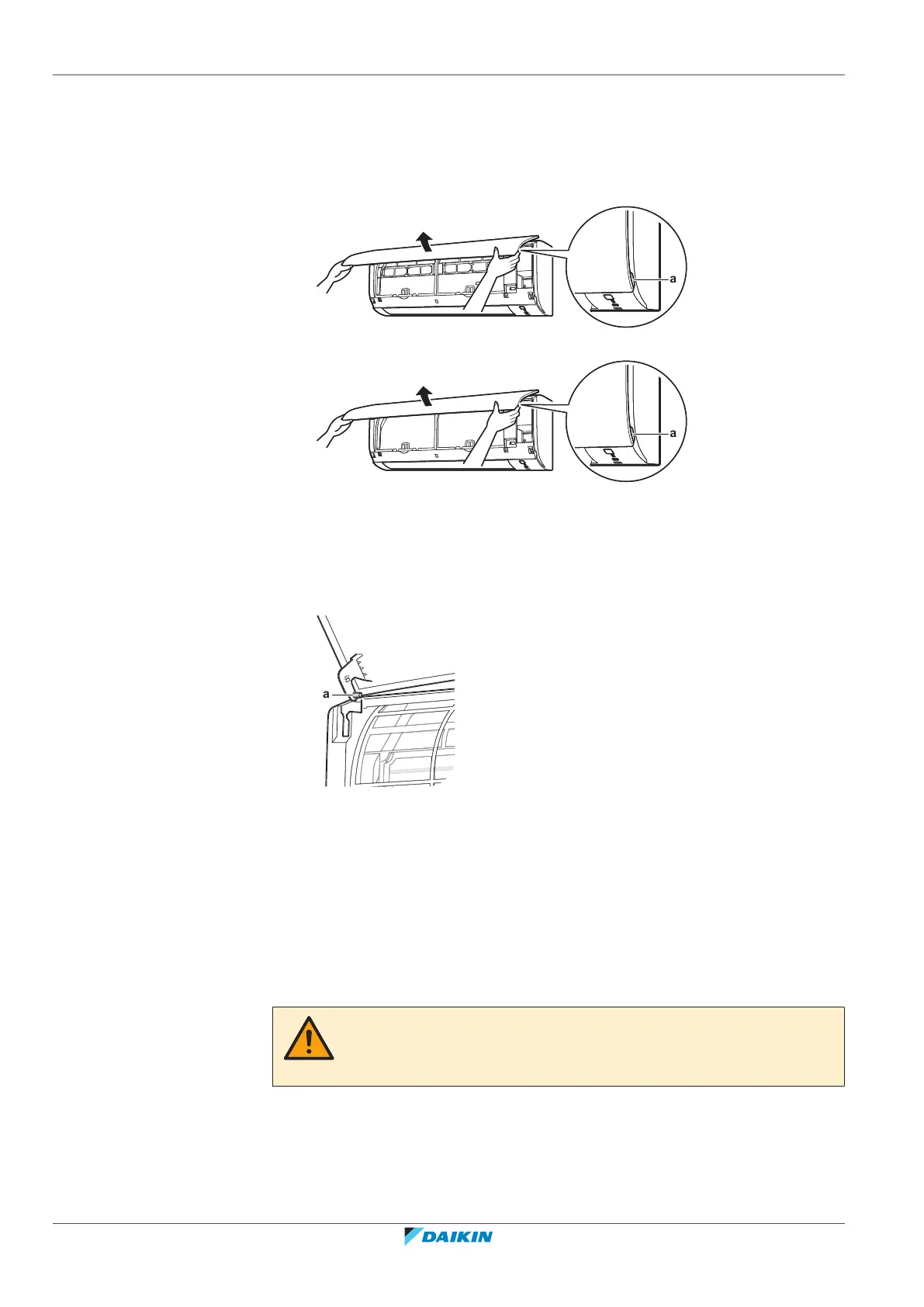
1 Hold the front panel by the panel tabs on both sides and open it.
a Panel tabs
a Panel tabs
2 Remove the front panel by sliding it to the left or the right and pulling it
toward you.
Result: The front panel shaft on 1 side will be disconnected.
3 Disconnect the front panel shaft on the other side in the same manner.
a Front panel shaft
6.2.2 To re-install the front panel
1 Attach the front panel. Align the shafts with the slots and push them all the
way in.
2 Close the front panel slowly; press at both sides and at the centre.
6.2.3 To remove the front grille
CAUTION
Wear adequate personal protective equipment (protective gloves, safety glasses,…)
when installing, maintaining or servicing the system.
1 Remove the front panel to remove the air filter.
2 Remove 2 screws (class 20~35) or 3 screws (class 50~71) from the front grille.
3 Push down the 3 upper hooks marked with a symbol with 3 circles.



 To Next Page