5 | Operation
User reference guide
24
FTXTA30A2V1BW
Split system air conditioner
4P518786-4F – 2020.05
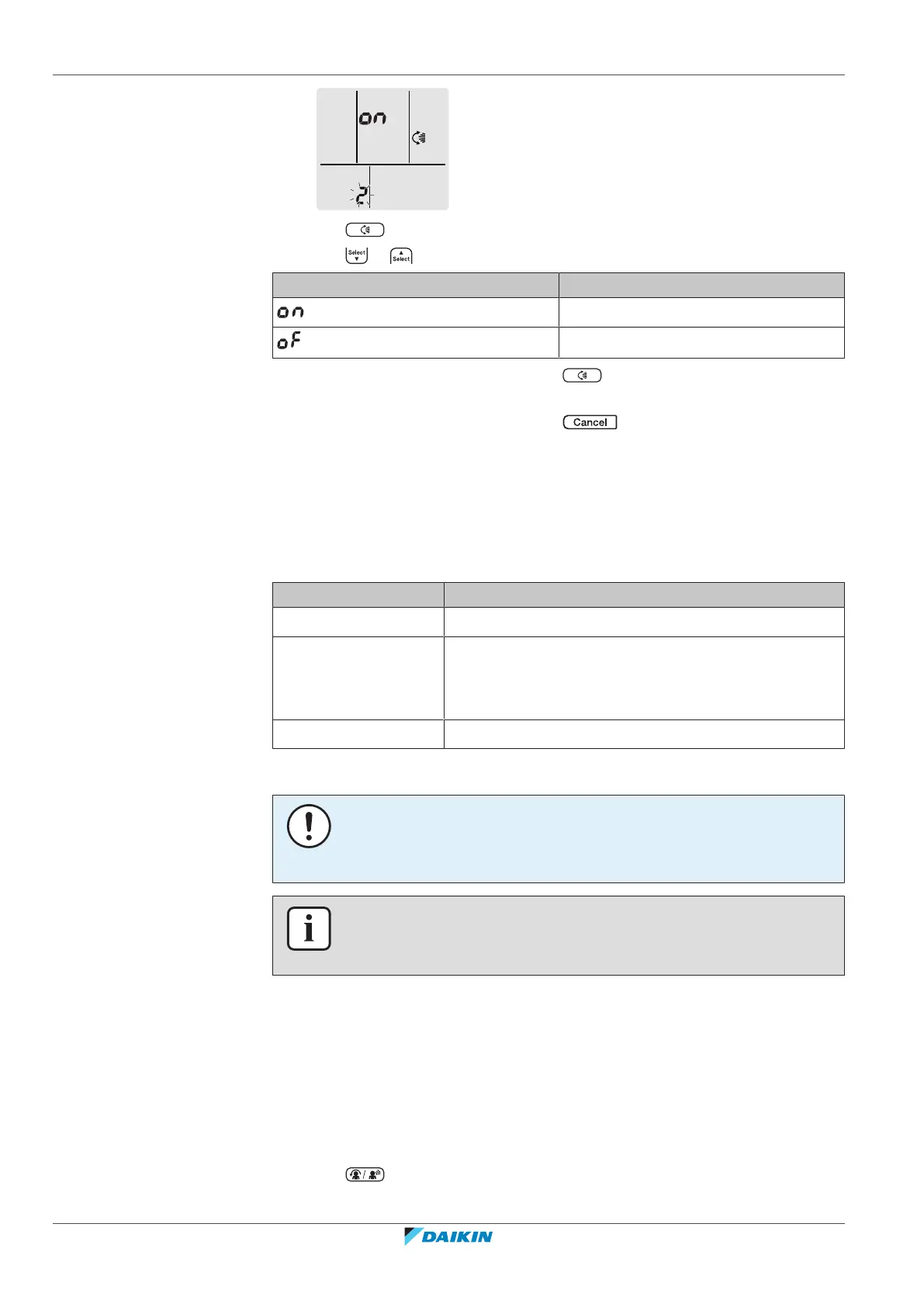
3 Press to change the setting.
4 Press or to change the setting.
…is blinking Vertical airflow function is…
turned ON
turned OFF
5 To confirm the selected setting press .
Note: The display automatically returns to the default screen after 60seconds. To
return to the default screen sooner, press twice.
5.6.2 Intelligent eye operation
The system detects movement in the room and automatically adjusts the airflow
direction and temperature in order to avoid direct contact with people. If no
movement is detected for 20 minutes, the system switches to energy saving
operation:
Operation Energy saving operation
Heating Temperature is lowered by 2°C.
Cooling and drying If the temperature in the room is:
▪ <30°C, the temperature is raised by 2°C
▪ ≥30°C, the temperature is raised by 1°C
Fan only Decreases airflow rate.
About the Intelligent eye sensor
NOTICE
▪ Do NOT hit or push the Intelligent eye sensor. Doing so may lead to malfunction.
▪ Do NOT place large objects near the Intelligent eye sensor.
INFORMATION
Powerful or Night set operation CANNOT be used at the same time with Intelligent
eye operation. The last selected function takes priority.
▪ Detection range. Up to 9m.
▪ Detection sensitivity. Changes according to location, the number of persons in
the room, temperature range, etc.
▪ Detection mistakes. The sensor may mistakenly detect pets, sunlight, moving
curtains, etc.
5.6.3 To start/stop Comfort and Intelligent eye operation
1 Press one or more times.
Result: The setting will change as follows:















 To Next Page