5 | Operation
User reference guide
36
FTXTA30A2V1BW
Split system air conditioner
4P518786-4F – 2020.05
6 Open the Daikin Online Controller application and follow the steps on the
screen.
Result: Wireless adapter mode will automatically change from the AP mode to
the RUN mode, the timer LED is blinking.
7 Press to exit the menu.
Result: The display will return to the default screen.
To reset the connection setting to the factory default
Reset the connection setting to the factory default in case you want to:
▪ switch between the WPS and the AP connection option,
▪ disconnect the Wi-Fi adapter and the communication device (e.g. router) or
smart device,
▪ repeat the setting if the connection was unsuccessful.
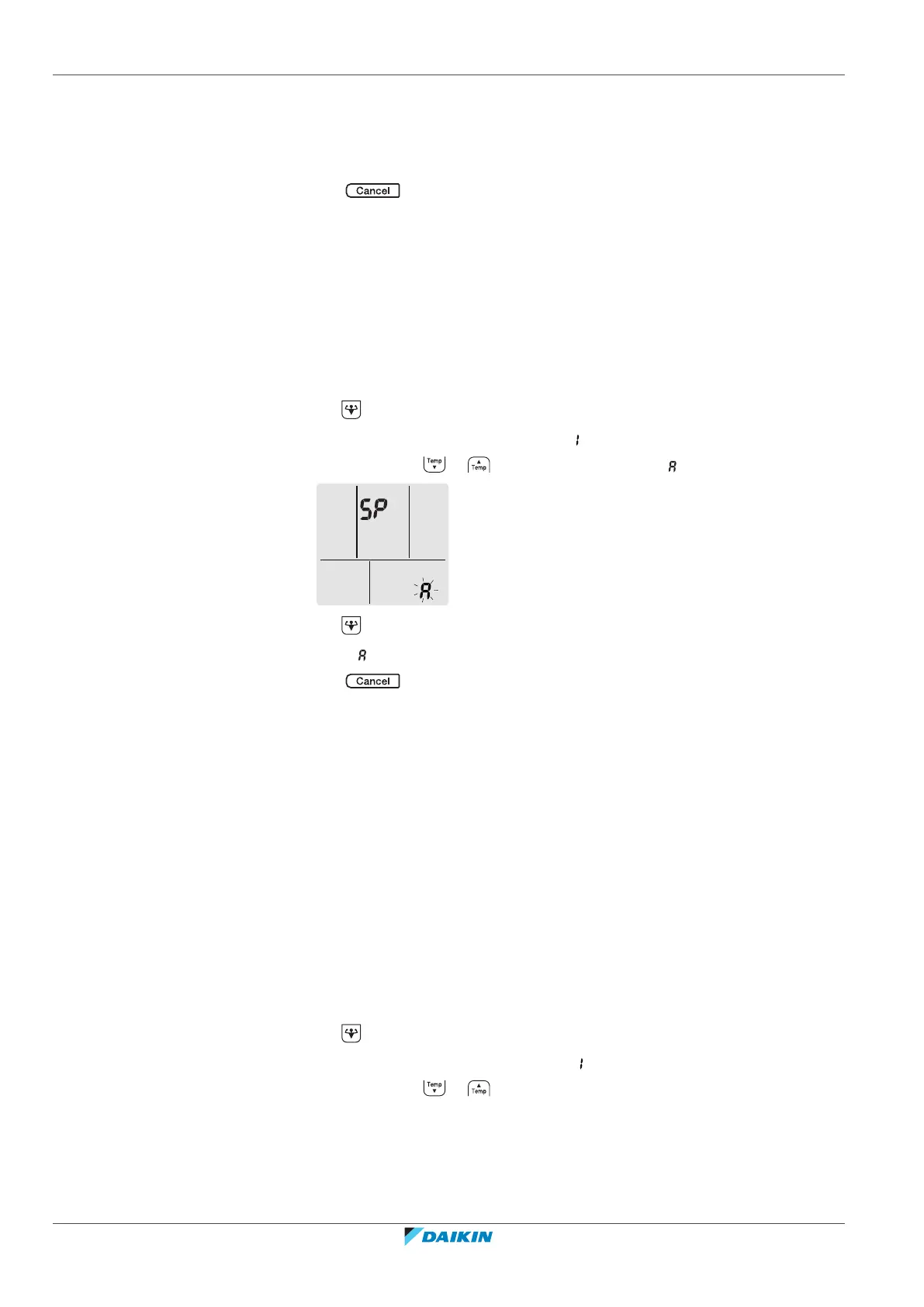
1 Hold for at least 5seconds in the default screen.
Result: The confirmation display(menu ) appears.
2 Press repeatedly or until the A display (menu ) appears.
3 Hold for at least 2seconds to confirm the selection.
Result: is blinking. The setting is reset to the factory default.
4 Press to exit the menu.
Result: The display will return to the default screen.
To turn off the wireless connection
You can turn off the wireless connection using:
▪ the wireless adapter ON/OFF button on the unit,
▪ the user interface.
To use the wireless adapter ON/OFF switch
1 Press the wireless adapter ON/OFF switch.
Result: The wireless adapter communication is OFF.
Note: Press the ON/OFF switch again to turn on the wireless adapter.
To use the user interface
1 Hold for at least 5seconds in the default screen.
Result: The confirmation display (menu ) appears.
2 Press repeatedly or until the OFF menu appears.















 To Next Page