Troubleshooting
37
Troubleshooting
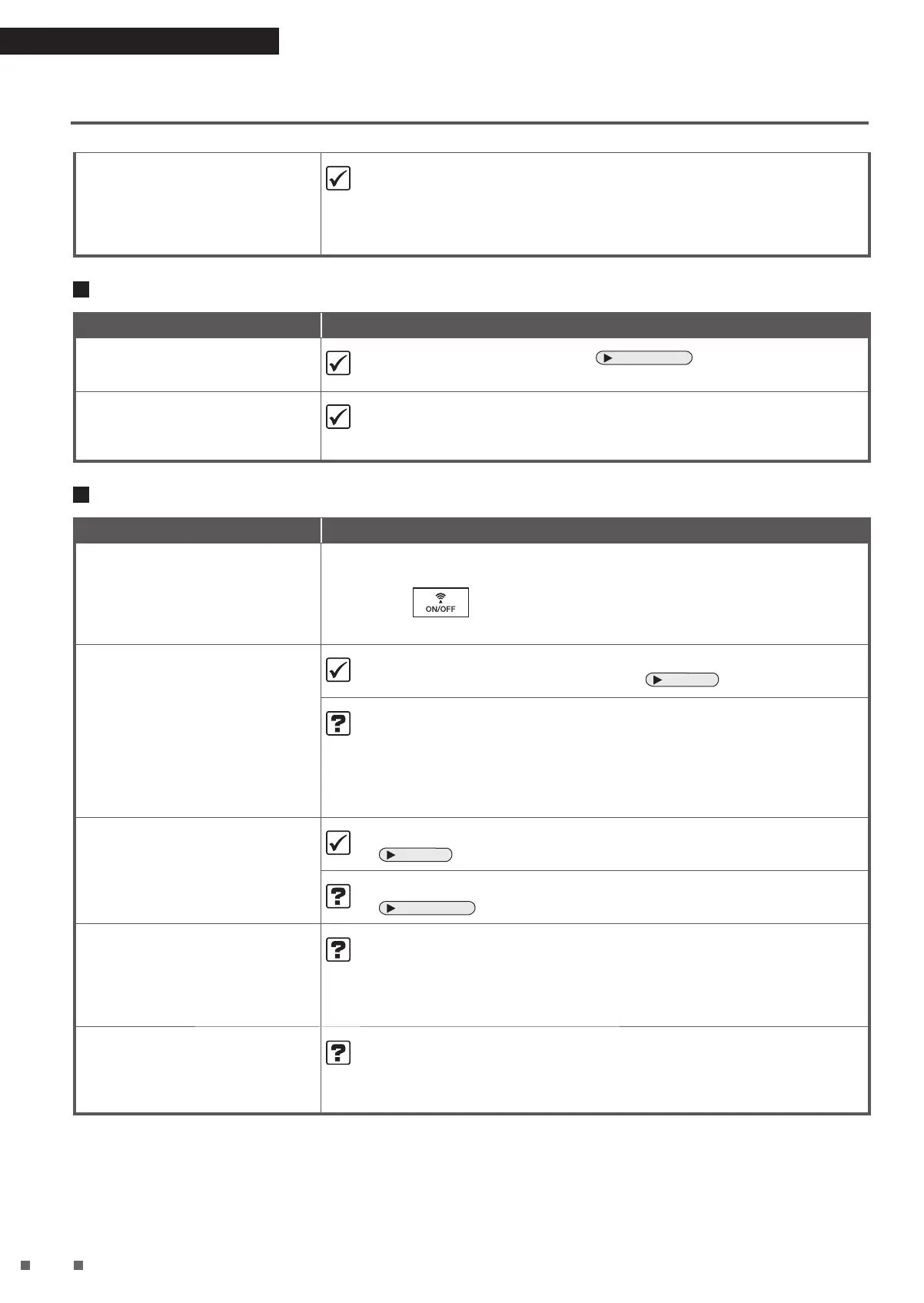
The values of humidity and
temperature indicated on the unit
differ from other hygrometers and
thermometers
The display on the unit may differ from that of the other hygrometers or
thermometers.
• This is because the humidity and temperature become uneven even in the
same room due to the flow of air.
Please use the AIR MONITOR indicator as a rough estimate.
Wireless LAN connection
Phenomenon Check points
The unit (air purifier) can't be
found with the app
• Perform connection settings again.
Page 16, 17
• Move the router closer to the air purifier.
Cannot operate the unit with
smartphone even though the
Communication lamp is lit green
• Check the internet connection of your router.
Other
Phenomenon Check points
The unit turns on and off on its
own
• Is someone else operating the unit with a smartphone?
• Did you set the schedule timer using “DAIKIN Mobile Controller”?
¼
If is pressed on the unit, the Communication lamp will turn off,
and operation via smartphone and the schedule timer will be disabled.
The fan stops midway through unit
operation
• When the unit switches to Monitoring mode during operation in ECONO
MODE, the fan turns on and off repeatedly.
Page 20
• Are the pre-filters, filter fixing unit, and dust collection filter attached
before the unit is operated?
The fan is configured to stop in order to protect electrical components
if a part is not properly attached.
¼
If a part is not attached, unplug the unit and attach all the parts before
turning the unit on again.
The sound of Streamer discharge
can no longer be heard
• Depending on the degree of air impurity, Streamer operation may turn OFF.
Page 22
• Is Streamer output set to Low?
Page 21, 22
There is interference on our TV
screen
Noise is generated on the radio
• Is the TV or radio positioned within 2m of the unit, or is an indoor
antenna positioned near the unit?
• Are the power supply cord or antenna cable of the TV or radio routed
near the unit?
¼
Keep the unit as far as possible from the TV, radio or antenna.
Just inserting the power supply
plug causes operation to start
• Did you disconnect the power supply plug during a power failure or
when a sudden voltage fluctuation occurred? Or did you stop the unit
by disconnecting the power supply plug during the last operation?
¼
The auto-restart function automatically resumes operation.


 To Next Page