How to
Switch Modes
For systems that have both heating and cooling, you have the
ability to choose a mode: auto (the thermostat will select
the mode based on the condition and set temperature),
cool (only), heat (only), or off.
From the Home Screen
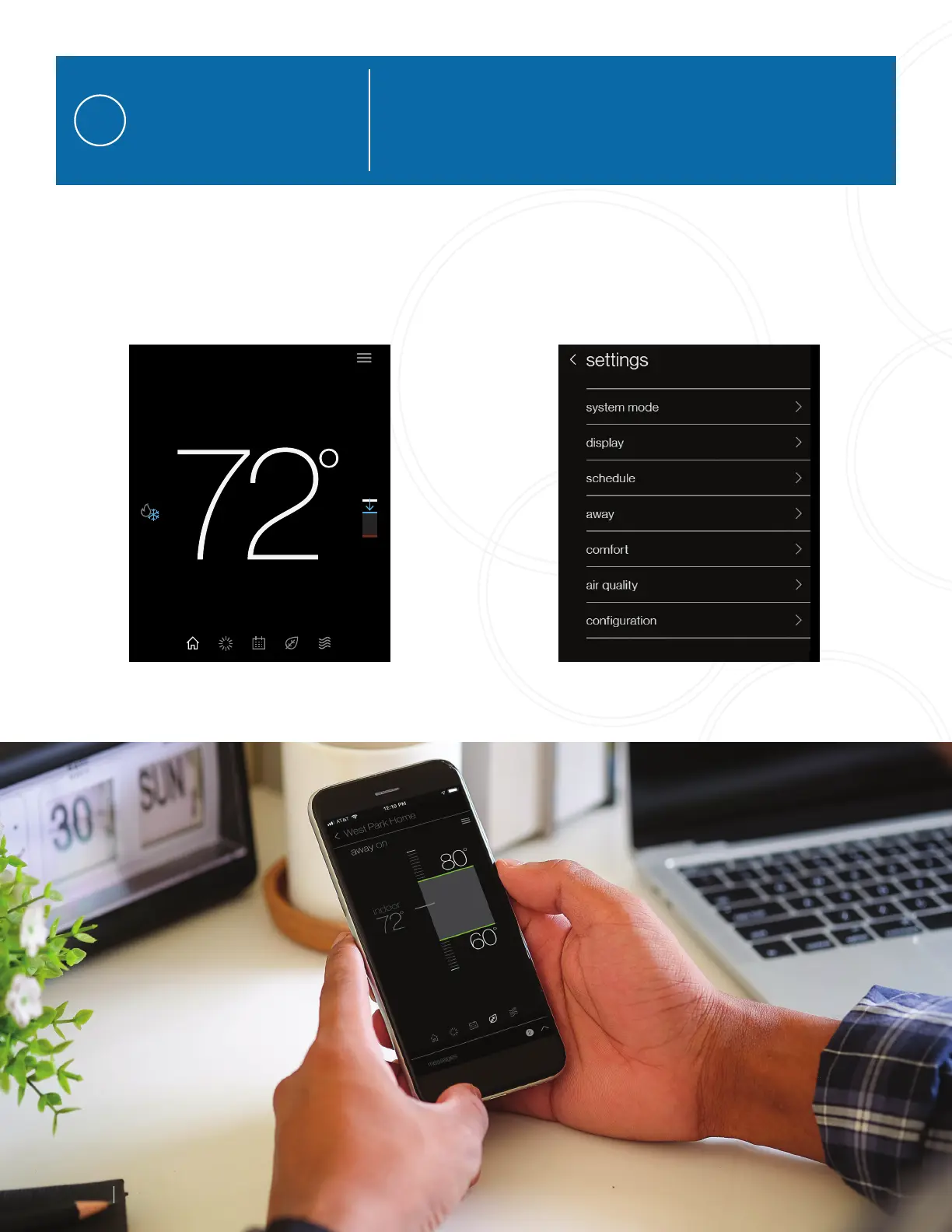
Simply tap the mode icons located on the left-hand
side of the current temperature.
From the Settings Menu
Access settings from any primary screen by tapping
the menu icon. Then select system mode.
4
www.daikincomfort.com
3



 To Next Page