SiBE18-821_C SA Indoor Unit - FFQ, FCQ, FDBQ, FBQ, FHQ Series
Operation Manual 283
26 English
Menu Manipulation
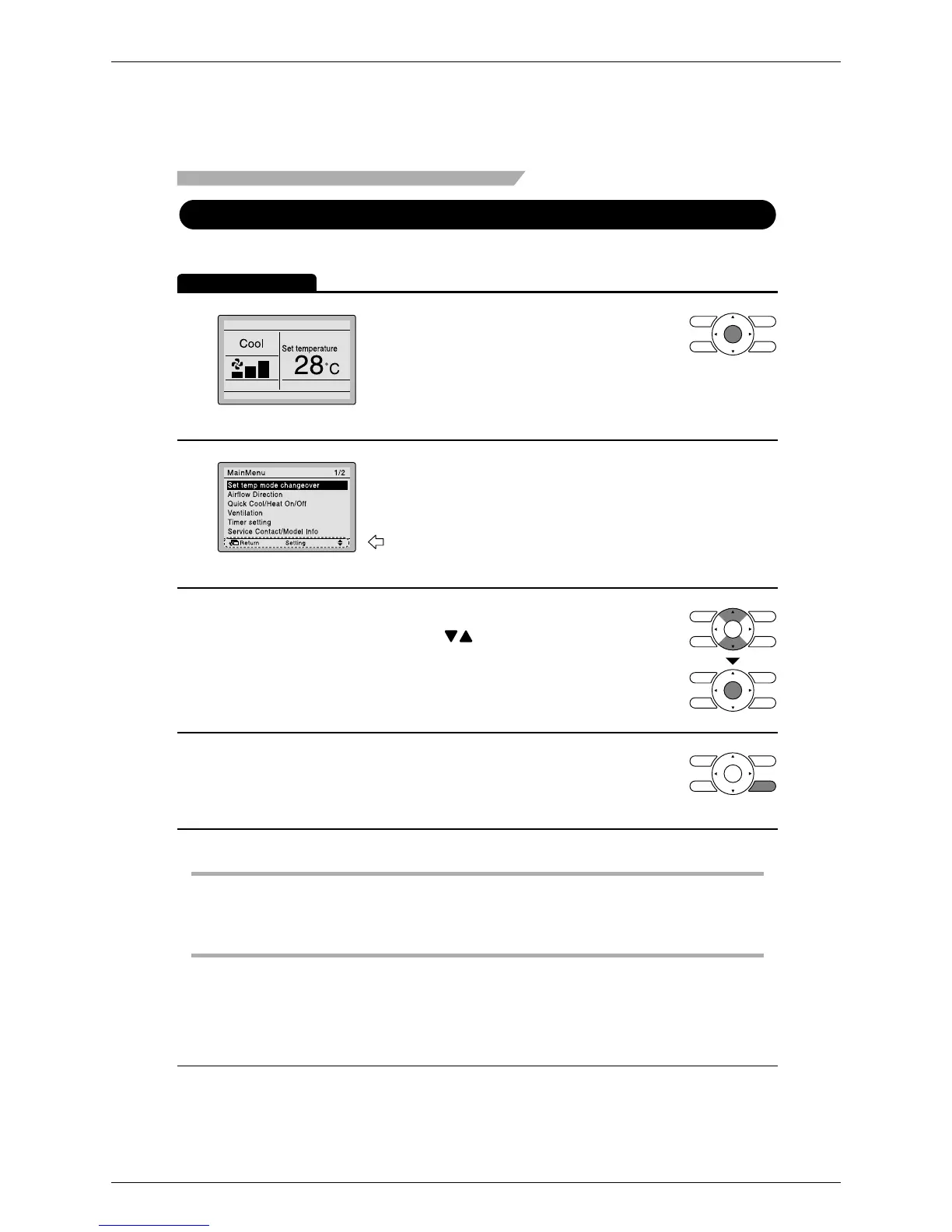
Manipulating the Main Menu Screen
Display Method for Main Menu
Operation Method
1
Basic screen
2
Main menu screen
3
4
Caution
Instructions for manipulating the
buttons will appear.
1. Press buttons to select the desired
item to be set.
2. Press Menu/Enter button to display the
selected settings screen.
•
To go back to the basic screen from the
main menu screen, press the Cancel
button.
•
While setting items, if a button is not pressed for 5 minutes, the screen will automatically go
back to the basic screen.
•
Press Menu/Enter button.
•
The main menu screen will appear.
•
Selecting items from the main menu.






 To Next Page