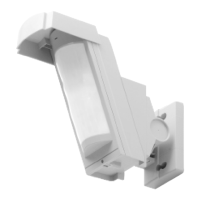
Infrared detector
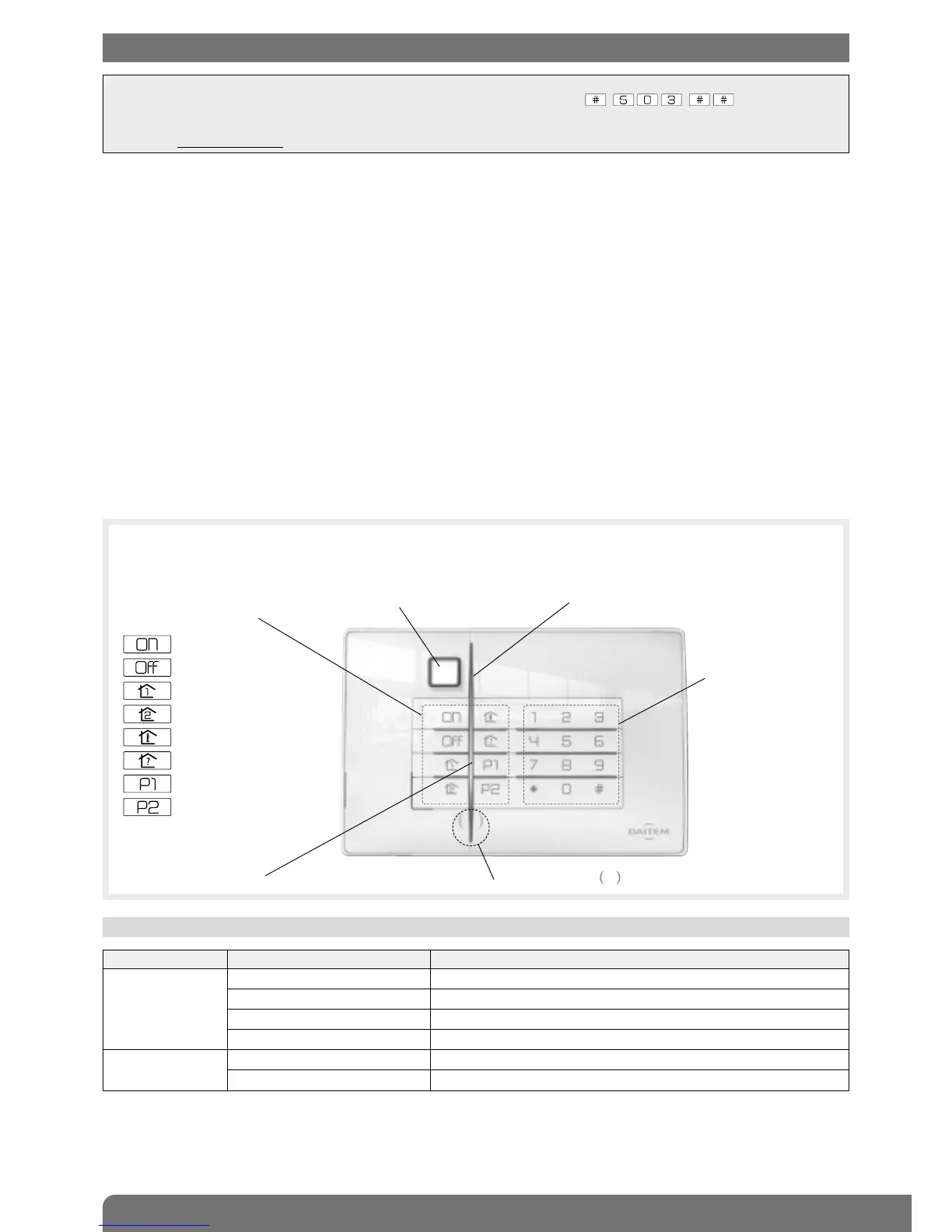
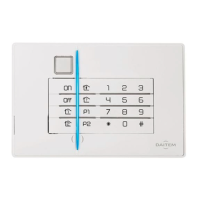
Two-colour LED
Buttons
for access codes
and programming
LED and pictogram indicating tag reading zone.
Blue light
If the level of lighting is low, a key is pressed or the detector triggered (see Infrared detector operation), the buttons and
keypad are back-lit for 10 s.
The back-lighting period is repeated for 10 s when the last key is pressed.
LED LED status Meaning
Red steady key pressed correctly
1 flash every 5 s keypad in test mode
2 flashes every 10 s keypad in installation mode
3 quick flashes handling or programming error, access code invalid
Green steady for 2 s correct programming
steady for 10 s access code valid (the 10 s period is repeated after each command)
1.1 LED indications
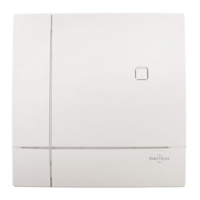
The vocal keypad with tag reader and proximity detector can be used to operate an intrusion protection system from outside
or inside the home.
The keypad commands can be accessed:
• using the master code,
• using the 8 user codes,
• using a tag (24 tags max).
Each command is confirmed with a voice message and a visual signal (LED) issued by the keypad. The keypad indicates:
• the system status,
• the status of alarms,
• the status of exit points,
• faults.
The speech synthesis system also helps with keypad use and programming.
The vocal keypad also has an infrared detector able to detect an approaching person.
The keypad is protected against:
• opening,
• removal,
• attempts to discover the access code.
8 command keys
can be personalised
Arm
Disarm
Partial 1
Partial 2
Arm Presence
System status query
Not allocated
Not allocated
IMPORTANT
• Some functions are only available with control panel versions 2.0.0 or later (enter on the control
panel keypad to check the version).
• Operational differences in relation to former ranges are described in the compatibility booklet available in the Daitem Installers
section at www.daitem.co.uk.


 To Next Page