8
4. Recognition programming
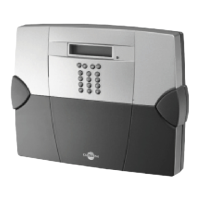
IMPORTANT: the product does not need to be placed next to the control panel for recognition programming. In fact, it is
advisable to move it at least 2 metres away from the control panel.
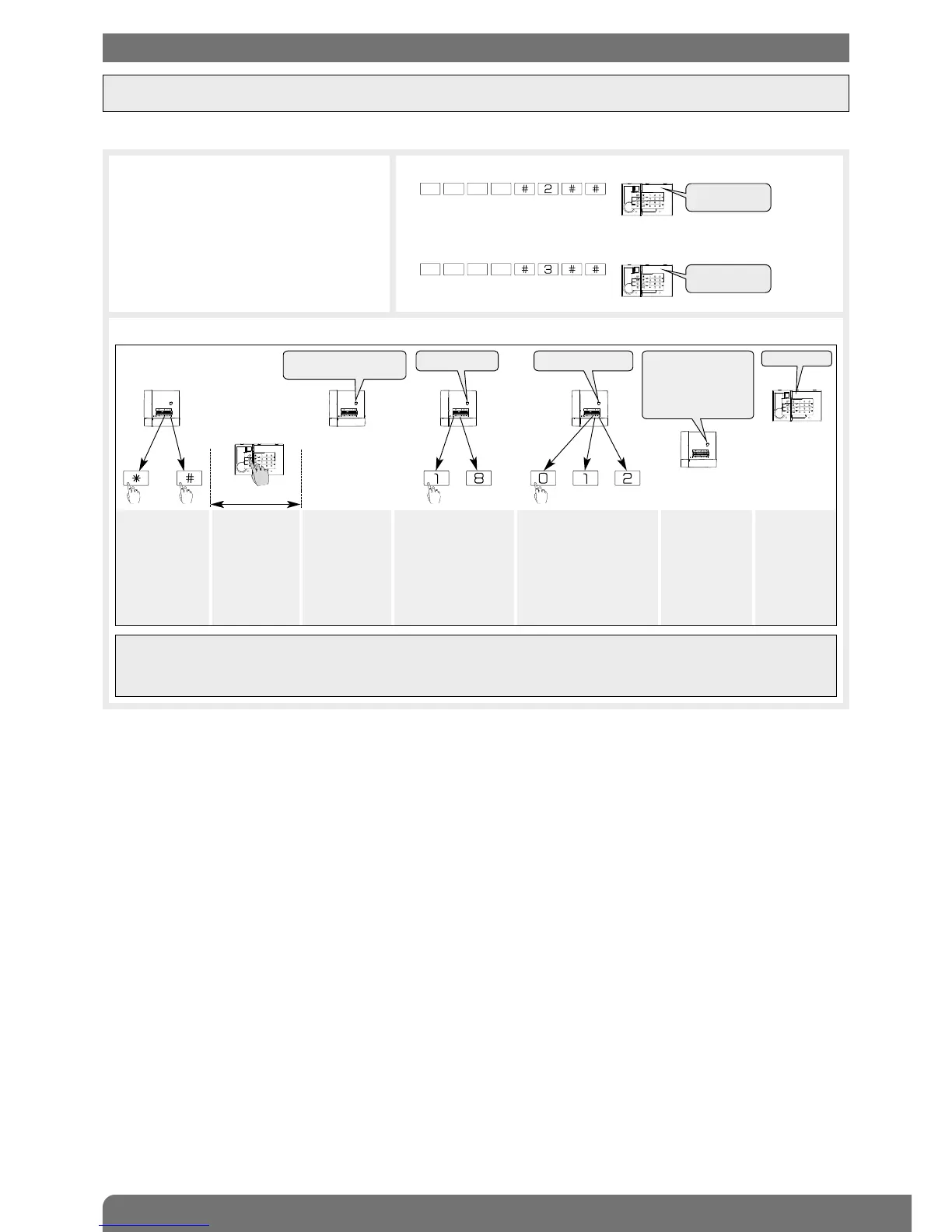
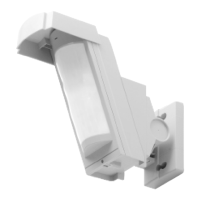
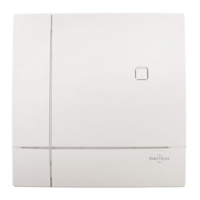
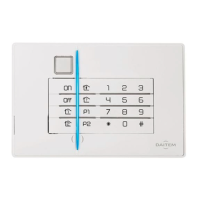
Recognition programming allows the control panel to recognise the keypad and infrared detector.
3. Perform the following recognition programming procedure:
Press
*
then #
on the control
panel keypad
Press and hold
“Off” until the
control panel
responds
The control
panel issues a
voice message
to confirm
keypad
recognition
The control panel
waits to know the
infrared detector
group (from 1 to 8
according to the
type of control
panel). Press the
control panel keypad
to select the group
The control panel waits to
know the type of infrared
red detector triggering:
• 0: immediate,
• 1: time-delayed,
• 2: combined.
Press the control panel
keypad to select the type
The control
panel issues a
voice message
to confirm
infrared detector
recognition
The keypad
issues a long
beep to
confirm
recognition
)
)
)
)
)
10 s max.
then to or or
IMPORTANT
• It is not advisable to programme the infrared detector for immediate triggering.
• The control panel issues 3 short beeps to indicate a programming error. If this happens, the recognition programming
procedure should be performed again from the start.
1. Make sure the control panel is in
installation mode (see Control panel
installation manual) with its front cover
removed.
2. Switch the keypad to installation mode by entering:
then
master code
(factory: 0000)
installer code
(factory: 1111)
“bip,
test mode”
“bip, Installation
mode”
“bip”
“group?”
“time delay?”
“bip, remote control
unit X, bip, detector X”
“bip, remote control
unit X, bip, detector
X, group Y (imme-
diate, time delayed
or combined)”


 To Next Page