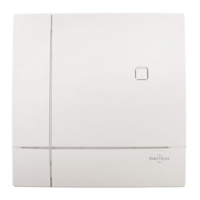
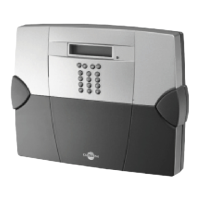
The keypad will issue a long beep
and the LED will light up RED for 2 s.
“bip”
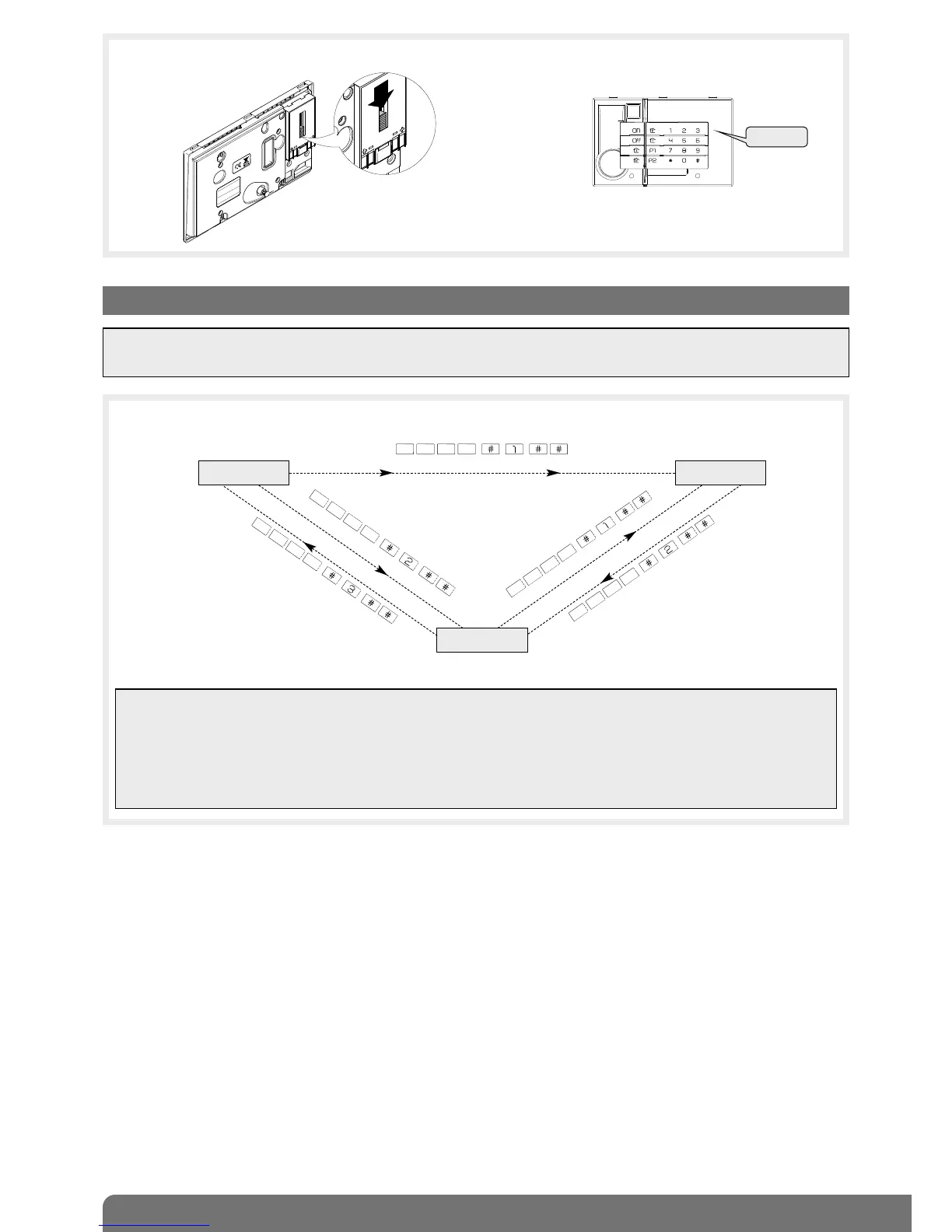
The mode can be changed by entering the factory master code “0000” then the factory installer code “1111” as shown
below:
INSTALLATION
MODE
TEST MODE
USER MODE
installer code
master code
master code
installer code
installer code
Operating
mode on
power-up
1 flash
every 5 s
2 flashes
every 10 s
3. Changing the operating mode
IMPORTANT
• When the keypad is powered it is in user mode.
• The keypad must be in installation mode for recognition programming and parameter-setting.
IMPORTANT
• For security reasons, the keypad automatically switches back to user mode after 4 hours without a command being
issued.
• If 5 wrong codes are entered in less than 5 minutes the keypad will be blocked for 5 minutes.
• If the keypad:
- is used without a control panel (e.g. command from external receiver),
- is not or no longer recognised by a control panel,
the operating mode cannot be changed if the tamper pin on the back of the keypad is pressed in.


 To Next Page