DF3000A(-DN) / DF3000AS(-DN)
20Dallmeier electronic
8 Configuration
The configuration dialog is opened as follows:
Direct: ¾ Press the Enter button (K) for approx. 2 seconds.
UTC Remote Box: ¾ Press the OK button for approx. 2 seconds.
DMS Recorder: ¾ Select Camera control > Open / Close menu
PView: ¾ Select Camera control > Open / Close menu
Navigating the configuration menu is always by means of 4 directions keys, which are
referred to as Selector in the following. The button for input confirmation and calling a
submenu is called Enter button.
Two dots after a menu entry indicate that additional configuration
options are available in a submenu.
One dot means that the selected entry (command) is executed
by pressing the Enter button.
¾ Press the Selector up or down (c d) to select a menu item from the list.
¾ Press the Enter button to call up the selected submenu or to execute the command.
¾ Press the Selector to the left or right (e f) to change the respective setting value.
¾ To return from a submenu to the higher-order menu, select Previous Page and press
the Enter button.
NOTE
Please pay attention to chapter 8.5 Exit Menu when saving/
resetting settings already made or leaving the configuration.
8.1 Configuration for lenses with manual iris
If you use a lens with manual iris control, the factory preset must be changed before any
further configuration occurs.
¾ Choose Basic Functions in the main menu and set Lens Select to Manual.
Now you can make further settings or leave the configuration.
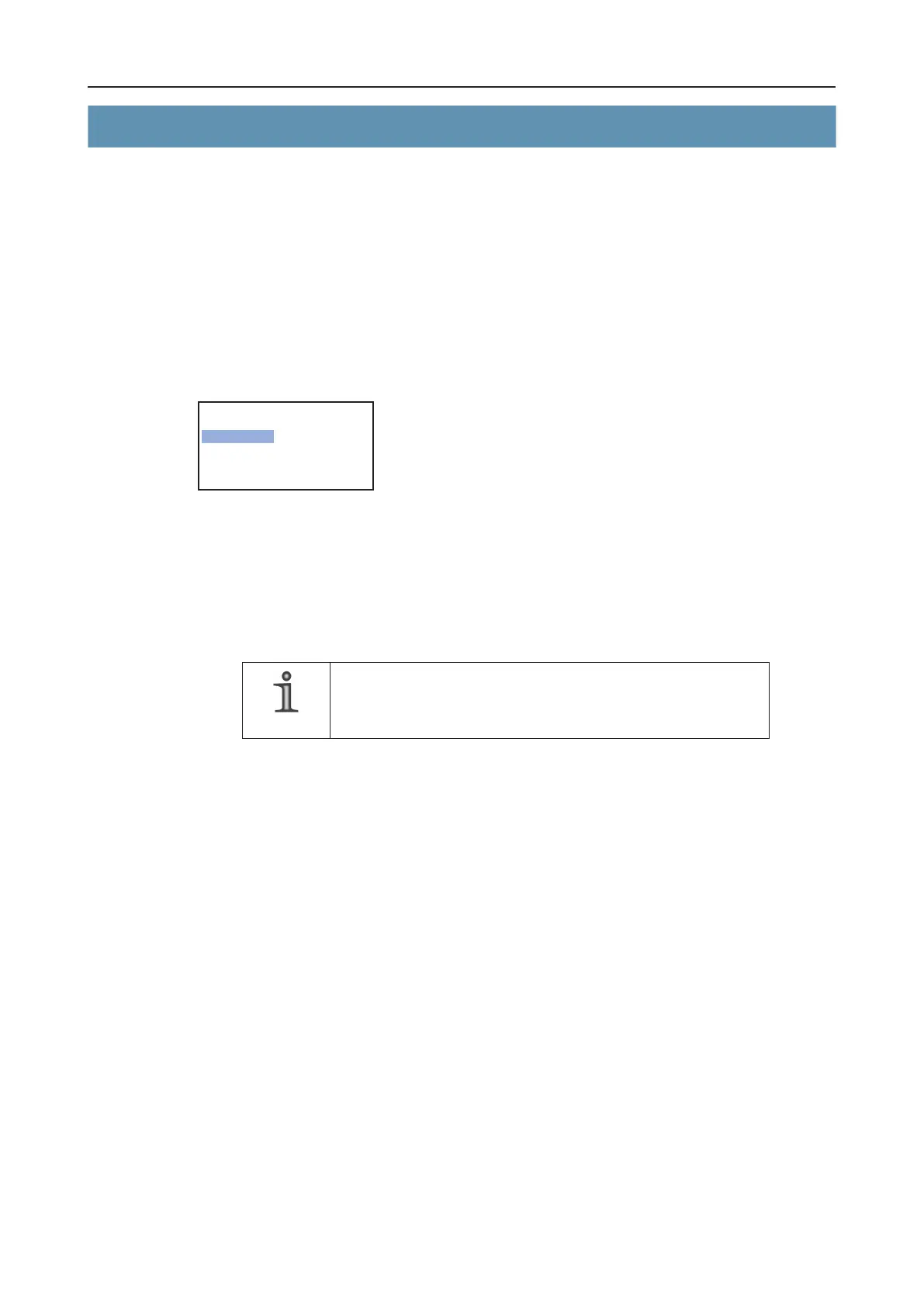
----------------- 3000 ------------------
> Presets..
Basic Functions..
Image Functions..
Save / Exit Menu..



 To Next Page