DF3000A(-DN) / DF3000AS(-DN)
25Dallmeier electronic
8.3.5 Color
The Color menu item allows you to toggle between color and
black-and-white mode (Color = B/W).
With B/W w/Burst the menu entries are displayed in color in
the black-and-white mode and can thus be easier read.
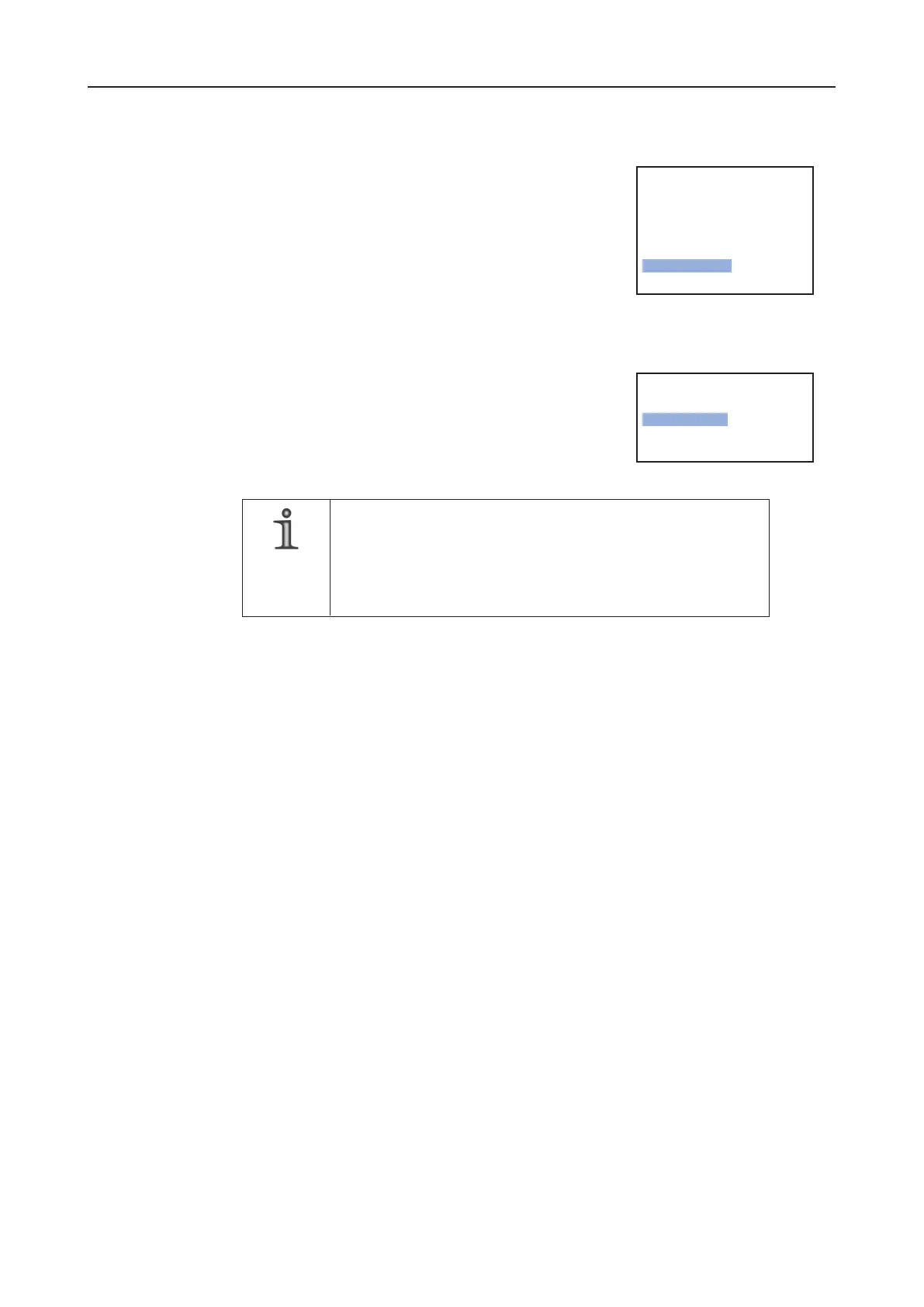
8.3.6 Day / Night Setup
The camera has a special setting that allows for detailed shots
at night. Here, the camera can be manually or automatically
set to day/night mode.
Night Control = Auto is set by default for the
DF3000A(-DN) / DF3000AS(-DN).
NOTE
Night Control = Off is set by default for the DF3000A(-DN)
CasinoCam
®
and DF3000AS(-DN) CasinoCam
®
.
Do not change these settings when using the camera in a casino
environment.
Night Control
Night Control = Off
The camera is set to day mode. Night mode is deactivated.
Night Control = On
This setting immediately changes the camera to night mode, regardless of the prevailing
light conditions.
Night Control = Auto
This setting automatically switches the camera to night mode at certain light conditions.
Night Mode
With Night Mode, you can select whether the camera will take color or black-and-white
images at night.
Night Mode = B/W (black and white) ist set by default for the DF3000.
Night: max. Gain
Night: max. Gain allows you to fix the limit for the maximum amplitude of the video
signal in night mode.
---------Basic Functions ---------
Previous Page.
Camera ID.
CCTV System PAL..
Horizontal Flip On
Lens Select.. DC
> Color < On >
Day / Night Setup..
-------- Day/Night Setup ---------
Previous Page.
> Night Control < Off >
Night Mode Color
Night: max. Gain 32



 To Next Page