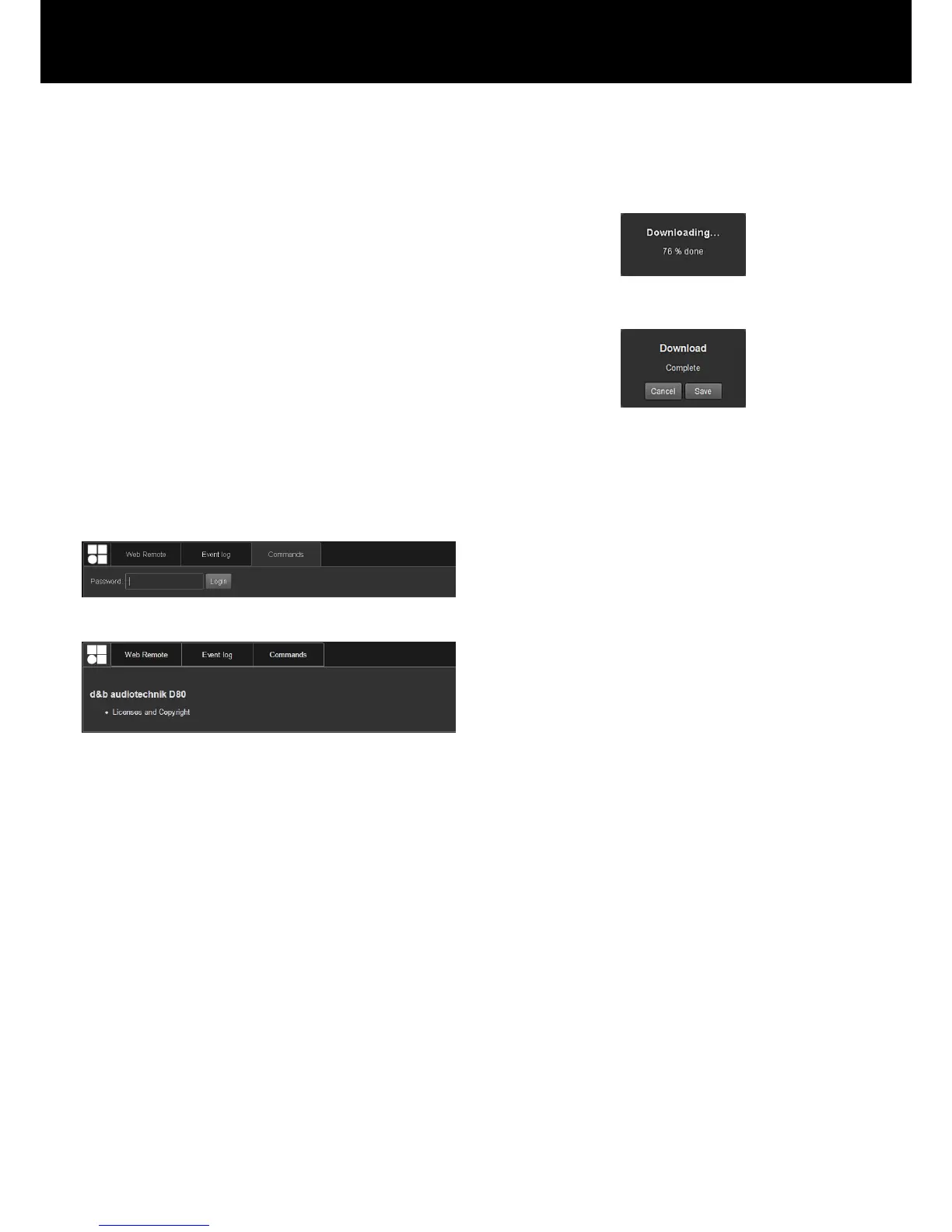
2. Choose the desired option from the drop-down list and select
«Save».
Þ
The event log data will be downloaded and the download
progress will be displayed.
Once the download is completed, a corresponding
message will be displayed.
3. Select «Save» to store the Event log data locally.
Þ
Your web browser will display the corresponding dialog
and the file will be saved as Event.log to the local
download directory you have specified in the download
settings of your browser.
Commands
This functionality is intended for service purposes only
Licenses and Copyright
Selecting the d&b logo at the top left opens the
«Licenses and Copyright» information page.
d&b D80 Manual 1.8 en64


 To Next Page