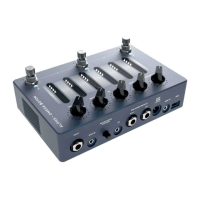
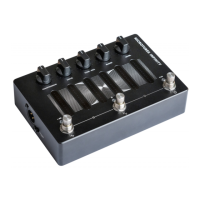
Connect your studio monitors, amplifier or other
effects to the 1/4” balanced jacks using a TRS
connector (Tip +, Ring -, Sleeve GND). If you feed
an unbalanced input from these outputs, use an
instrument cable with a mono 1/4” plug.
DIRECT OUTPUT
An XLR output with a ground lift switch provides a
reliable standard connection to a mixing desk or an
external audio interface for a guaranteed low-noise
signal.
MIDI IN
A standard 1/8” TRS jack allows connecting an
external MIDI controller to ADAM for even more
flexibility. Read more about the MIDI capabilities at
https://www.darkglass.com/creations/adam/
USB
The USB-C port unlocks ADAM’s USB audio interface
capabilities and enables interaction with the
Darkglass Suite desktop app, allowing for software
updates and access to the Darkglass IR library,
containing hundreds of cabinet simulations.
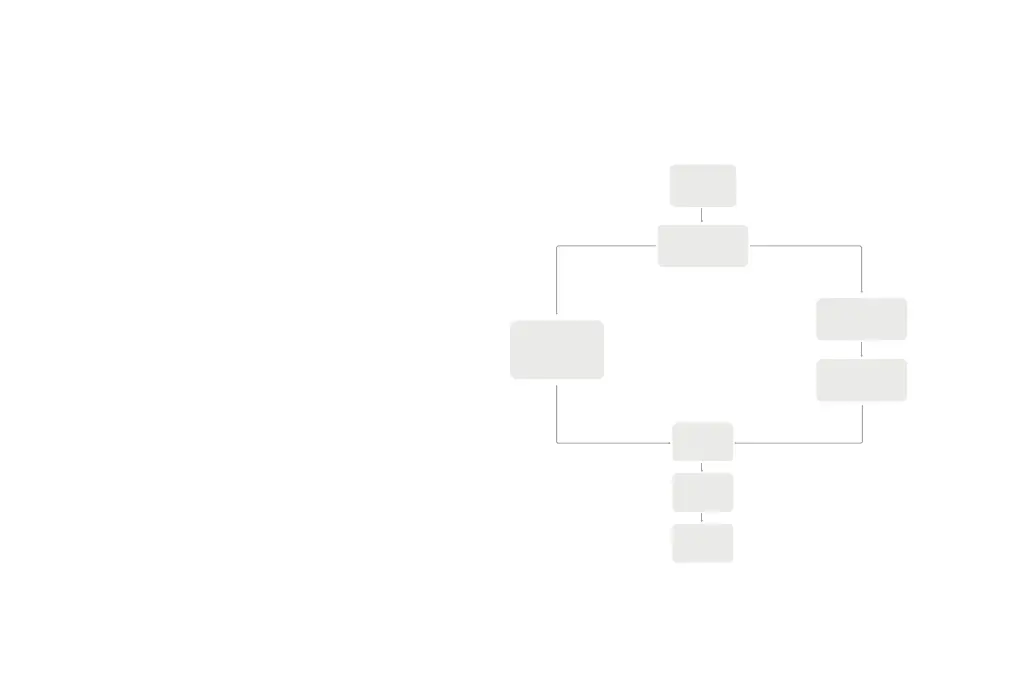
SIGNAL CHAIN
BLOCK DIAGRAM
Input
Blend
EQ
Output
Compressor
Distortion
Cabsim
Multiband
Compressor


 To Next Page