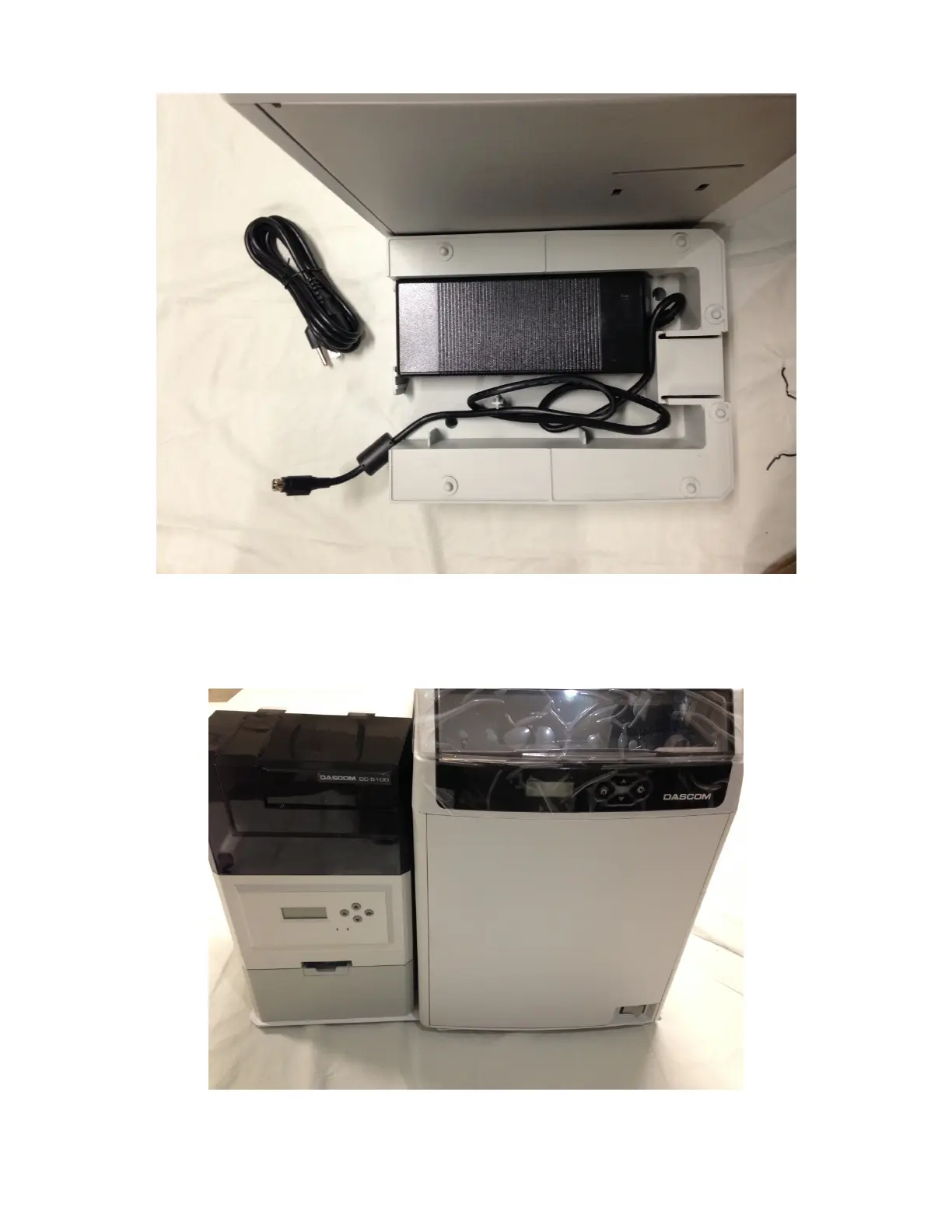
Step 3 – Prep the Stand for the Laminator
Place the Power Adapter into the Laminators Stand, a
s seen above, with the power receptacle facing outwards
and the power plug for the laminator extending out of the stand.
Step 4
– Placing the Laminator onto its Stand
Gently lower the DC-5100 Laminator onto the stand, making sure to align it to the Stand.
Read the “Connections” instructions for properly wiring the Laminator to the Printer.



 To Next Page