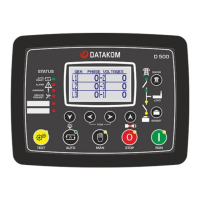
DKG-325 User Manual Firmware V-56
- 8 -
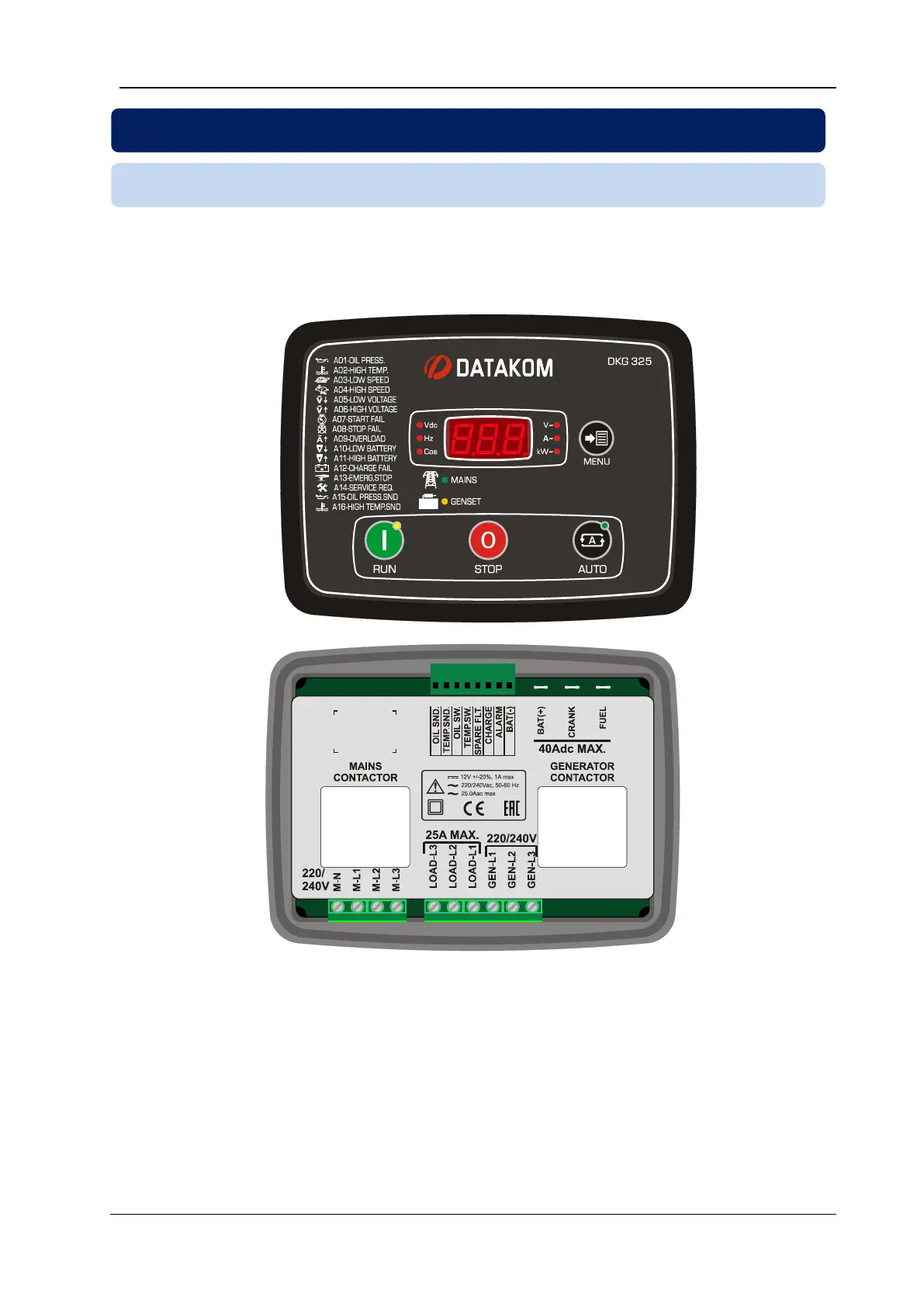
Dimensions: 200x148x72mm (7.9”x5.8”x2.9”)
Panel cutout: 176x121mm minimum (7.0”x4.8”)
Weight: 700g (1.5 lb)
Mount the unit on a flat, vertical surface. Before mounting, remove the mounting brackets and connectors
from the unit, then pass the unit through the mounting opening.
Place and tighten mounting brackets.


 To Next Page