Sentry K350 hardware encrypted USB flash drive - User Guide
Getting Started
1. Press the power button for 3 seconds
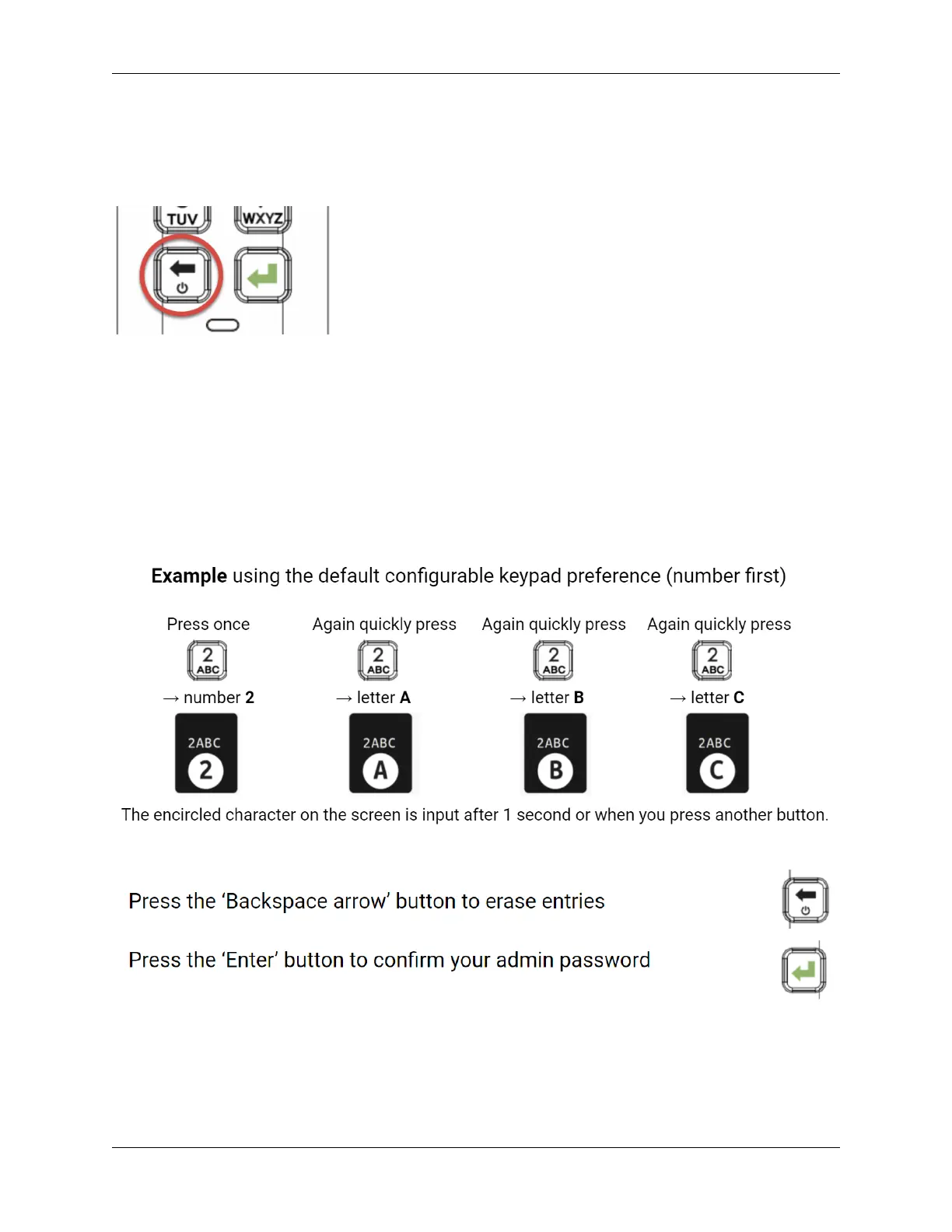
2. Create and confirm your password, follow the screen instructions
Press quickly on the number button to navigate all characters available on the button. Pick a
proper password.
Note: Linear and repetitive passwords are not supported and passwords must contain a MINIMUM
of 8 characters. It is recommended that you use a combination of letters, numbers and special
characters for your password. Some examples of invalid passwords are: ‘78901234’, ‘43210987’,
’12345678’, ‘1111111’
© 2021 DataLocker Inc. All rights reserved. 5



 To Next Page