Sentry K350 hardware encrypted USB flash drive - User Guide
Accessing the Configuration Menu
In the Connect Selection you will select and confirm MENU to get to the Configuration Menu.
Login Mode Selection
The contents of the Configuration Menu will depend on the login mode of the current login, the
following login modes may be available:
• ADMIN - The login mode allows full configuration control on the device, see Configuration
Menu Overview.
• USER - The User menu is available after creating a user in the administrator menu.
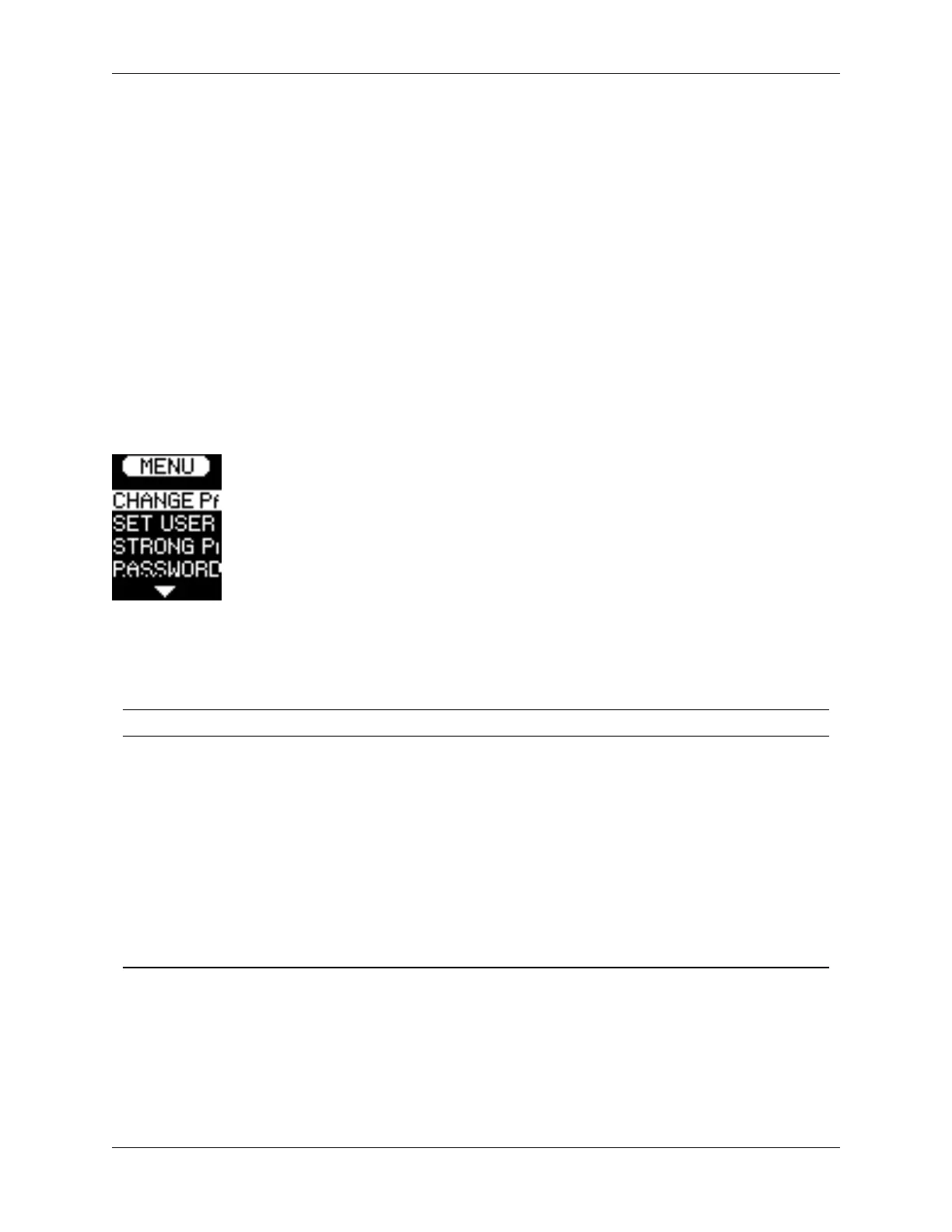
In the example below part of the Admin Configuration Menu options are displayed.
Configuration Menu Overview
Menu Option Details Login Mode
Change Password Change current login password. USER/ADMIN
Set User Configure a user profile for use on your K350. ADMIN
SafeConsole Used to enable SafeConsole functionality for your
K350.
ADMIN
Self Destruct Used to configure self-destruct counters and methods. ADMIN
Zeroize Drive Zeroize the device. ADMIN
Strong Password Enable various options for increasing password
strength.
ADMIN
Password Length Set the acceptable minimum password length. ADMIN
Auto-lock Time Modify length of time before your device auto-locks. USER/ADMIN
Read-Only Mode Enable or disable forced read-only mode. ADMIN
Keypad Preference Set letters to appear first on password entry. ADMIN
© 2021 DataLocker Inc. All rights reserved. 8



 To Next Page