Sentry K350 hardware encrypted USB flash drive - User Guide
K350 features and configurations
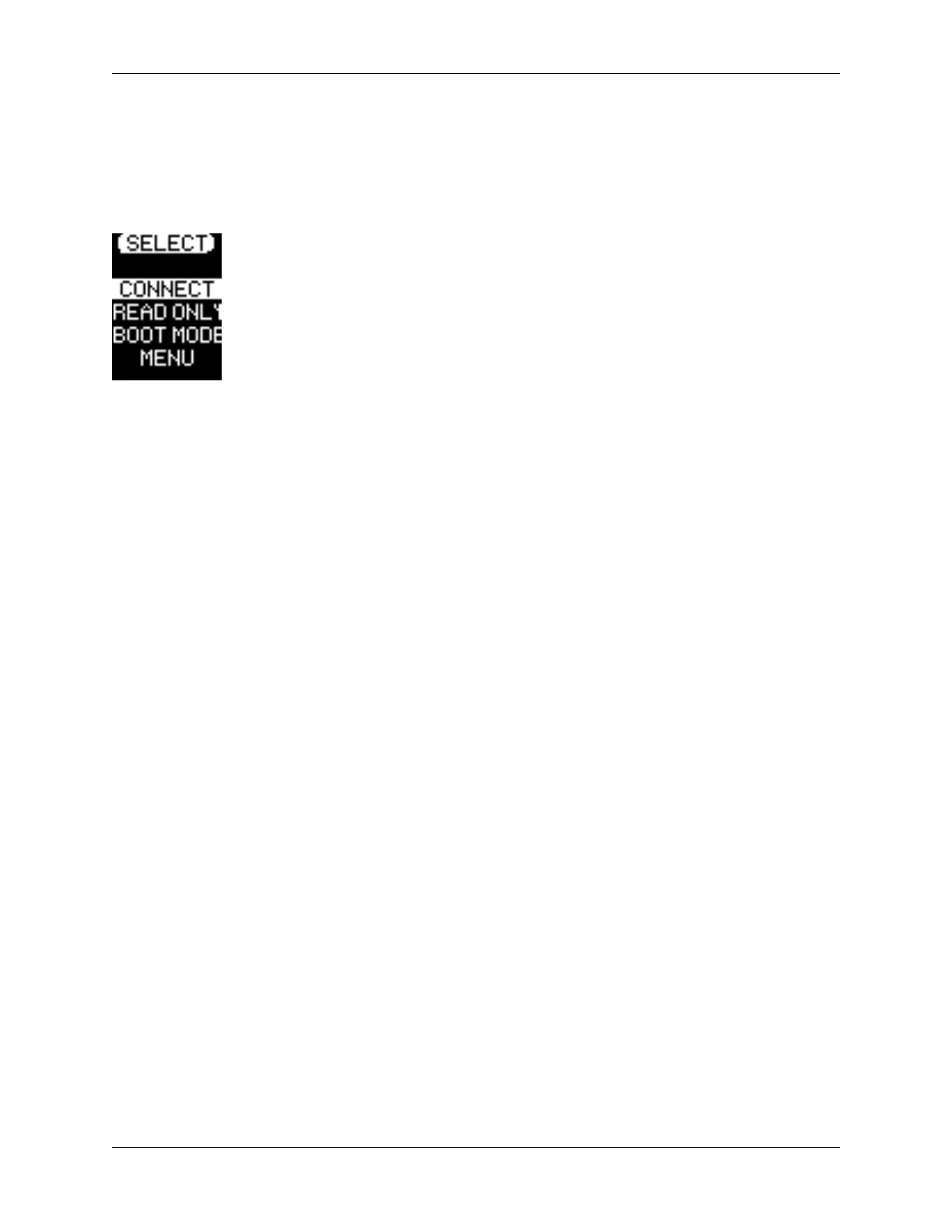
Connect Selection Menu
After unlock the Connect Selection Menu is displayed.
Connect Selection Menu Overview
• CONNECT - Connect to the host computer (selected in the above example)
• READ-ONLY - Connect the device storage as read-only to the host.
• BOOT MODE - Boot an installed operating system from the device storage.
• MENU - Access the Configuration Menu
When the device is managed by SafeConsole the following two options may appear.
• SAFECONSOLE - See the section Unlocking in SafeConsole Mode
• STANDALONE - If the SafeConsole administrator allows it, the user can utilize Standalone Logins
temporarily when unlocking on systems that do not allow the management system control.
© 2021 DataLocker Inc. All rights reserved. 7



 To Next Page