www.datamax-oneil.com 30
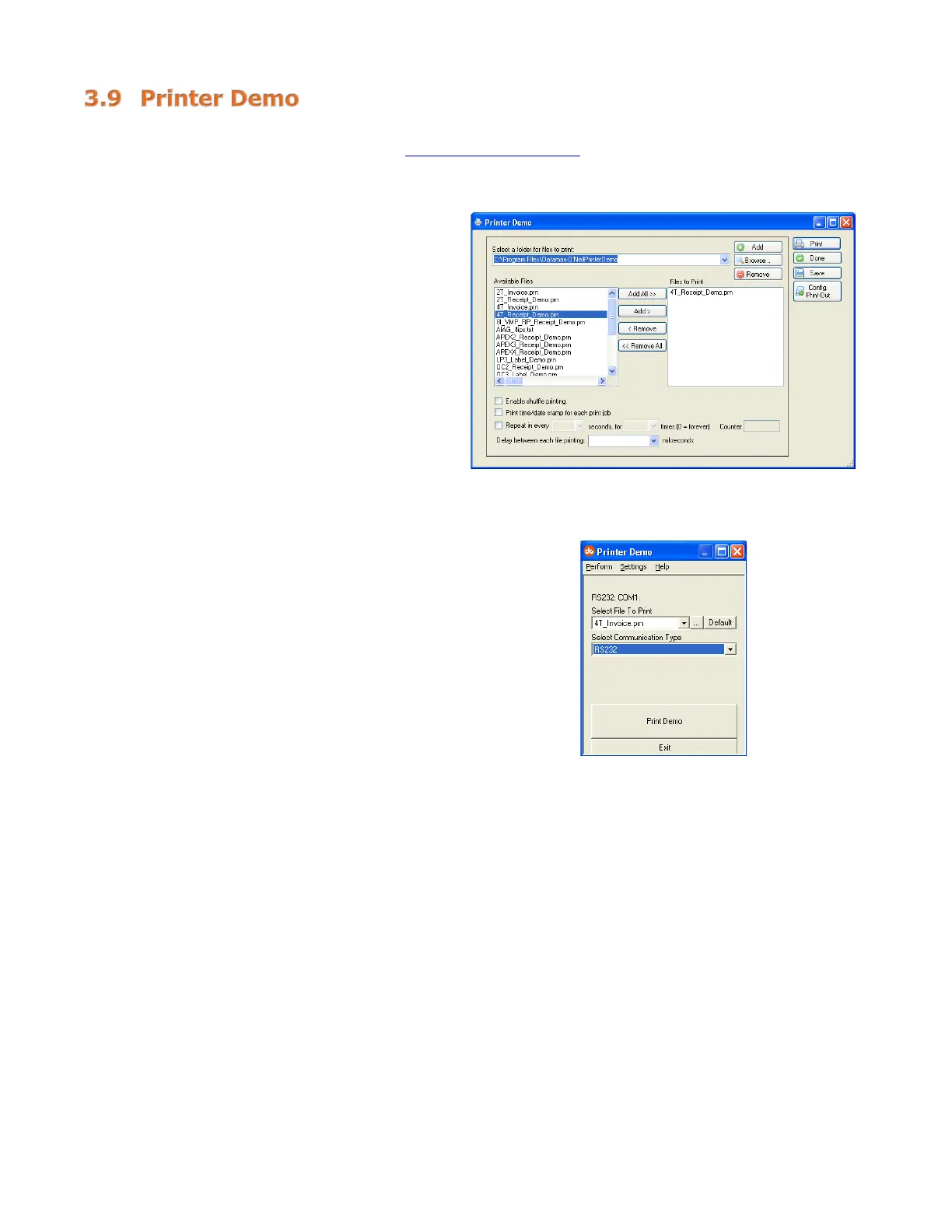
There are two (2) ways to send demo-label formats to the printer, NETira
™
CT and the standalone Printer
Demo program available for download at www.datamax-oneil.com
.
NETira
™
CT Printer Demo:
1) Launch the NETira
™
CT Printer
Configuration Utility, select “Tools,” then
“Printer Demo.”
2) Browse to folder containing print files,
highlight files to be printed and click
“Add>.”
3) Click on “Print” to send the file(s) to the
printer.
Standalone Printer Demo:
1) Launch the Printer Demo utility.
2) Select the file to print from the dropdown
menu.
3) Select “Settings” to set the
communication parameters for the
communication type selected.
4) Click “Print Demo” to send the file to the
printer.



 To Next Page