www.datamax-oneil.com 12
The Real-Time Clock is powered from a rechargeable coin cell. Once the RTC is set, and as long as the main
battery is in place and has a reasonable charge, the RTC will continue to keep time. If the main battery is
pulled, you have 2+ days or the time will be lost and will need to be reset once power is restored.
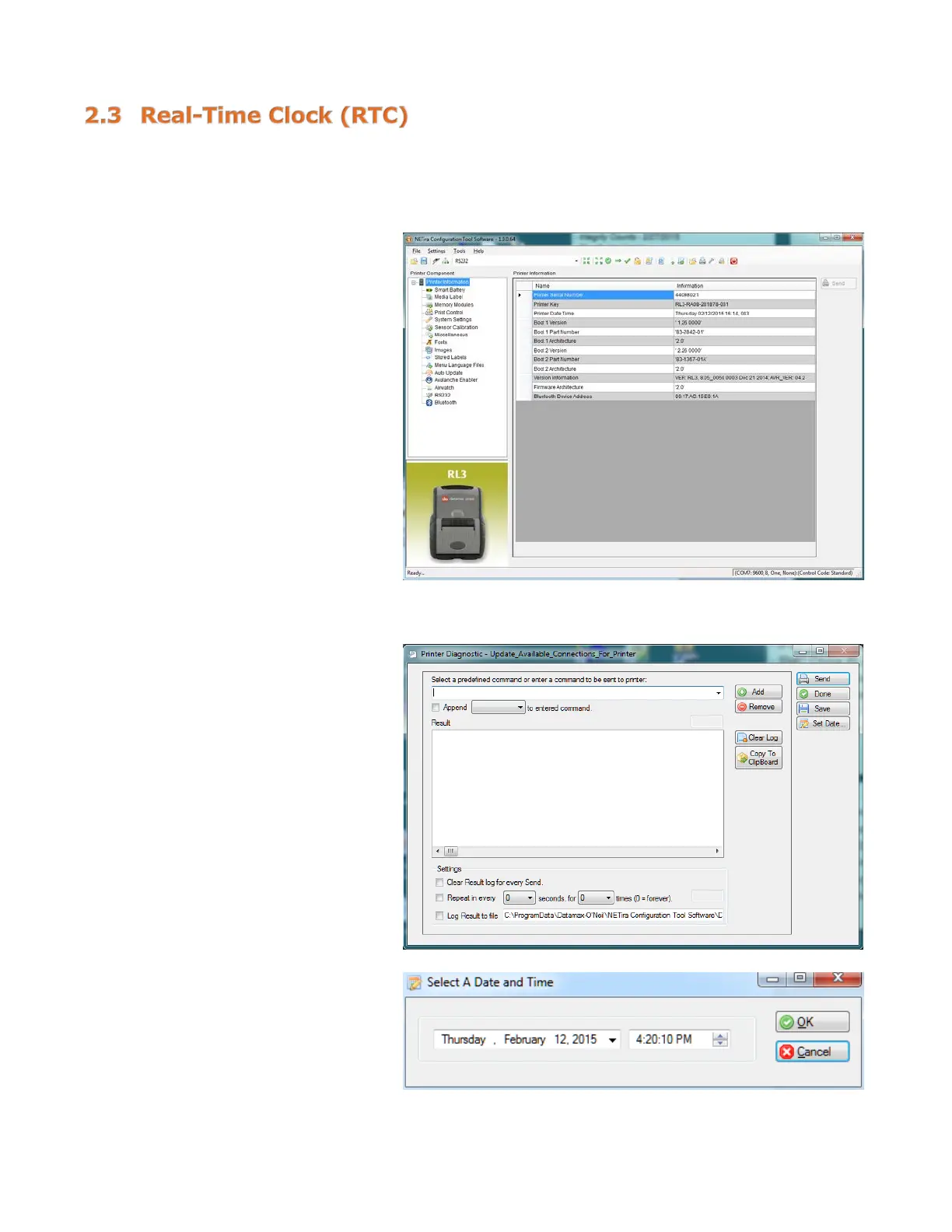
Viewing the RTC Setting:
1) Click on “Printer Information.”
2) View the current RTC date and
time stamp in “Printer Date
Time” section.
Resetting the RTC:
1) Click on “Printer Diagnostics.”
2) Click on “Set Date.”
3) Set the “Date” and “Time” and
click on “OK.”



 To Next Page