www.datamax-oneil.com C-7
C.4.5 WPA-PSK TKIP w/TKIP
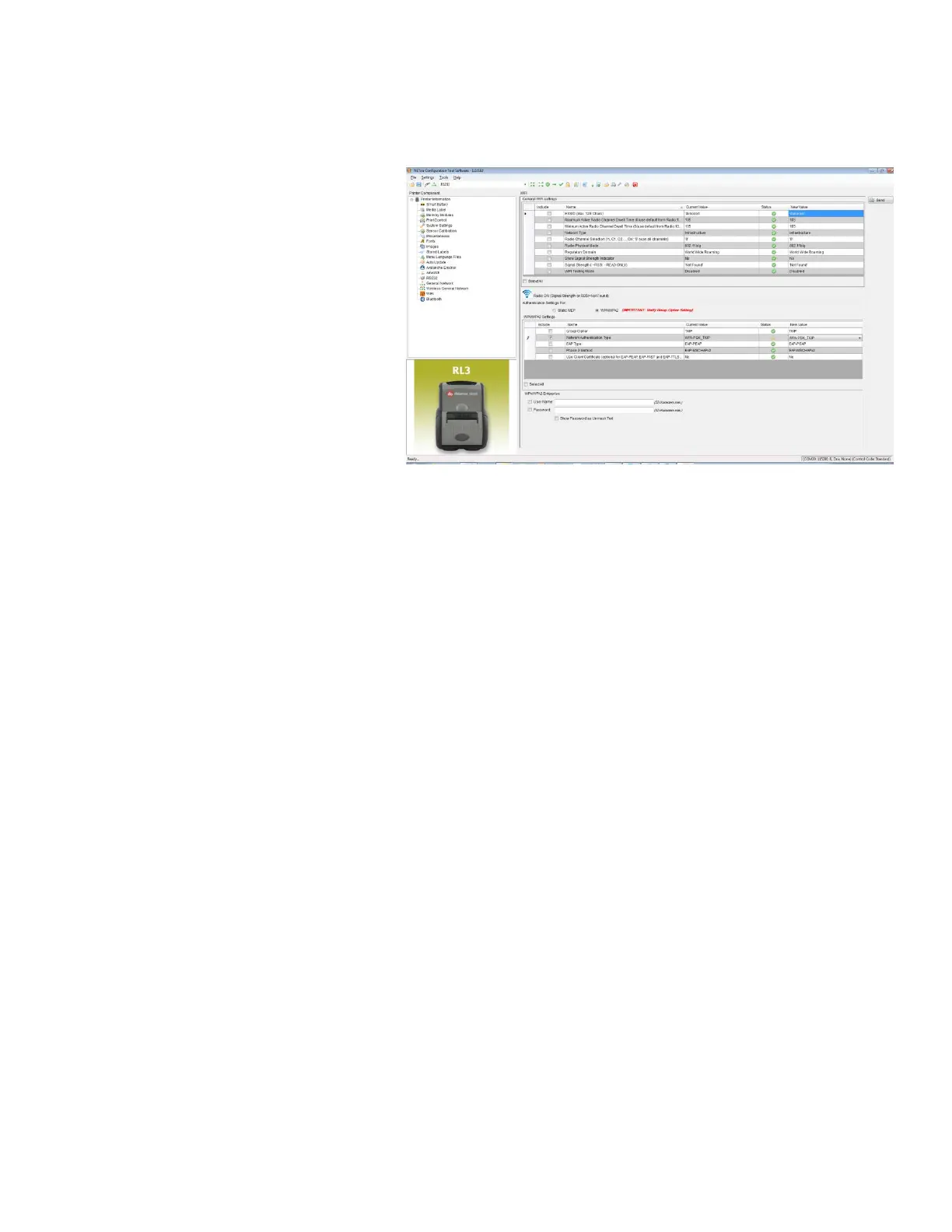
1) Click on the “Wi-Fi” printer
component.
2) Click the “Click the WPA/WPA2”
radio button.
3) Change (or confirm) the
following parameter settings:
Group Cipher: TKIP
Network Authentication Type:
WPA2-PSK_TKIP
4) Type the Pass Phrase under the
“WPA_PSK_TKIP/WPA2_PSK
settings” section. Note that Pass
Phrase is case-sensitive.
5) After updating the “New Value”
column, click the “Send” button
to send these changes to the



 To Next Page