www.datamax-oneil.com 33
If print quality declines (symptoms include non-compliant bar codes, print dropouts and streaks),
the typical cause is debris buildup on the printhead. Furthermore, when the buildup is not
removed it may lead to reduced service life or printhead failure. Streaks in printed labels usually
indicate a dirty or faulty printhead.
To clean the printhead (using a Datamax-O’Neil cleaning card):
The following procedure is for “standard configuration” printers. Linerless printers should only be
cleaned with the Datamax-O’Neil Cleaning Pens.
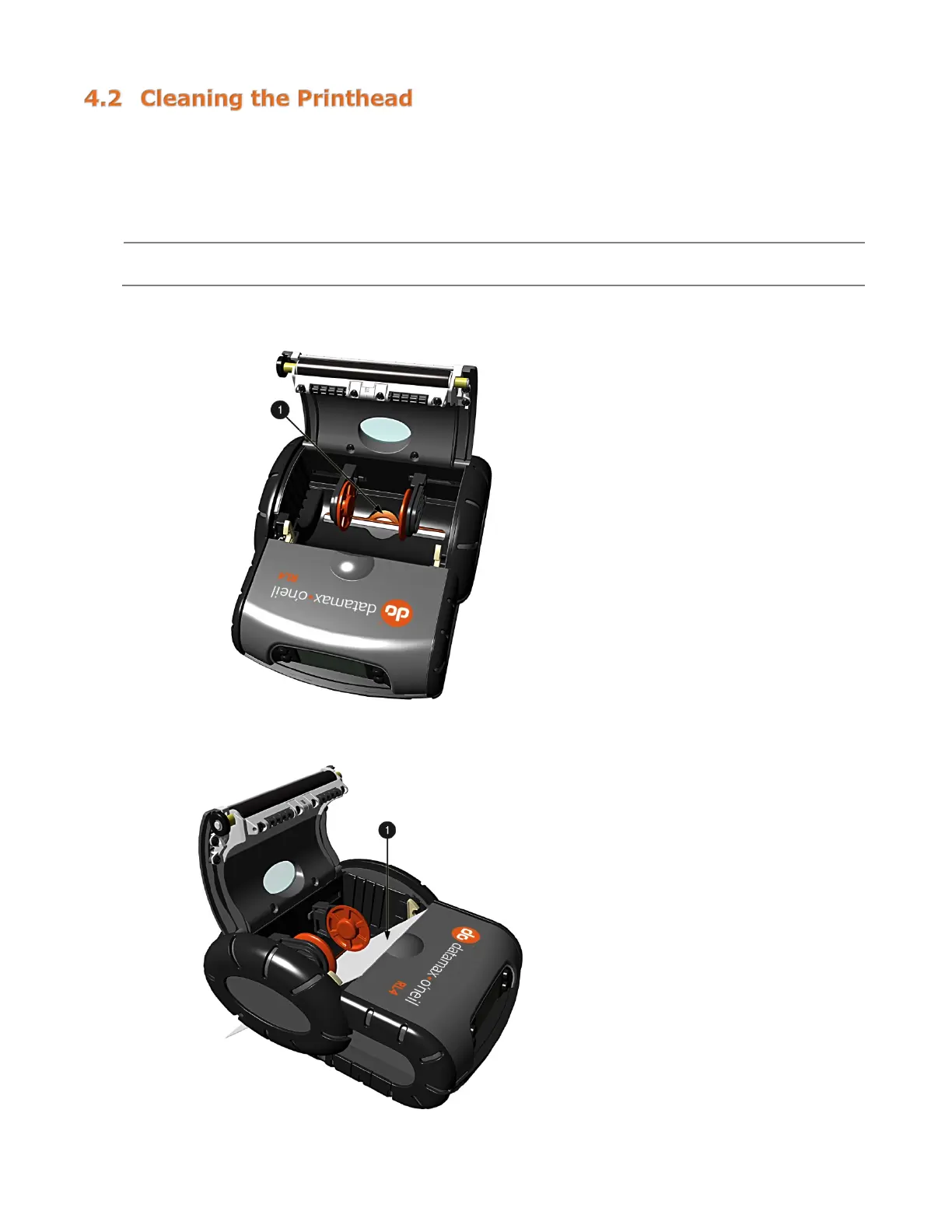
1) Open the printer Cover. Remove any media installed in the printer. Open the External Media Door
located in the bottom of the printer.
2) Remove the cleaning card from its package. Insert the cleaning card through the External Media
Door and into the printer as shown:



 To Next Page