SYNCHRONIZATION 19
CONNECT GPU SYNCHRONIZATION
There are two ways to connect GPU synchronization:
• Sync generator into BNC connector.
• Cat 5 cable between the machines to synchronize.
IMPORTANT: Do not connect a network cable between the Sync port on your WATCHPAX 60 and a
network interface as this may cause permanent damage to the card inside.
SDI SYNCHRONIZATION – MODEL C ONLY
The SDI outputs on your WATCHPAX 60 can be synchronized in three ways, or modes, as listed
below:
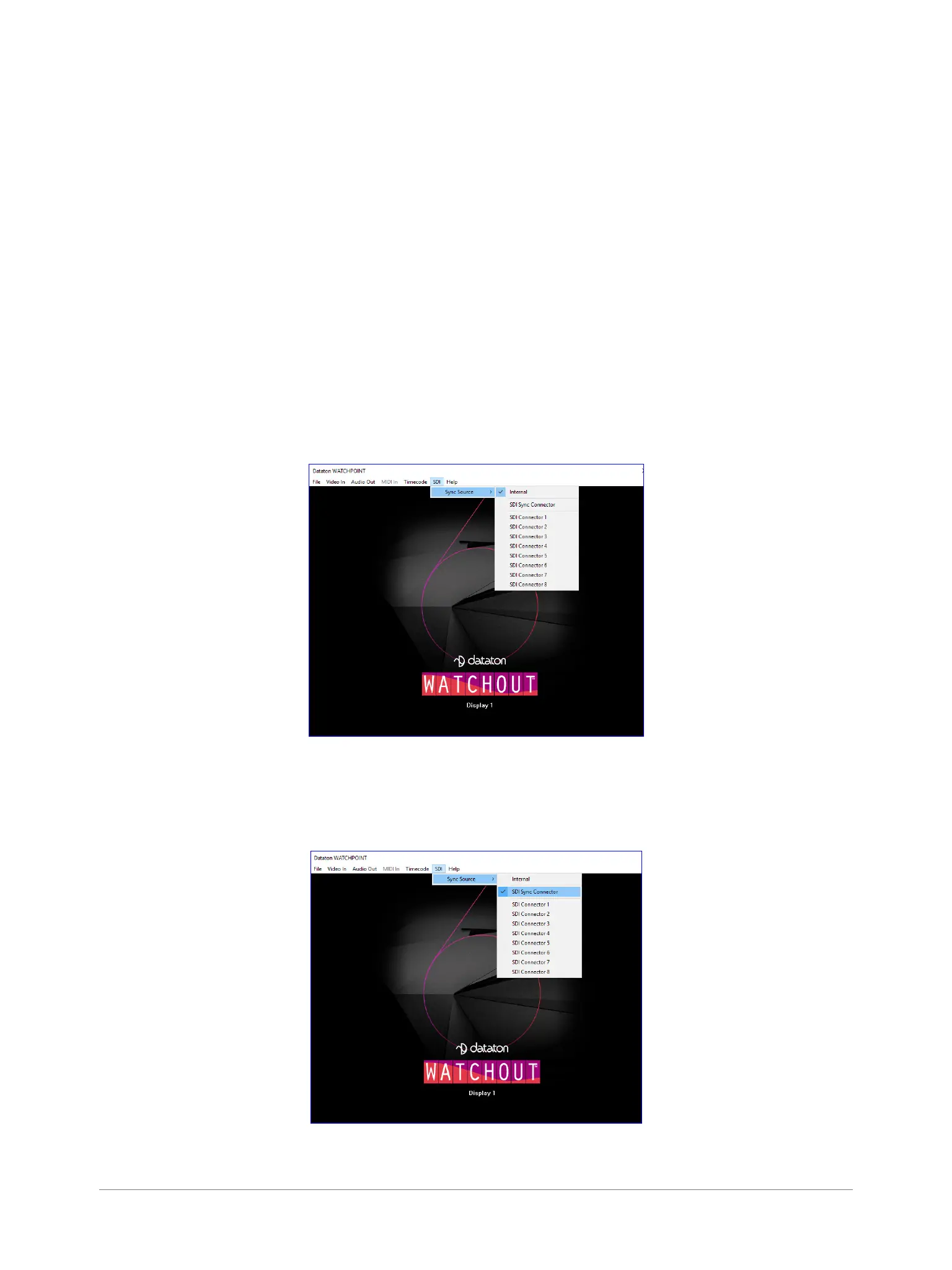
MODE 1: INTERNAL SYNC
This is the default mode. Having this set will ensure synchronization between the different SDI output
channels.
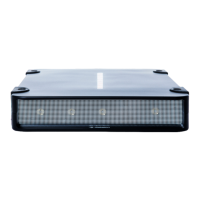
MODE 2: SDI SYNC CONNECTOR
This mode utilizes the dedicated synchronization connector of the SDI board and can be used with a
bi- or tri-level synchronization signal.


 To Next Page