INTRODUCTION 6
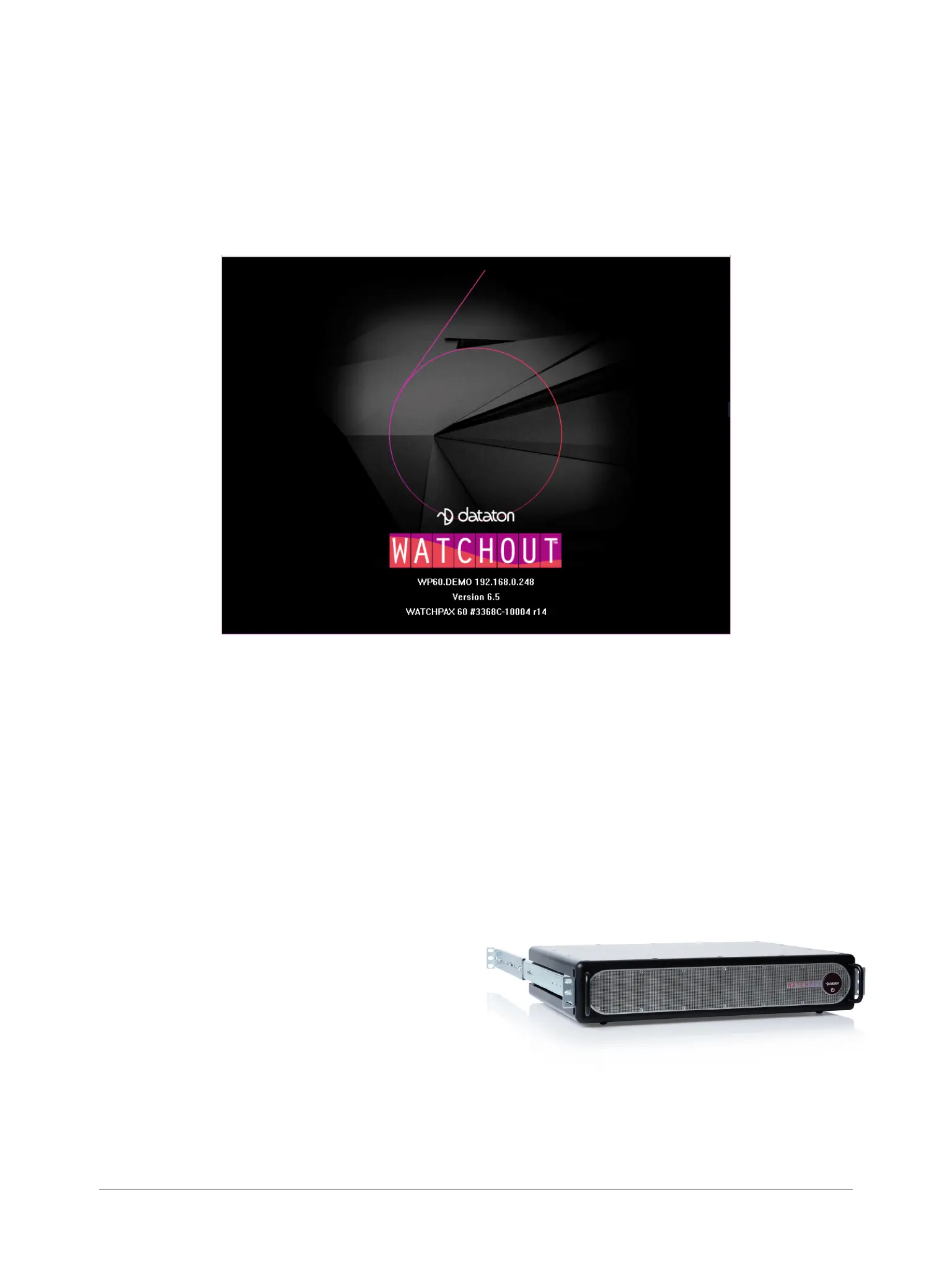
First line: Computer and cluster name (if this has been set in the WATCHOUT Production software
Network window – please see the “Network Window” section in Chapter 3: Windows, “Dataton
WATCHOUT User’s Guide” for more information), IP address for the media server.
Second line: Version number of the WATCHOUT Display software that is currently installed on the
media server.
Third line: Media server model type, serial number, rmware version
ACCESSORIES
SUPPLIED
2 x power cords with IEC 60320 C13 connector for the redundant PSU
4 x Accell DisplayPort to HDMI 2.0 adapters
1 x audio XLR breakout cable
9 x micro BNC to BNC adapters (WATCHPAX 60C only)
Rubber feet (for tabletop/standalone use)
AVAILABLE SEPARATELY
Rack kit for mounting the unit to a 19” rack
Fan lter as a replaceable spare part
Micro BNC to BNC adapters
Unit with rails mounted for rack use
WATCHOUT start-up screen


 To Next Page