48
FREQUENTLY ASKED QUESTIONS (FAQ)
S-715W
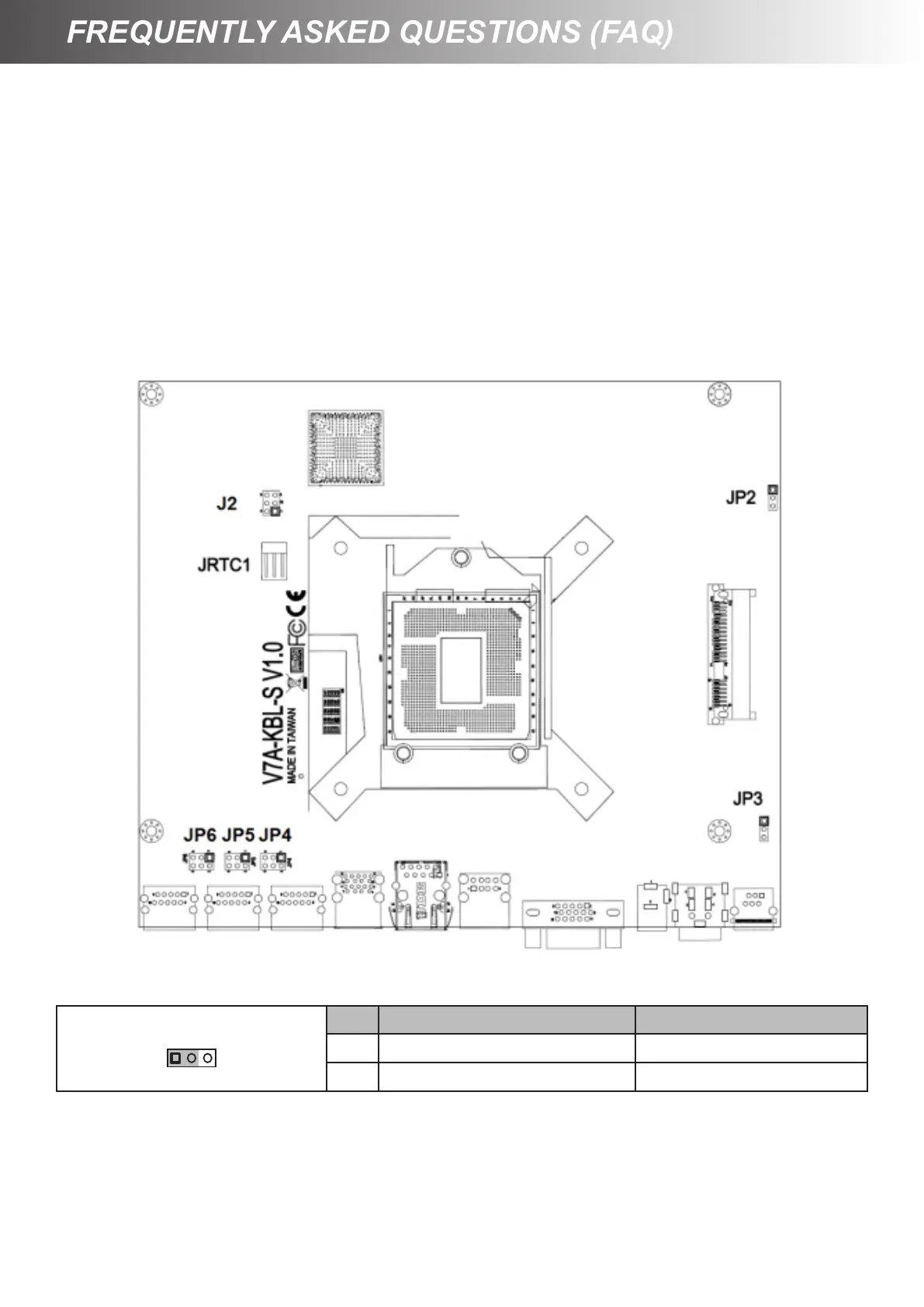
To clear CMOS, do the following:
1. Turn off power and pull out the power cord.
2. Insert the JRTC1 jumper cap to clear CMOS PIN and remove the jumper cap from clear
CMOS PIN.
3. Switch on the power again.
4. Press <F2> to enter CMOS setting and load optimized defaults.
JRTC1: Clear CMOS
Pin Denition Denition
1-2 Normal 1-2
2-3 Clear CMOS



 To Previous Page