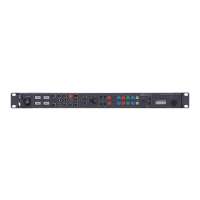
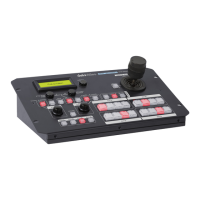
Note: The AWB / ABB functions may be modified during
the firmware upgrade process.
Enable & Painting Adjustment buttons
Press the ENABLE button in the Painting area
MCU-200S before choosing to adjust either the level of
the Red and Blue Gain or the RGB Pedestal values.
These buttons are used to adjust the level of the Master
Pedestal.
This port is used for firmware updates or to save/transfer
MCU-100S settings to computer.
See Firmware Update
section for firmware upgrade
GAIN value, SHUTTER speed, FILTER position, IRIS, Master
Pedestal, R/B Gain and RGB pedestal values are shown on
the display below in this order each time the CHECK
button is pressed.
If the CHECK button is pressed and held down for over
two seconds the MCU-200S unit will switch in to LOCK
mode.
Note
: The Check function may be modified during the
firmware upgrade process.
To enable or disable Auto Iris.
The button is back lit orange when Auto Iris is enabled.


 To Next Page
 Loading...