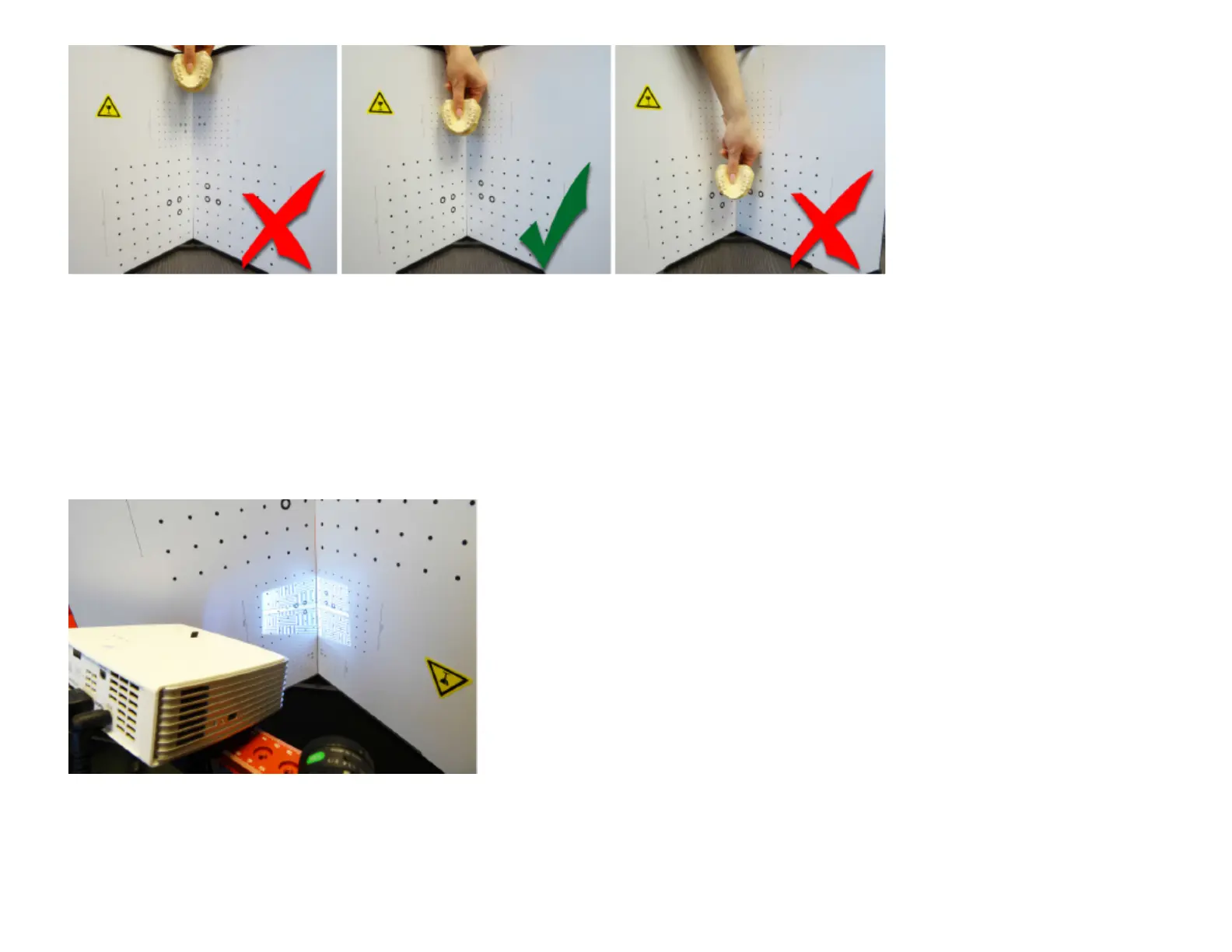
Calibration pattern too small; Suitable calibration pattern; Calibration pattern too large
Choose the calibration pattern whose size fits to the scanned object. The pattern should be slightly larger
than the object / region to be scanned. For object sizes above ca. 200 mm, use the large 240-mm pattern
on the back.
3. Move scanner in position
Typical setup for calibration
Remove the object and set up the glass calibration panels and the scanner in front of each other, about the
same distance as the object previously, so that the projection and camera image are sharp. Camera and



 To Next Page