EasyManua.ls Logo

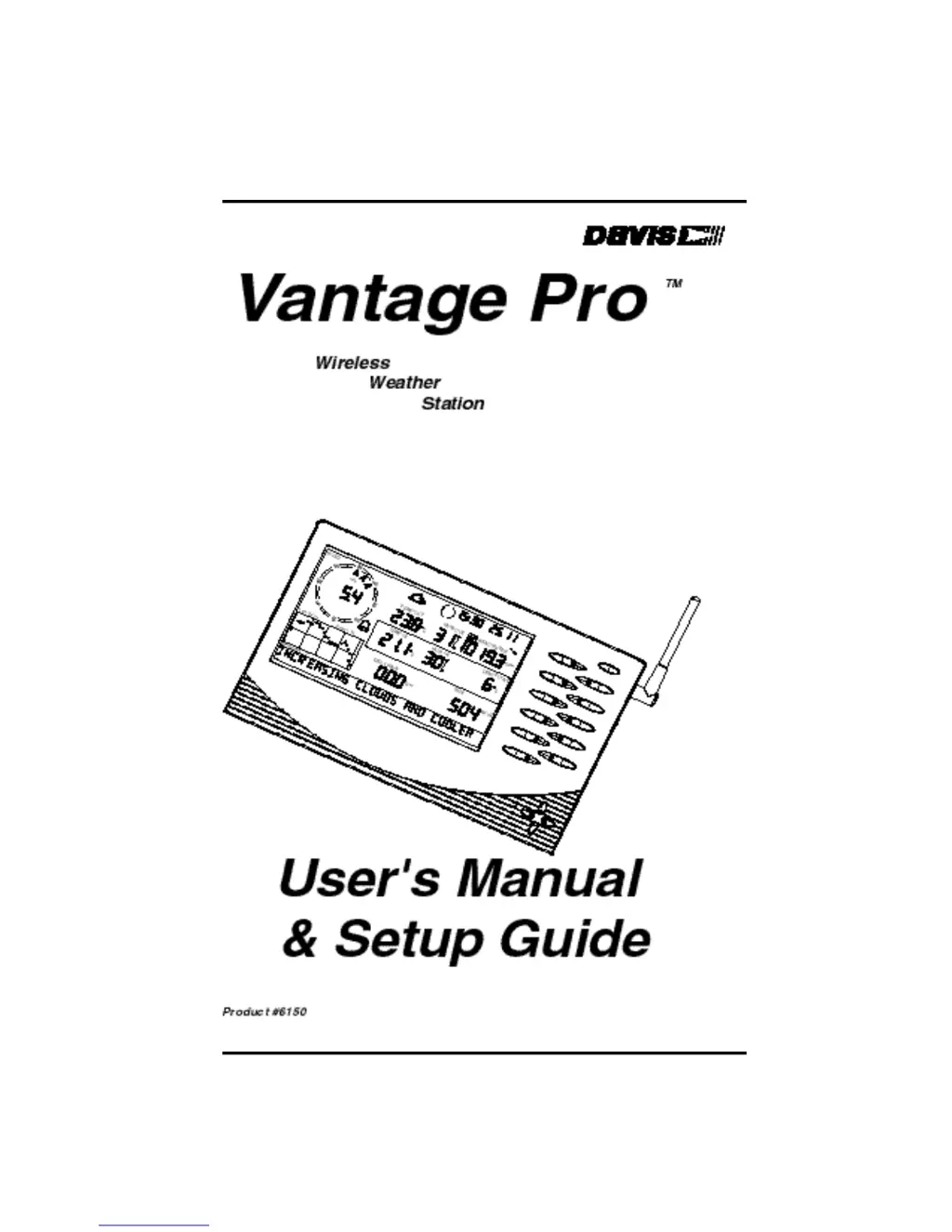
DAVIS Vantage Pro - User Manual

DAVIS Vantage Pro
60 pages
Print Icon
To Next Page IconTo Next Page
Loading...

Other manuals for DAVIS Vantage Pro

Questions and Answers

  • K
    Kenneth ParsonsSep 2, 2025
    Why does the heat index reading seem too high or too low on my DAVIS Weather Station?
    • R
      randall34Sep 2, 2025
      If your DAVIS Weather Station heat index reading seems too high or too low, check the calibration numbers for the temperature. Remember, the heat index depends on temperature and outside humidity, so make sure they’re working correctly.
  • C
    Christine MunozAug 31, 2025
    Why does the wind chill reading seem too high or too low on my DAVIS Vantage Pro Weather Station?
    • V
      Victoria RobinsonAug 31, 2025
      If your DAVIS Weather Station wind chill reading seems too high or too low, check the calibration numbers for the temperature. Remember that wind chill depends on both temperature and wind speed, so ensure both are working correctly.
  • H
    Henry ShepardAug 29, 2025
    What to do if my DAVIS Weather Station display shows dashes instead of weather data?
    • Y
      Yvette WebbAug 29, 2025
      If your DAVIS Weather Station shows dashes in place of weather data, possible causes include: the ISS not being plugged in (for a cabled station), sensors not transmitting (for a wireless station), the console not receiving data (for a wireless station), or a reading exceeding the limits in the specifications table. In the last case, check the calibration number and adjust if necessary.
  • G
    Gabrielle ChapmanAug 27, 2025
    Why does the outside temperature seem too low on my DAVIS Vantage Pro Weather Station?
    • C
      Christian DavisAug 28, 2025
      If the outside temperature seems too low on your DAVIS Weather Station, check the calibration number and adjust if necessary. Sprinklers may be hitting the ISS radiation shield, consider relocating it.
  • J
    Julia SimmonsAug 26, 2025
    Why does the outside temperature sensor reading seem too high on my DAVIS Weather Station?
    • M
      Matthew RobinsonAug 27, 2025
      If the outside temperature sensor reading seems too high on your DAVIS Weather Station, check the calibration number and adjust if necessary. The ISS or temperature sensor may need to be relocated.
  • C
    Corey AlexanderAug 25, 2025
    Why does the inside temperature sensor reading seem too low on my DAVIS Vantage Pro Weather Station?
    • W
      William BlakeAug 25, 2025
      If your DAVIS Weather Station inside temperature sensor reading seems too low, make sure the console or other temperature sensor is not in contact with an exterior wall that cools down when the outside temperature drops. Also, ensure the console or other temperature sensor is not near an air conditioning vent. Check the calibration number and adjust if necessary.
  • P
    Pamela HamiltonAug 22, 2025
    Why does the inside temperature sensor reading seem too high on my DAVIS Vantage Pro?
    • N
      Nathan ElliottAug 22, 2025
      If your DAVIS Weather Station inside temperature sensor reading seems too high, move the console out of direct sunlight. Ensure that the console or sensor isn't in contact with an exterior wall that heats up in sunlight or when the outside temperature rises. Also, make sure the console or sensor isn't near a heater or other internal heat source, such as lamps or appliances. Check the calibration number and adjust if necessary.

Summary

Vantage Pro Console Installation Guide

Cabled Vantage Pro Console Installation

The Cabled Vantage Pro is powered by 5-volt DC (direct current) with battery backup.

Powering Your Vantage Pro Console

Instructions for powering the console, including battery backup.

Connecting the Cabled ISS

Connecting the Cabled Vantage Pro console to the Integrated Sensor Suite (ISS).

Wireless Vantage Pro Installation

Information on installing the wireless version of the Vantage Pro console.

Using the Vantage Pro Console

Keyboard Functions

Details on the different types of keys available on the console for operation.

Display Features Explained

An overview of the console's LCD display and its various features and indicators.

Setup Mode Configuration

Entering & Exiting Setup Mode

Instructions on how to access and leave the console's setup mode.

Transmitter Setup and Configuration

Configuring the console to recognize and listen to specific transmitter IDs.

Current Weather Mode Operations

Activating Weather Variables

How to display and activate specific weather variables on the console.

Wind and Atmospheric Conditions

Details on viewing wind speed, direction, humidity, and dew point.

Temperature Readings

Information on measuring and displaying outside and inside temperatures.

Apparent Temperature and Pressure

Understanding wind chill, heat index, barometric pressure, and trend.

Radiation and Precipitation Data

Viewing UV radiation, heat indices, and various rain measurements.

Highs and Lows Mode

Accessing Highs and Lows Data

How to enter the Highs and Lows mode to view recorded data.

Alarms Mode Configuration

Troubleshooting Common Issues

Display Issues and Solutions

Resolving problems such as a blank display or dashed readings.

DAVIS Vantage Pro Specifications

General IconGeneral
Rainfall Resolution0.01" (0.2 mm)
Rain Collector TypeTipping bucket
Solar Radiation Sensor Range0 to 1800 W/m²
Wireless Transmission Range1000 feet (300 m)
Wind Speed Range0 to 200 mph
UV Index Range0 to 16
Update Interval2.5 seconds
Power SupplySolar panel with rechargeable battery backup

Videos

How to Connect the Davis Vantage Pro 2 to WeatherLink Live (WiFi)

Related product manuals