3KP64 - 3.4
3000PLUS WITH 5D64 INSTRUCTION MANUAL V. SB.2
Daytronic Corporation
2211 Arbor Blvd. Dayton, OH 45439 • (800) 668-4745
Tel: (937) 293-2566 • Fax: (937) 293-2586 • www.daytronic.com
SETUP STAGE 1: SECURITY AND MODULE IDENTIFICATION
When the
3000PLUS
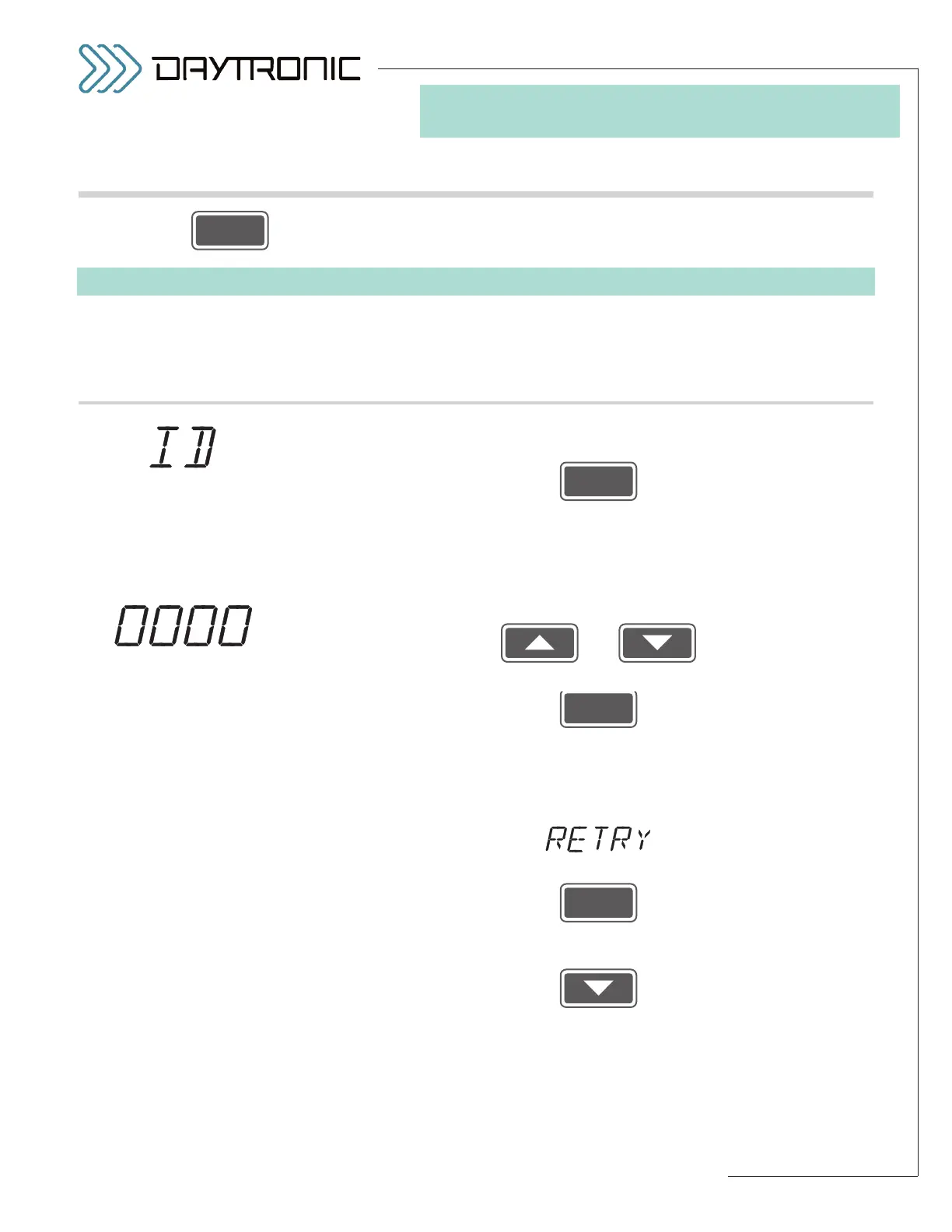
displays this . . . Do this . . .
1.a. If you want to be able to change the value(s) of one or more setup para-
meters, press
and proceed to Step 1.b.
If you want only to
view the instrument’s current setup configuration, press
SETUP once more. This will step you to a display of Stage 2 of the setup
sequence (see “Stepping Through the Setup Sequence” in Section 3.A).
1.b. If you know the current instrument code (and it is not “0000”), use
and
to enter the required four-digit number.* Then press
1.c. If the current instrument security code is “0000,” you need only press
ENTER.
1.d. If the number you entered in Step 1.b is not the instrument’s currently
effective
SECURITY CODE, it will display
To enter another number by returning to Step 1.a, press
To skip the code entry and simply view (but not change) the current setup
configuration, answer “NO” to the “RETRY” query by pressing
(cont’d)
ST
(only) is lit.
3. FRONT-PANEL CONFIGURATION
AND CALIBRATION
3.B FRONT-PANEL SETUP PROCEDURE
To begin, press (for exiting the setup procedure at any time, see Section 3.A)
* At the end of the front-panel setup
procedure, the operator may
change the present
SECURITY
CODE
, if desired (see Step 7.d).



 To Next Page