3KP64 - 3.35
3000PLUS WITH 5D64 INSTRUCTION MANUAL V. SB.2
Daytronic Corporation
2211 Arbor Blvd. Dayton, OH 45439 • (800) 668-4745
Tel: (937) 293-2566 • Fax: (937) 293-2586 • www.daytronic.com
SETUP STAGE 7: VOLTAGE OUTPUT
When the
3000PLUS
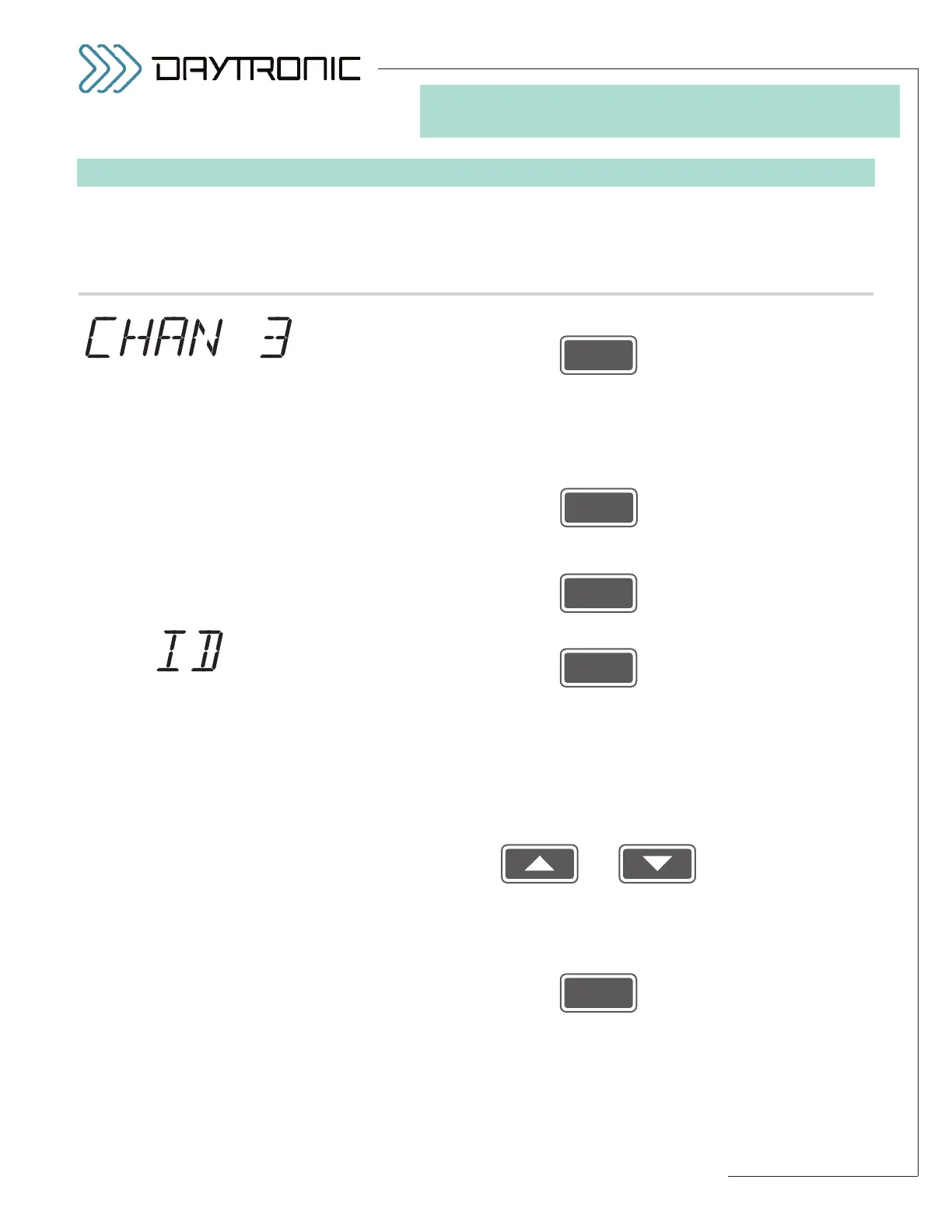
displays this . . . Do this . . .
7.a. Press
7.b. The instrument’s current
FULL-SCALE VOLTAGE OUTPUT—that is, the
full-scale range of the scaled analog output (Channel 3)—will be displayed:
“5 V” or “10 V.” For rear-terminal connections involving the voltage output
(including 4-20 mA conversion), see Section 2.D.
Press
to toggle between the two allowed ranges. When the desired full-scale
output range is displayed, press
7.c. Press
7.d. The instrument’s current four-digit
SECURITY CODE will be displayed.*
This is the number (initially “0000”) that must be entered in Step 1.b in
order to make changes to the instrument configuration via the front-panel
buttons.
If you do not want to change the displayed code, press
ENTER to exit the
front-panel setup procedure.
If you want to change the code number, use
and
as explained in Section 3.A to adjust the displayed number until the
desired security code is obtained (any number from “0000” through
“9999”).
Then press
to exit the front-panel setup procedure.
ST
and
AN
are lit.
3. FRONT-PANEL CONFIGURATION
AND CALIBRATION
FULL-SCALE
VOLTAGE OUTPUT
SELECTIONS:
5 V
10 V
* The SECURITY CODE will not be
displayed, however, when you are
in “VIEW ONLY” mode (see Steps
1.a through 1.d). In this mode,
pressing
ENTER after display of
the
FULL-SCALE VOLTAGE OUT-
PUT
parameter will cause you to
exit the setup display.



 To Next Page