3KP64 - 3.34
3000PLUS WITH 5D64 INSTRUCTION MANUAL V. SB.2
Daytronic Corporation
2211 Arbor Blvd. Dayton, OH 45439 • (800) 668-4745
Tel: (937) 293-2566 • Fax: (937) 293-2586 • www.daytronic.com
SETUP STAGE 6: “AUXILIARY” OUTPUT
(cont’d)
When the
3000PLUS
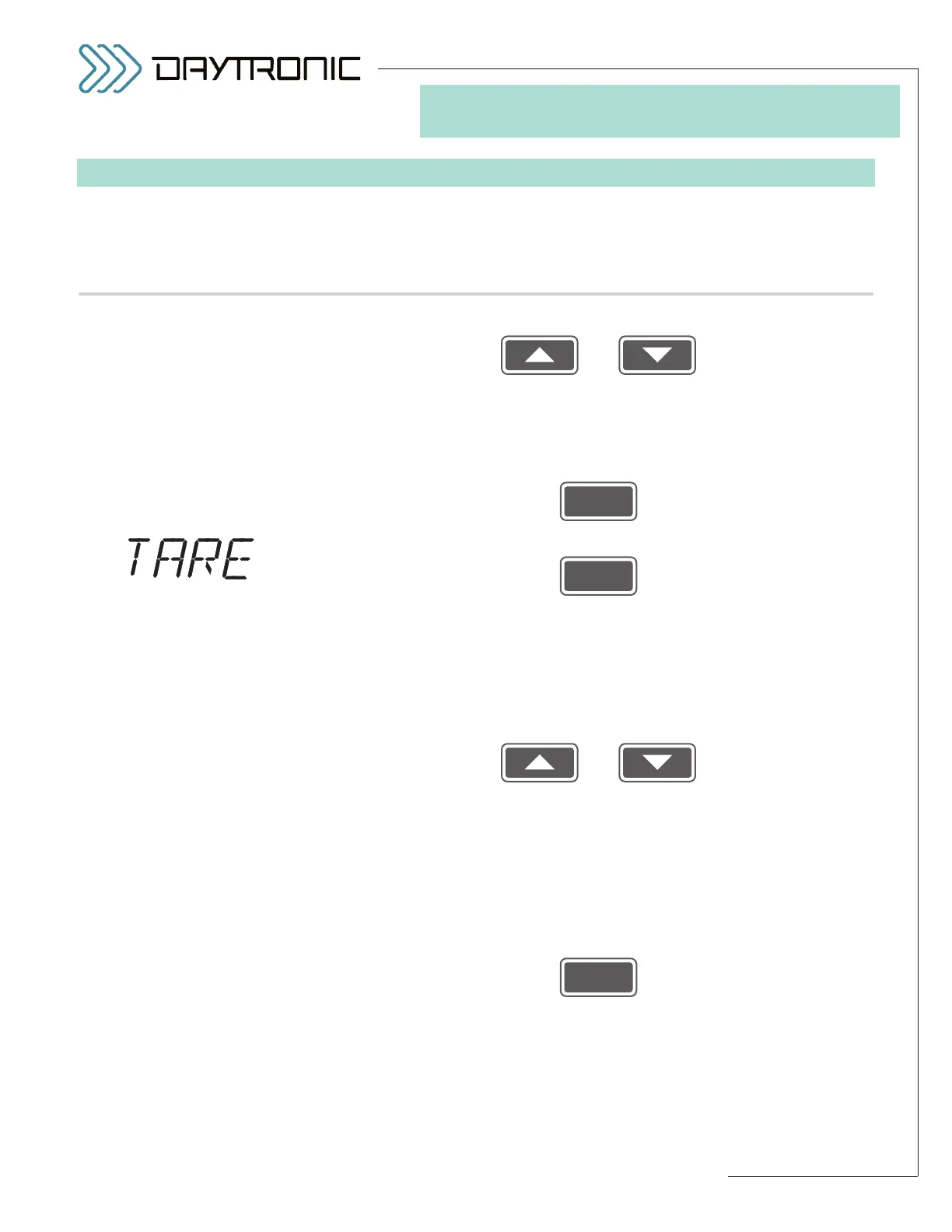
displays this . . . Do this . . .
Use
and
as explained in Section 3.A to adjust the displayed number until the
desired leak rate value is obtained (expressed in percent of full scale per
second).
NOTE: You will not be allowed to enter a negative number, or a
number greater than 3.50 (%).
Then press
6.i. Press
6.j. The instrument’s current
“TARED” OUTPUT value will be displayed (hav-
ing the decimal-point precision specified in Step 2.f). This parameter
determines the value of a nonzero
tare offset for the “auxiliary” DAC output
(Channel 2)—if, for example, you wanted to subtract out the container
weight in batch-weighing operations or establish an arbitrary zero refer-
ence in comparator gaging operations (among many other applications).
Use
and
as explained in Section 3.A to adjust the displayed number until the you
obtain
the engineering-units reading you wish the auxiliary output to dis-
play—regardless of the existing transducer input—the next time the
3000PLUS is placed in the
TARE = ON mode.* To actually apply the spec-
ified tare offset to the output reading (that is, to actually turn “ON” the tare
function), you must apply a logic-level input at the instrument’s rear
TARE
terminal (for a complete discussion of tare operation, with diagram, see
Section 5.D; for LOGIC I/O connections, see Section 2.E).
Then press
to proceed to
Setup Stage 7 (next page).



 To Next Page