3KP64 - 3.33
3000PLUS WITH 5D64 INSTRUCTION MANUAL V. SB.2
Daytronic Corporation
2211 Arbor Blvd. Dayton, OH 45439 • (800) 668-4745
Tel: (937) 293-2566 • Fax: (937) 293-2586 • www.daytronic.com
SETUP STAGE 6: “AUXILIARY” OUTPUT
(cont’d)
When the
3000PLUS
displays this . . . Do this . . .
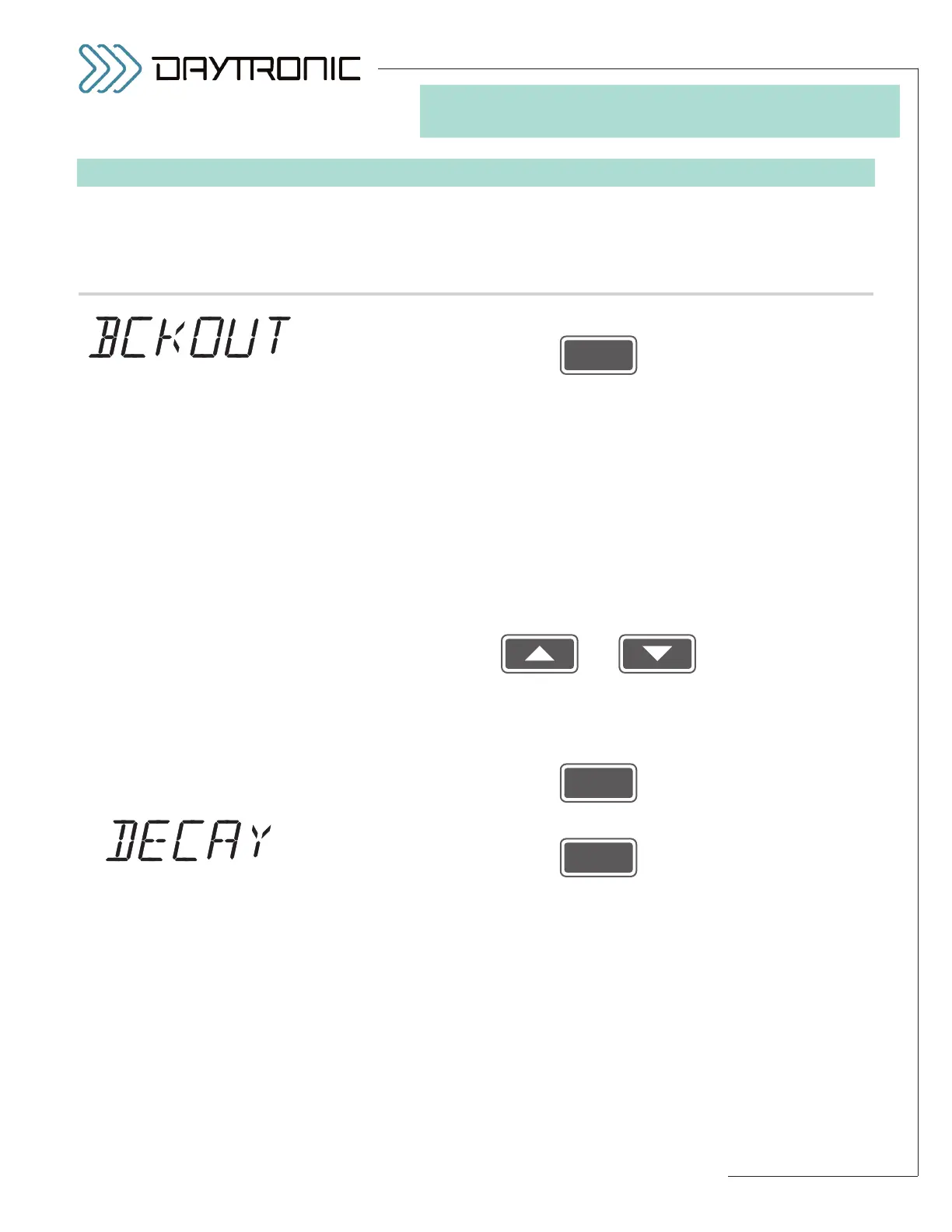
6.e. Press
6.f. The instrument’s current
PEAK “BACKOUT” THRESHOLD will be dis-
played. When analog peak capture is enabled, a positive or negative “cap-
ture”—and the consequent “HAVE PEAK” logic output—will occur when the
“auxiliary” output signal
differs from the input by more than a preset
threshold amount (called the
peak “backout”). The presence of the back-
out threshold prevents low-amplitude signal noise from toggling the “HAVE
PEAK” output on and off (see Fig. 16, Section 5.B).
The backout threshold is expressed in
A/D counts (an integral number
from 1 through 999). The initial (default) setting is “256” (counts), which
corresponds to a signal change of approximately 0.8% of full scale. For
best results, the backout setting should not be less than “40” (counts), cor-
responding to a signal change of approximately 0.1% of full scale.
Use
and
as explained in Section 3.A to adjust the displayed number until the
desired peak “backout” threshold value is obtained (expressed in A/D
counts).
Then press
6.g. Press
6.h. The instrument’s current
LEAK RATE will be displayed.* This is the rate at
which every signal value held by the “auxiliary” DAC output (Channel 2) will
decay, in
percent of full scale per second. The ability to adjust the leak
rate is useful in the measurement of
peak trends in very fast cyclic
processes, and permits capture of rapidly successive peaks of similar
amplitude without having to provide a “reset” for each peak (see Fig. 19,
Section 5.B).
(cont’d)



 To Next Page