3KP64 - 3.6
3000PLUS WITH 5D64 INSTRUCTION MANUAL V. SB.2
SETUP STAGE 2: INPUT RANGE INFORMATION
When the
3000PLUS
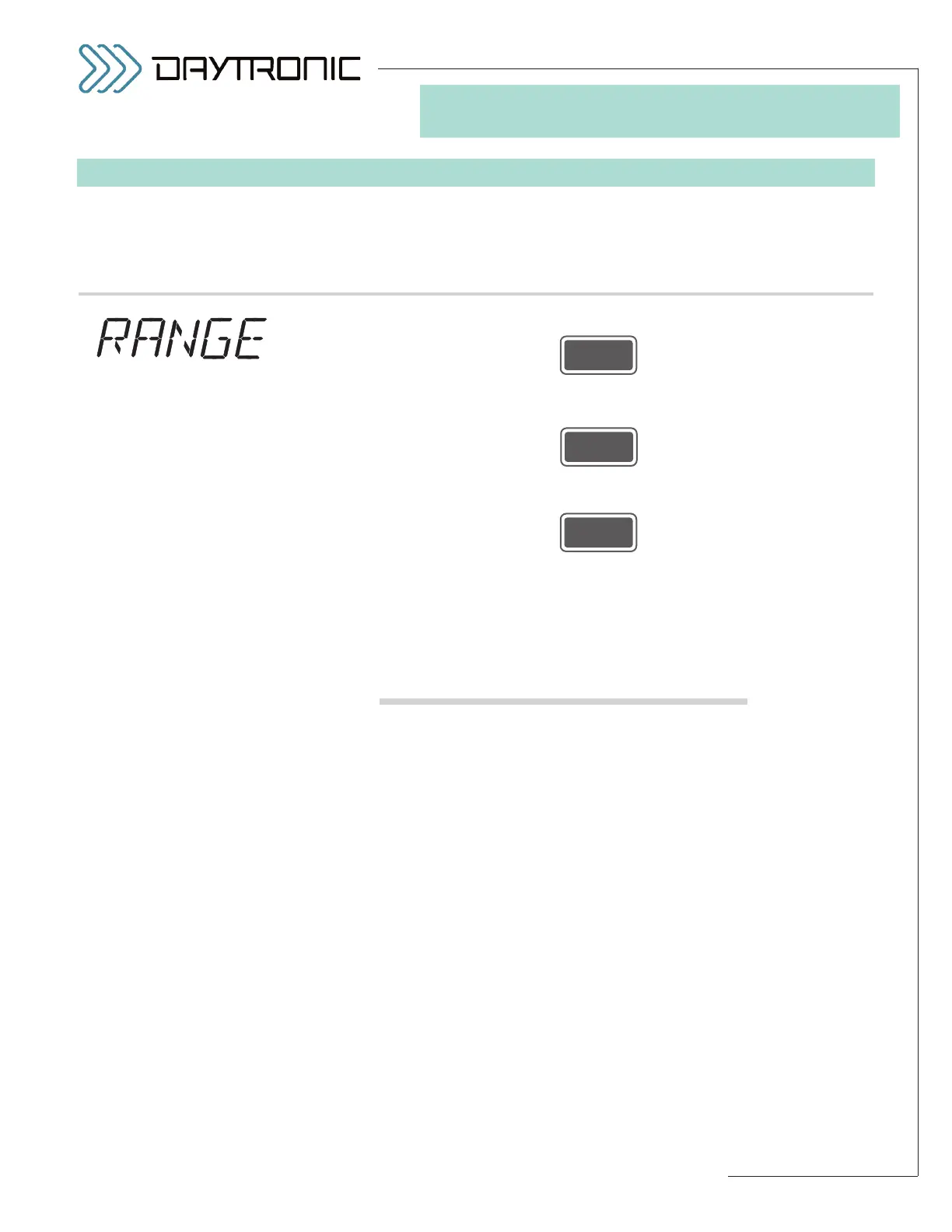
displays this . . . Do this . . .
2.a. Press
2.b. The current
FULL-SCALE RANGE of the installed 5D64 module (in volts
DC
) will be displayed. Press
repeatedly to cycle through the list of allowed VDC values (shown left).
When the desired range is displayed, press
NOTE: The listed range values are strictly “nominal.” In selecting the most
suitable setting for your application, you should consult the table of “practi-
cal ranges,” below, which takes into account the effective 4% overlap that
has been built into the scaling structure of the 5D64 Signal Conditioner
Module.
Table 2
“Practical” 5D64 Range (RNG) Settings
“Practical” Range To
Range (VDC) Select (VDC)
0.0500 - 0.0779 0.05
0.0780 - 0.1039 0.075
0.1040 - 0.1559 0.1
0.1560 - 0.2079 0.15
0.2080 - 0.3119 0.2
0.3120 - 0.4159 0.3
0.4160 - 0.5199 0.4
0.5200 - 0.7799 0.5
0.7800 - 1.0399 0.75
1.0400 - 1.5599 1
1.5600 - 2.0799 1.5
2.0800 - 3.1199 2
3.1200 - 4.1599 3
4.1600 - 5.1999 4
5.2000 - 7.7999 5
7.8000 - 10.3999 7.5
10.4000 - 15.5999 10
15.6000 - 20.7999 15
20.8000 - 31.1999 20
31.2000 - 41.5999 30
41.6000 - 51.9999 40
52.0000 - 77.9999 50
78.0000 - 103.9999 75
104.0000 - 155.9999 100
156.0000 - 239.9850 150
ST
and
RG
are lit.
3. FRONT-PANEL CONFIGURATION
AND CALIBRATION
Daytronic Corporation
2211 Arbor Blvd. Dayton, OH 45439 • (800) 668-4745
Tel: (937) 293-2566 • Fax: (937) 293-2586 • www.daytronic.com
5D64 “RANGE”
SELECTIONS:
0.05 DC
0.075DC
0.1 DC
0.15 DC
0.2 DC
0.3 DC
0.4 DC
0.5 DC
0.75 DC
1 DC
1.5 DC
2 DC
3 DC
4 DC
5 DC
7.5 DC
10 DC
15 DC
20 DC
30 DC
40 DC
50 DC
75 DC
100 DC
150 DC



 To Next Page