3KP64 - 5.6
3000PLUS WITH 5D64 INSTRUCTION MANUAL V. SB.2
Daytronic Corporation
2211 Arbor Blvd. Dayton, OH 45439 • (800) 668-4745
Tel: (937) 293-2566 • Fax: (937) 293-2586 • www.daytronic.com
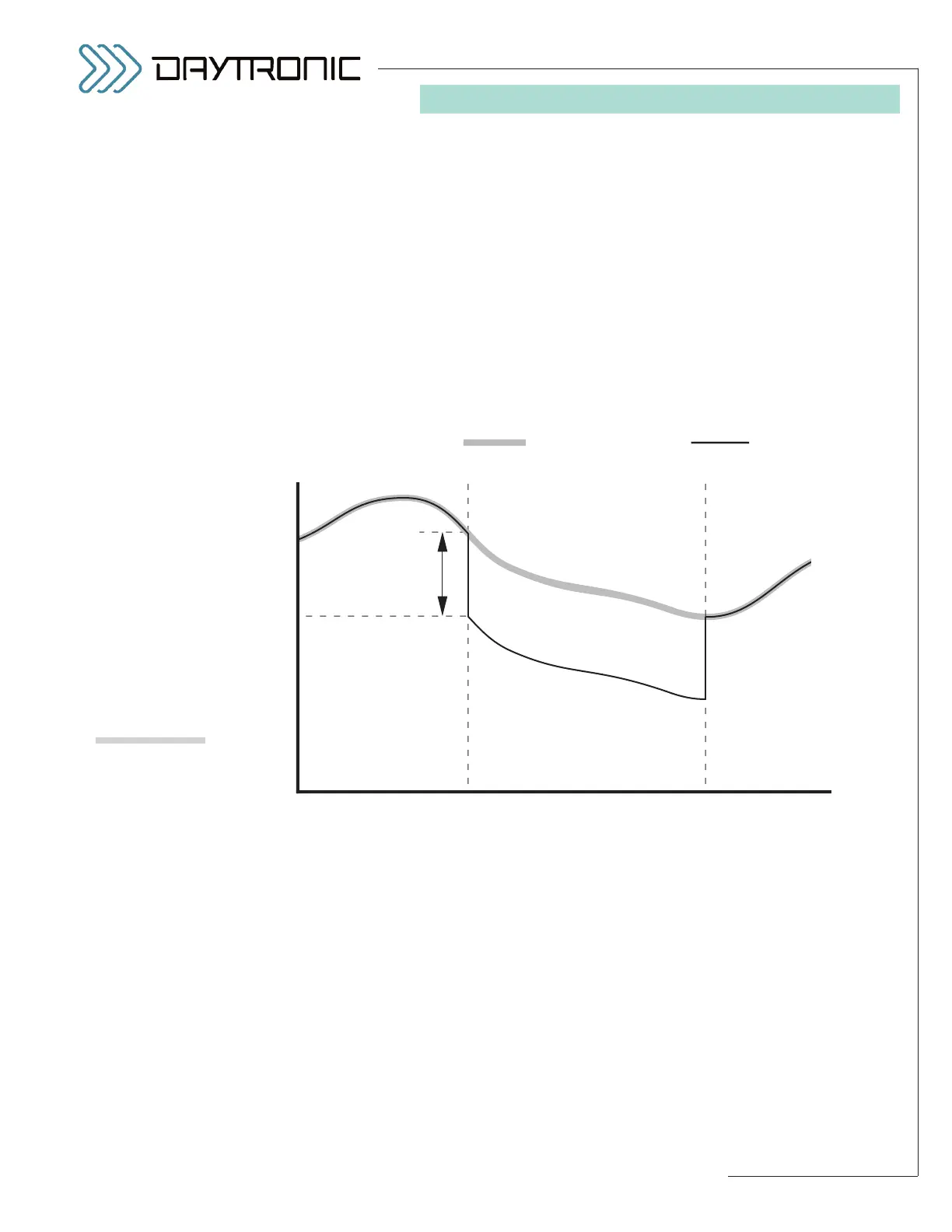
The TAR value can be specified as part of the normal
3000PLUS setup procedure—either by means of the
front-panel button menu (as explained in Section 3.B) or
the Configurator software (Section 4). It can be
changed on a strictly
run-time basis by entering the
desired tared output in the “TAR” field in the
“Live Out-
put”
window when Channel 2 is being displayed (see
Fig. 11). It may also be specified at any time by issuing
the “write” form of the
TARE (TAR) command to the
3000PLUS, either via the Configurator’s
Send Com-
mand...
window or via a conventional or customized
“terminal emulation” program (see Section 5.A, above).
Expressed in the active engineering units, the tared out-
put value may be either positive or negative—where a
negative tare offset is actually added to the basic out-
put—but should not have an absolute value greater than
the 3000PLUS instrument’s currently effective
Full
Scale Units (FSU)
value (discussed in Section 1.D).
Note that issuing a new TAR value to the meter
while
the tare function is already on
will not affect the current
reading of Channel 2. In order for the new TAR value to
take effect,
the tare function must first be turned OFF
and then ON again
(via logic input to the rear-panel
TARE terminal).
5. OPERATING CONSIDERATIONS



 To Next Page