Properties are all of the user-defined display options for any venue view, device, custom control panel, or
controls in System Architect. Different items provide different editable properties, such as changing the
name, background color, or background image.
The Navigator window gives you the ability to view the entire venue and locate a unit’s current position,
since not all units may be viewable in the current window.
Toolbars are also available from the View Menu including the Alignment toolbar, the Window Sets tool-
bar, and the Zoom toolbar. The Alignment toolbar provides tools that can be used in aligning the various
units in the venue view. The Windows Sets toolbar lets you have different device panels, control panels
and customer control panels available at the touch of a button, simplifying moving between these different
panels. The Zoom toolbar lets you zoom in or out in a venue.
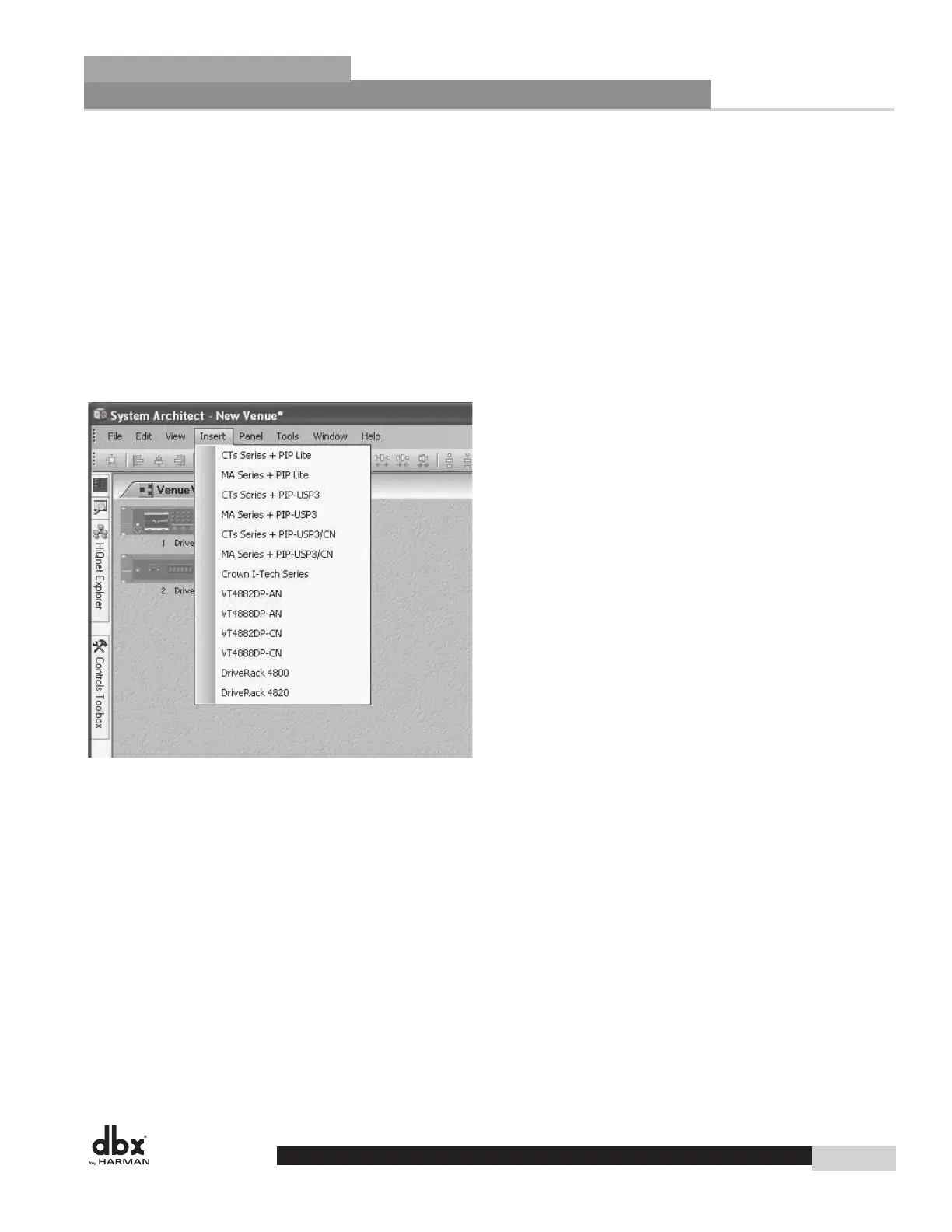
Venue Insert Menu
The Insert Menu provides the ability to insert devices into a venue.
27
GUI Software Overview
Section 4
DriveRack
®
GUI Software Overview
Section 4
DriveRack
®
GUI Software Overview
Section 4
DriveRack
®
GUI Software Overview
Section 4
DriveRack
®
GUI Software Overview
Section 4
DriveRack
®
GUI Software Overview
Section 4
DriveRack
®
Software Operation
DriveRack
®
DriveRack
®
4800/4820 User Manual



 To Next Page