Software Operation
28
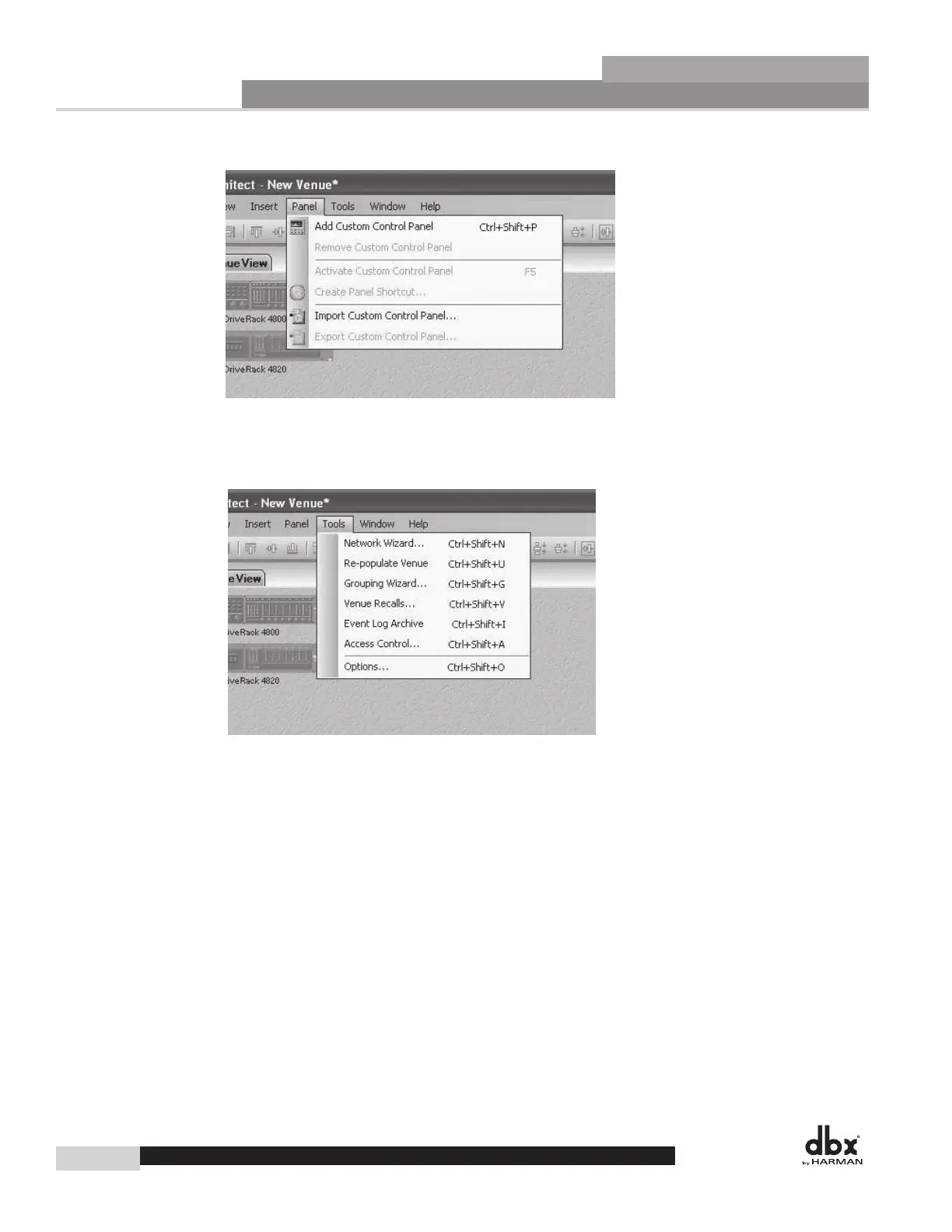
Venue Panel Menu
The Panel Menu option lets you create and manage Custom Control Panels, with functions including add,
remove, import, export and activate a control panel.
Venue Tools Menu
The Tools Menu lets you manage and control the way System Architect functions.
Network Wizard locates all HiQnet devices physically connected to the network and
provides the ability to change their HiQnet and communications address.
Re-populate Venue automatically searches for devices and adds them to your venue.
Grouping Wizard creates a custom control panel with channels from multiple devices
linked together.
Venue Recall loads presets for multiple devices.
Event Log Archive displays a repository of old Event Log information.
Access Control allows the administrator to restrict or allow access to different parts of
System Architect for multiple users.
Options accesses settings related to the way System Architect functions and displays information.
Section 4
DriveRack
®
DriveRack
®
4800/4820 User Manual



 To Next Page